
Animation & Content Creation
Develop characters, environments and visual assets through modelling, texturing, animation and rendering. Configure the workstation around scene complexity, working assets and the tools used throughout production.

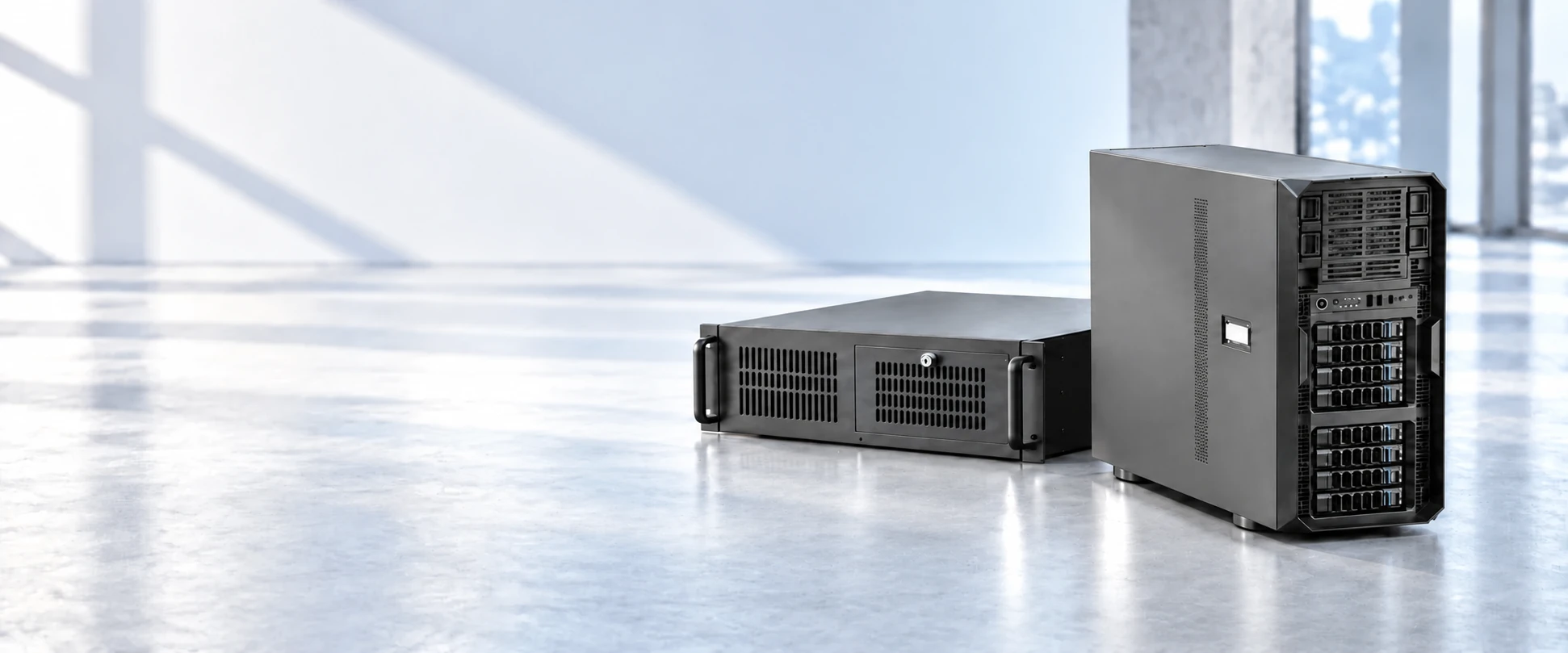
Cloud 9 sources and supplies expandable workstations built around NVIDIA and AMD professional graphics. Intel and AMD processor platforms provide the supporting resources for local AI development, creative production and demanding technical applications.
A workstation needs to support the complete job, from preparing data and building a scene to running a model and evaluating its results. GPU capability is central to many of those tasks, but the surrounding system determines how that capability is used.
Cloud 9 sources and supplies complete configurations that bring professional graphics, the host platform, memory, working storage, power and cooling into one considered system. The selection begins with the applications, their data and the way the machine will be used.
This is the role of the workstation: to support the whole workflow. The GPU browser below explains the graphics choices and what each means for the system around it.
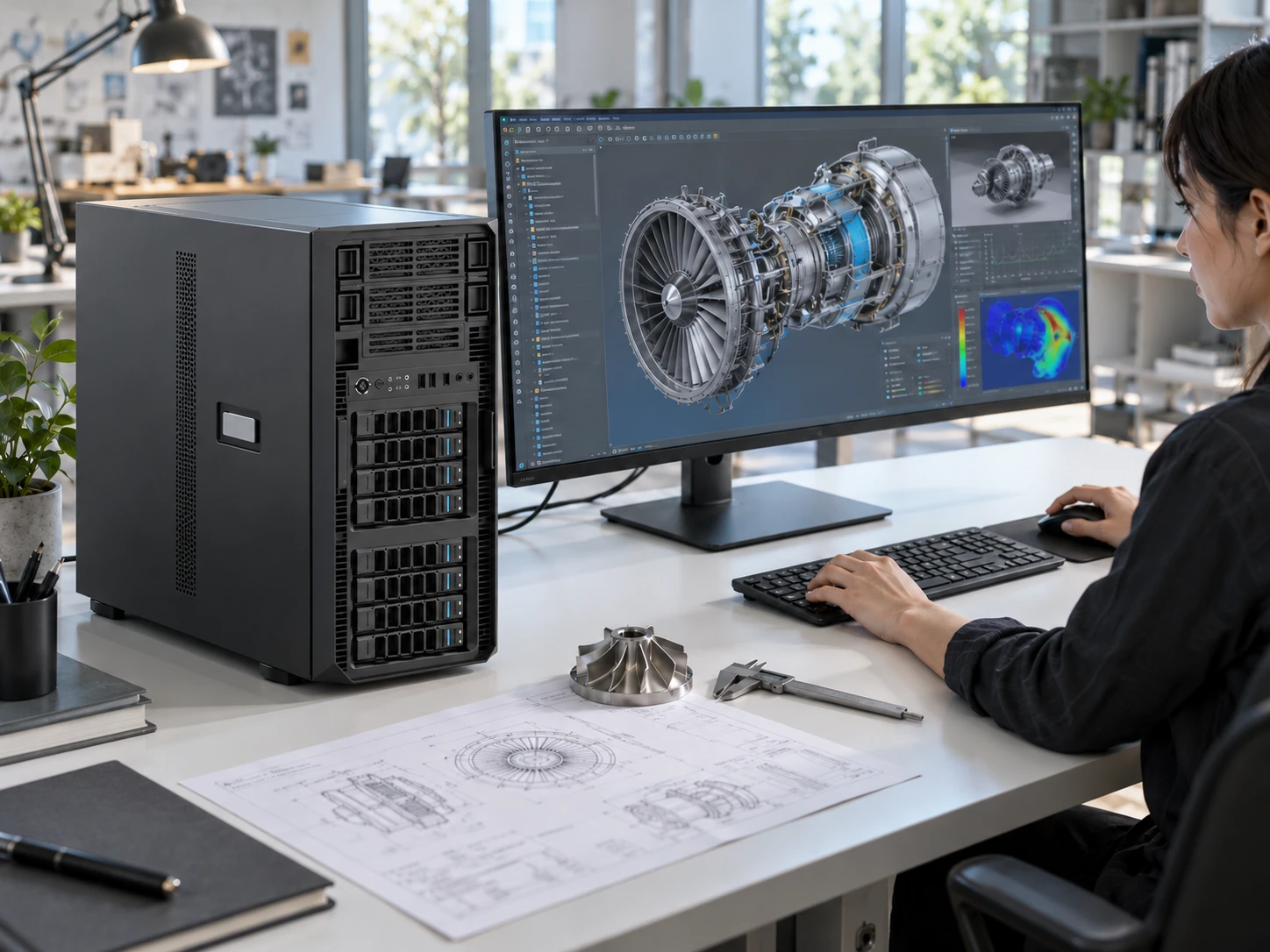
Examine the architecture, memory and operating requirements of our professional GPU options, then see how each choice shapes the complete workstation.
Professional GPUs for workstation configurations. Server editions are not included.
GPU functions
Professional graphics for local model development, rendering and substantial creative working sets.
NVIDIA Blackwell graphics and compute support the acceleration paths used by compatible applications. Select the runtime around the actual task.
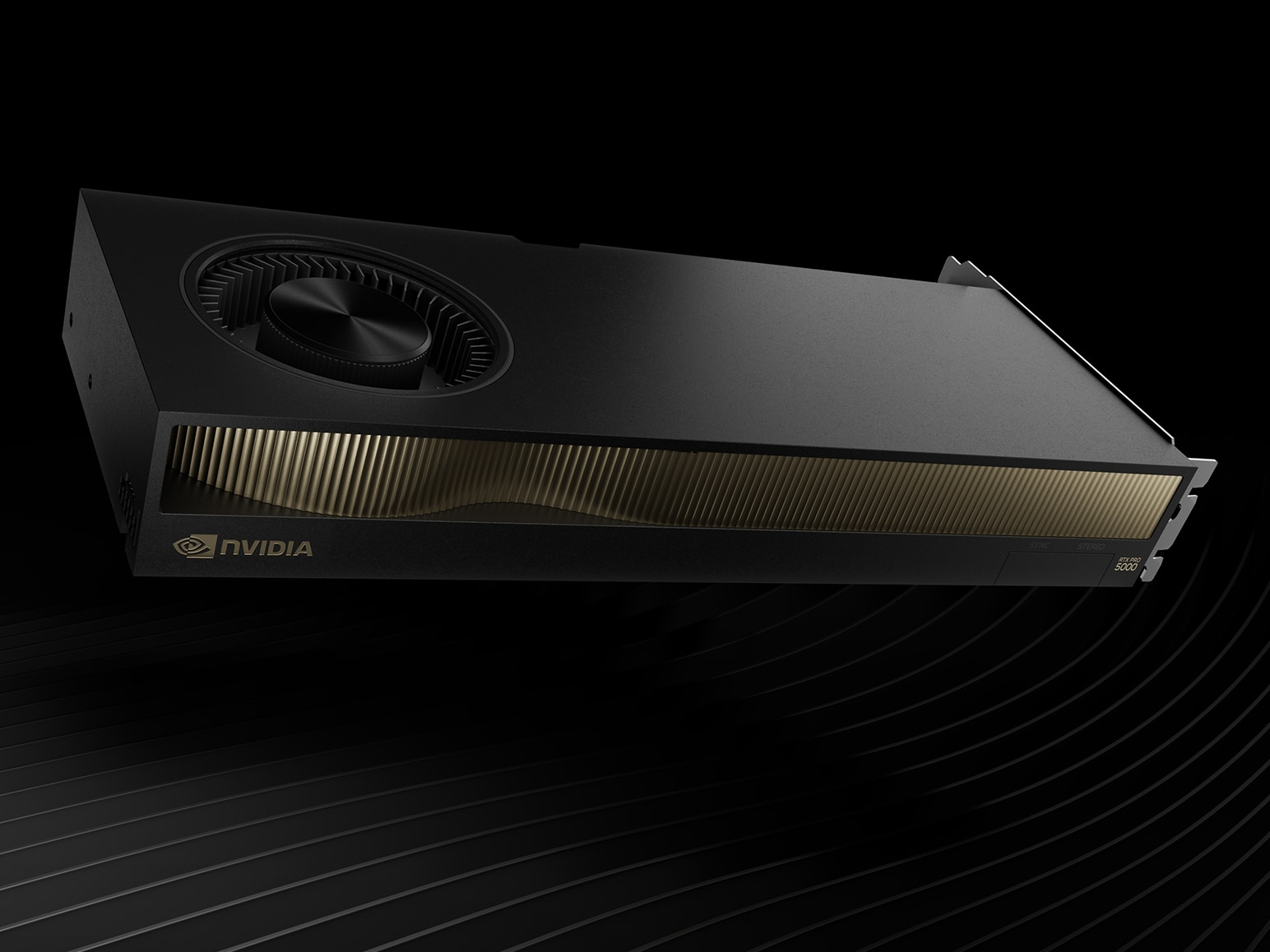
NVIDIA RTX PRO 5000 Blackwell - 48GB Support the 48 GB graphics option with host memory for concurrent tools, working SSD capacity and a chassis power and airflow plan for the 300 W card.
Cloud 9 sources workstation configurations for teams producing visual content, developing products and building intelligent applications. Graphics, memory and host resources are considered around the project, its software and the work needed to deliver it.
Develop characters, environments and visual assets through modelling, texturing, animation and rendering. Configure the workstation around scene complexity, working assets and the tools used throughout production.
Explore generated footage, visual transformations and synthetic sequences within a local production workflow. GPU working capacity, model requirements and fast access to source media shape the configuration.
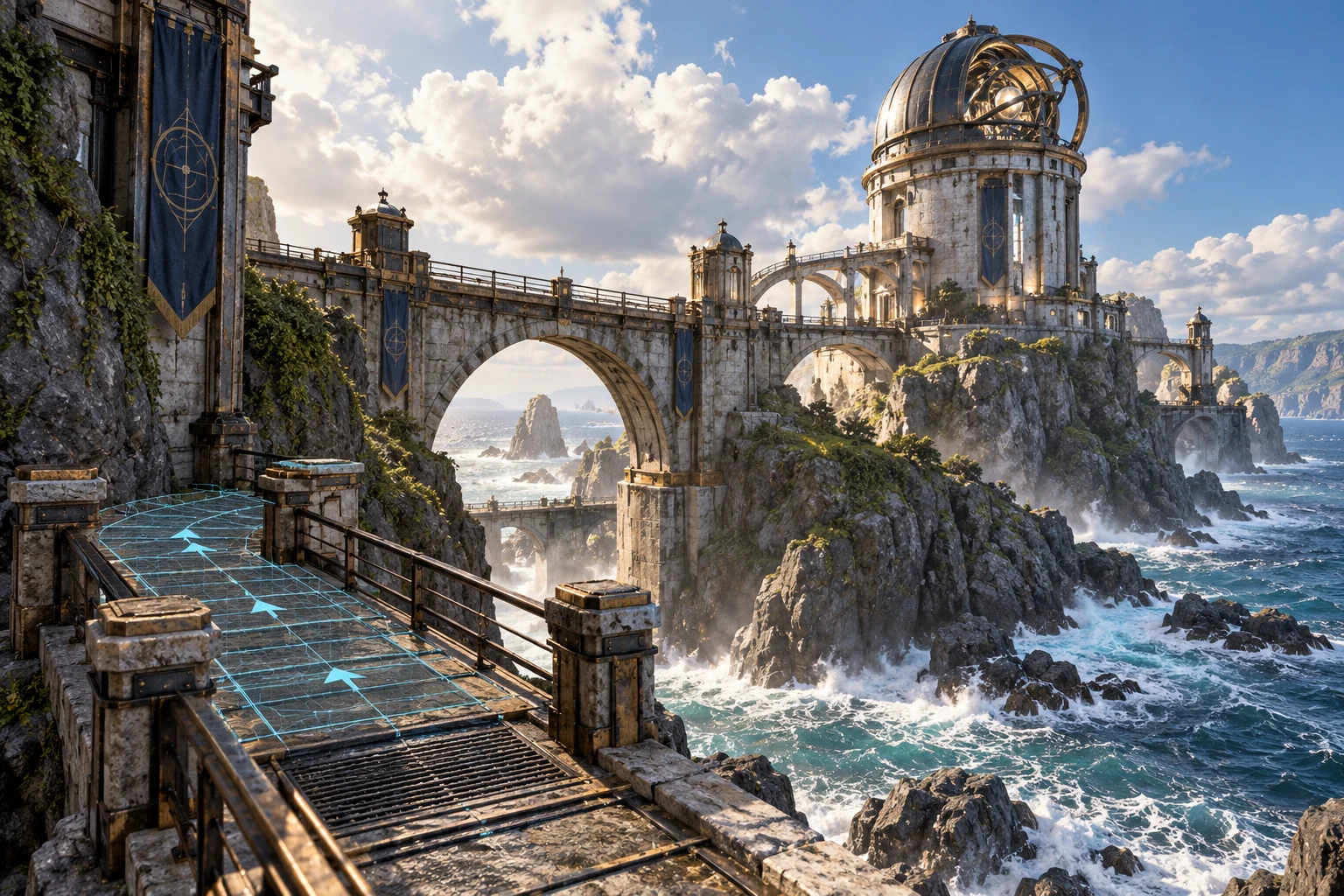
Build interactive worlds, develop assets and test how they behave in a real-time environment. Balance graphics capability with the processor, memory and storage resources used by the engine and development tools.
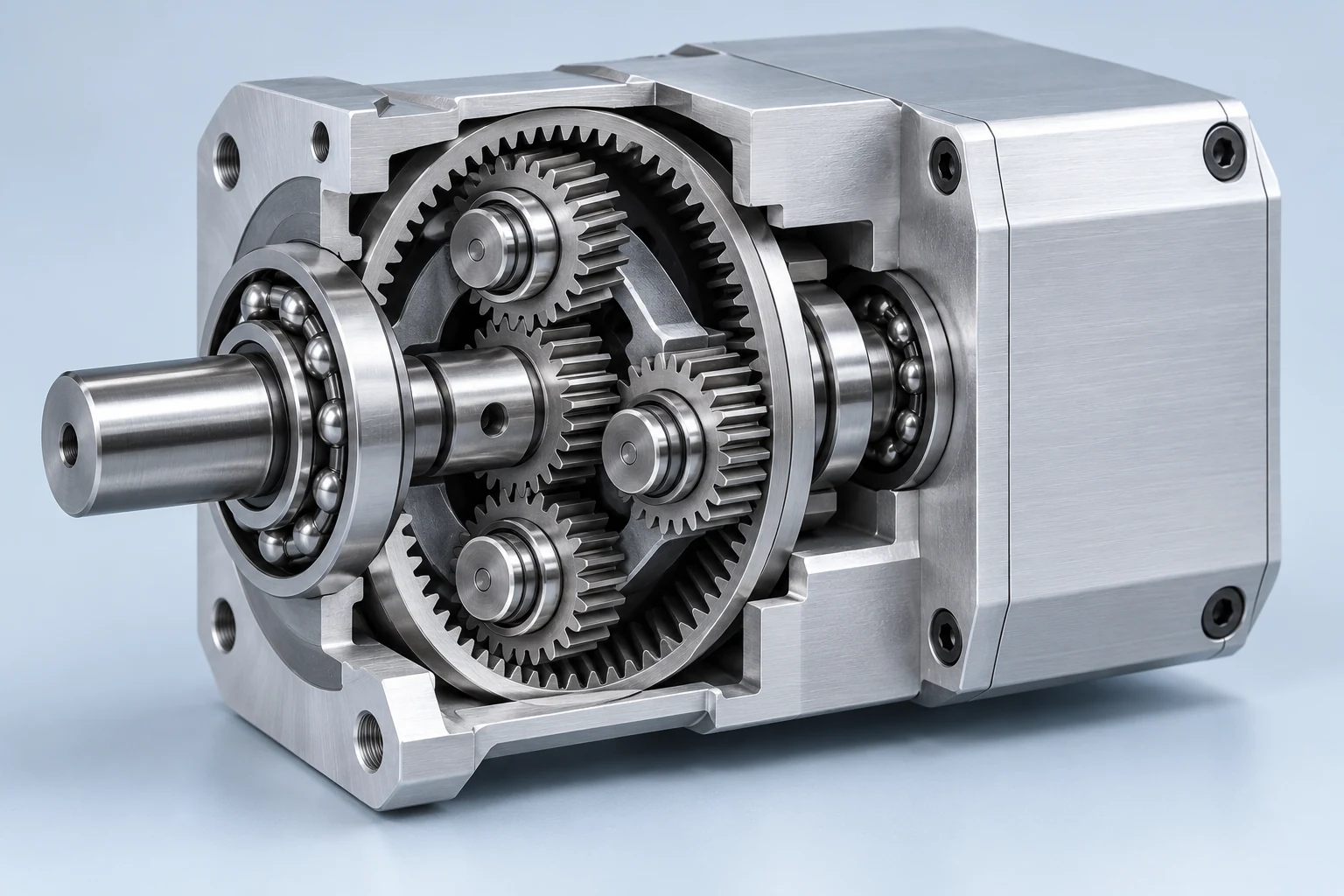
Develop assemblies, review surfaces and evaluate product alternatives through supported design and engineering applications. The workstation is specified around the model, the analysis and the complete project workflow.
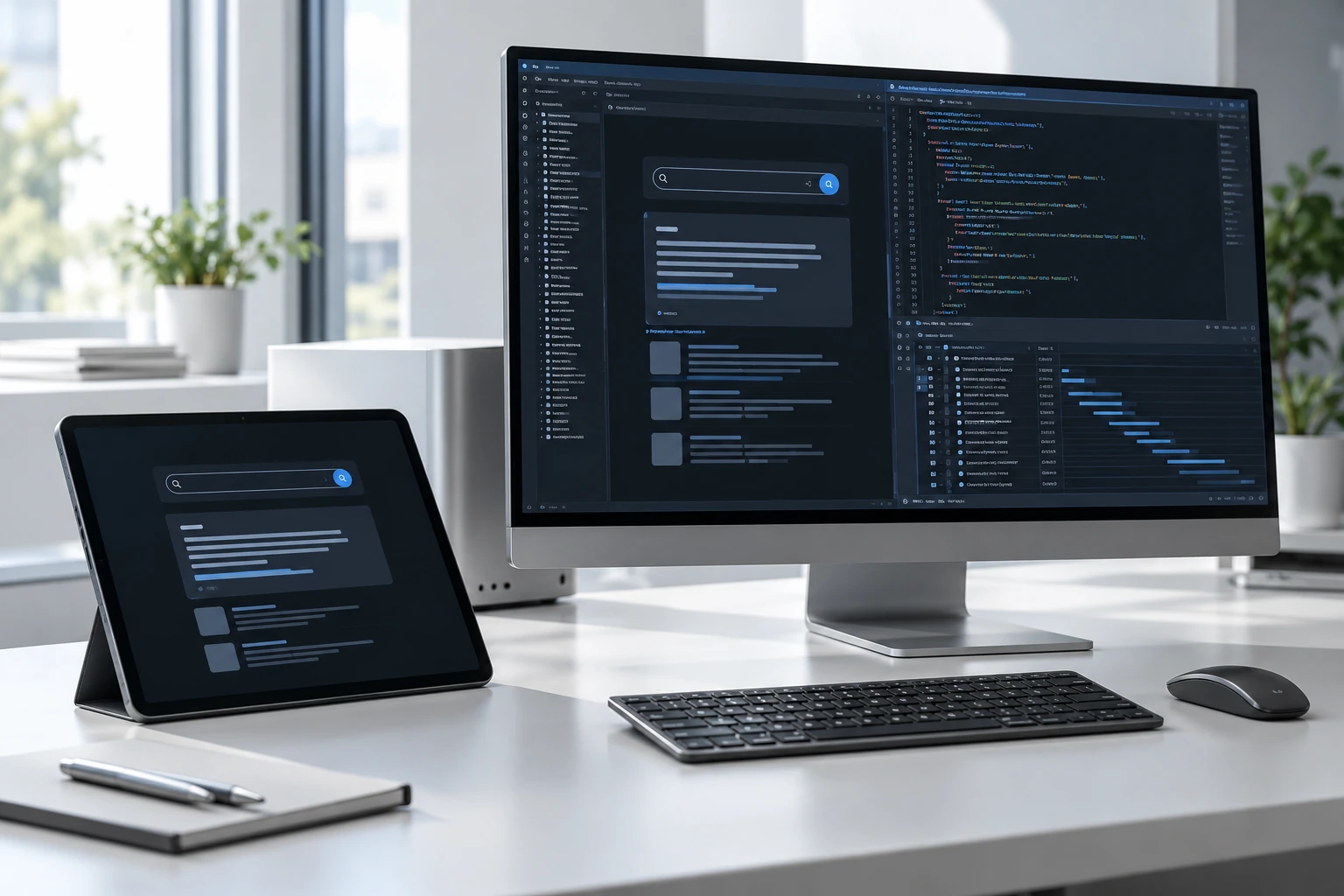
Build applications that connect models, data and tools. Local inference, coding assistance and evaluation require a configuration that supports the software environment as well as the selected GPU.
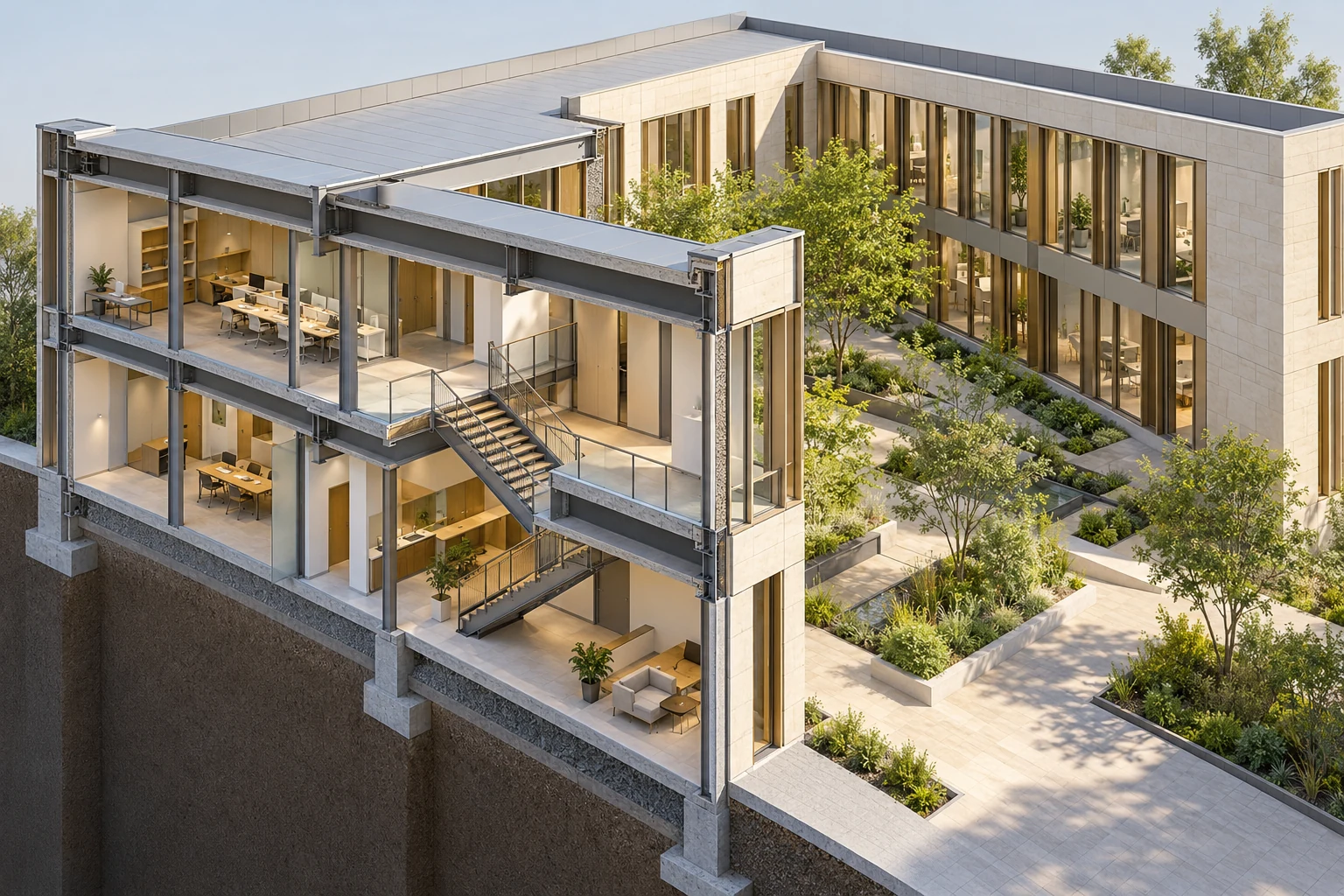
Explore buildings, spaces and infrastructure through detailed models, visualisation and supported analytical work. Graphics resources, host memory and storage are selected around the scale and demands of the project.
Creative production, interactive development and applied AI place different demands on a workstation. Cloud 9 considers the complete workflow, including the software, working data and resources used as the project develops.
Move between asset creation, scene development, rendering and generated content within a workstation environment suited to the project. Where the application supports it, GPU acceleration contributes to visual production and simulation while the host platform, memory and storage support the wider workflow.
System emphasis Working capacity for scenes and assets, a suitable renderer or generation environment, processor resources for supporting tasks, and storage for source material, caches and output.
Develop the assets, logic and real-time environments that make an interactive experience work. The workstation needs to support the engine, compilation, content creation and repeated testing, with resources matched to the project rather than selected on graphics specifications alone.
System emphasis A suitable CPU and GPU combination, memory for the engine and development tools, working storage for assets and builds, and an appropriate testing environment.
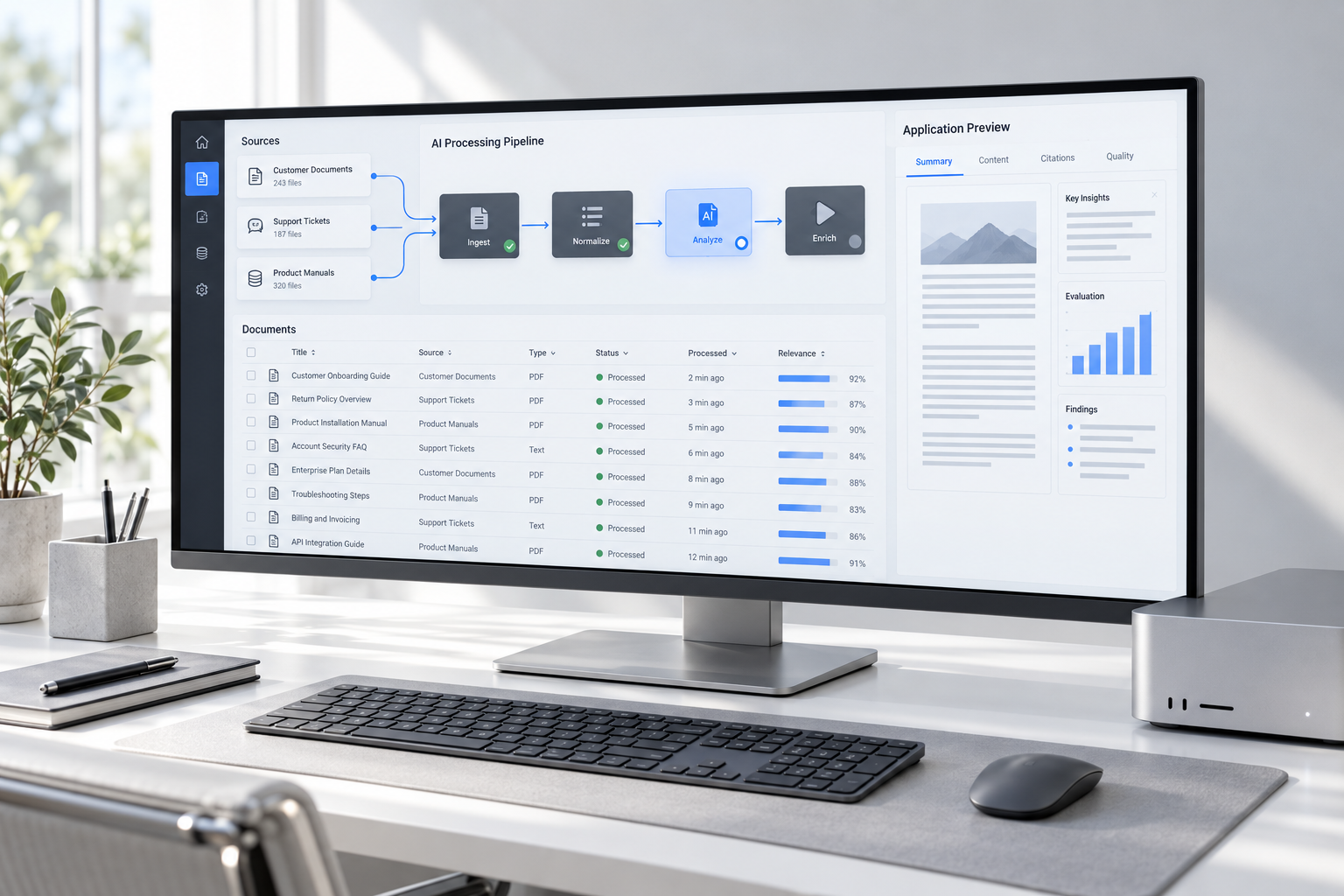
Build software around local models, connect agents to tools and data, and evaluate the behaviour of the resulting application. Training and fine-tuning methods, analytical pipelines and expected concurrency determine the GPU capacity, host resources and working storage required.
System emphasis Application and runtime compatibility, model working capacity, memory for data preparation and concurrent tools, and storage for datasets, checkpoints and evaluation results.
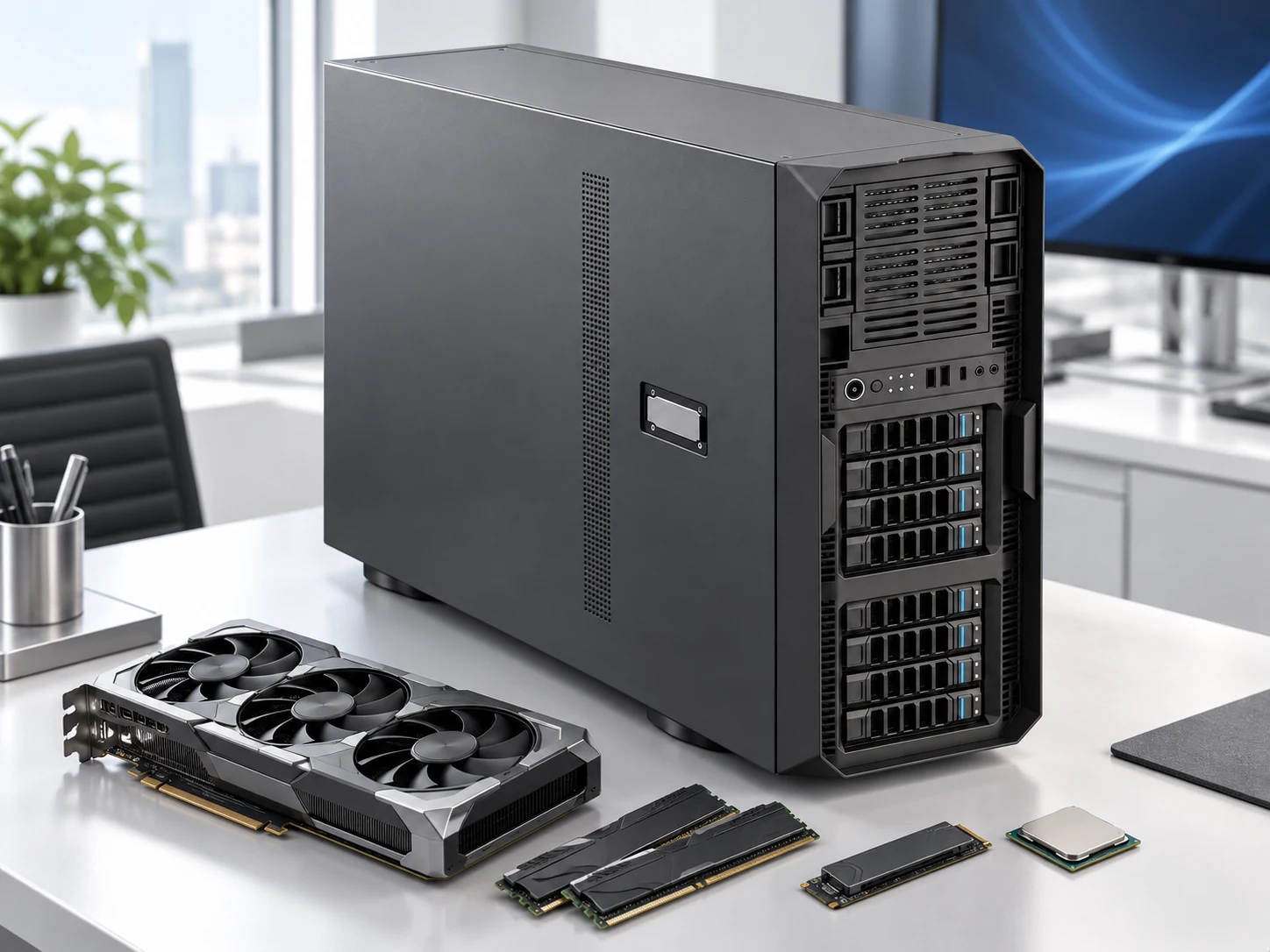
A professional GPU needs the right host around it. Processor resources, memory, storage access, physical space and cooling all contribute to a workstation that supports the intended application.
Cloud 9 brings these choices into one workstation configuration. The supplied system is considered around the work it needs to run, rather than assembled from independent maximum specifications.
48 GB GDDR7 with ECC GPU memory · 300 W published card power. GPU memory and card power are not complete-system specifications.
Choose Intel Core Ultra, AMD Ryzen or Ryzen PRO where their resources suit the application. Intel Xeon W, Intel Xeon 600, AMD Threadripper and Threadripper PRO provide other platform routes where memory architecture and expansion requirements justify them.
Configure host memory for data preparation, applications and concurrent work. The memory type, channel arrangement and supported capacity follow the selected processor and motherboard; they are not interchangeable across the range.
Provide storage for models, datasets, project files, caches and outputs. NVMe and SATA options are considered around working access, capacity and the platform, rather than a universal maximum-drive claim.
The chassis is populated with appropriate fans for the selected configuration. Power provision, card spacing, cable routing and airflow are considered together, with compatible liquid-cooling options available where the host platform and enclosure support them.
Choose a pedestal installation for desk-side work or a supported rack arrangement for equipment-room placement. The enclosure is selected around the installed hardware, service access and operating location.
The application, operating system, graphics driver and compute runtime need to work together. NVIDIA and AMD options are considered against that software environment rather than treated as interchangeable solely on headline specifications.
The final platform, components and enclosure are selected as a compatible complete system.
| Area | Configuration choices | Why it matters |
|---|---|---|
| Processor platform | Intel Core Ultra; AMD Ryzen/Ryzen PRO; Intel Xeon W/Xeon 600; AMD Threadripper/Threadripper PRO | Application responsiveness, CPU-side preparation, memory architecture and expansion. |
| Professional graphics | NVIDIA Blackwell and Ada; AMD Radeon AI PRO | Select by application support, GPU working capacity, physical fit and operating requirements. |
| Host memory | Platform-compatible unbuffered or registered memory, with ECC where supported by the complete configuration | Working capacity and population are specified against the actual processor and motherboard. |
| Working storage | NVMe and SATA SSD options as supported by the selected platform | Models, datasets, projects, caches and output each contribute to capacity and access requirements. |
| Power and cooling | Supported ATX or CRPS arrangement; appropriate installed fans; compatible liquid-cooling options | The complete power and thermal plan includes the processor, graphics, drives, connections and enclosure. |
| Physical configuration | Approved pedestal chassis and supported rack form | Choose the enclosure around installed hardware and location; rack deployment detail has its own page. |
Cloud 9 sources and supplies the complete workstation around your applications, working data and operating requirements.