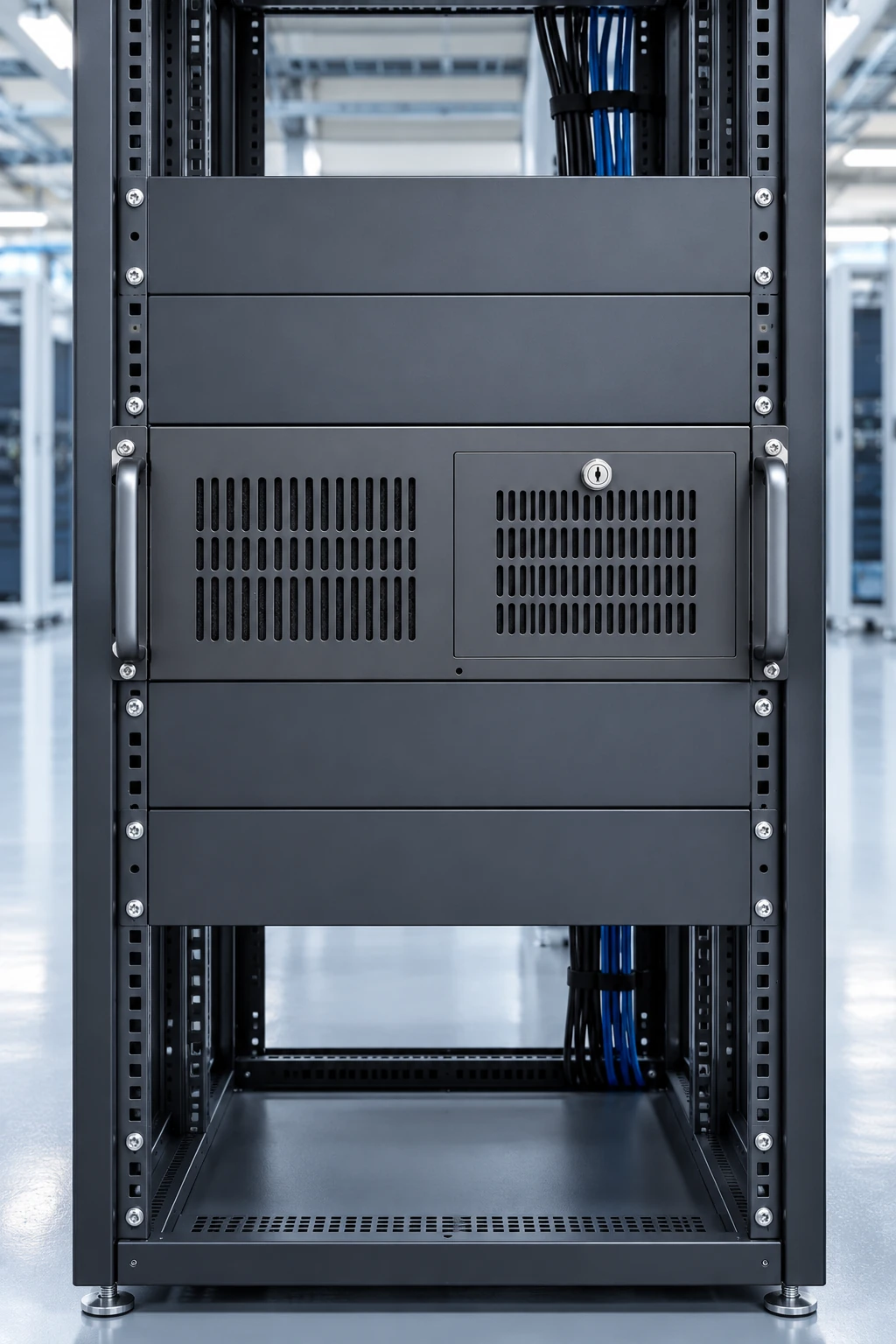
One horizontal rackmount workstation with vented front and rack handles in a light technical setting

GPU-powered workstations, built for the rack.

Cloud 9 sources and supplies rackmount workstations for content creation, professional design, software development and local AI. NVIDIA and AMD professional graphics sit within Intel and AMD platforms configured around the application, working capacity and installation.

WORKSTATION COMPUTING, CENTRALLY PLACED

Keep the workstation close to the infrastructure.

Some workflows belong on a workstation, even when the machine does not belong beside a desk. Rack format brings the system into a studio, engineering facility or company equipment rack, with space, power, cabling and access considered together.

The hardware can follow the same application-led choices as a desktop workstation. The difference is its physical deployment: a dedicated machine for an individual or a defined small-team workflow, with the graphics, host platform and operating environment specified as one system.

A dedicated system

Retain a workstation-led configuration for interactive work, local models and project-based processing.

A considered installation

Plan rack depth, cable access, power and heat removal around the actual machine and its location.

Access defined by the workflow

Direct connection, remote use and shared jobs depend on the chosen software, network and user arrangements.

Rack deployment, server features and simultaneous multi-user access are separate configuration decisions.

A dedicated horizontal rack workstation installed as one identifiable machine in an equipment rack

PROFESSIONAL GRAPHICS

Explore the GPU inside the rack workstation.

Compare NVIDIA Blackwell, NVIDIA Ada and AMD Radeon AI PRO options through their architecture, graphics memory and role in the complete system. Select a model to explore the components and configuration decisions around it.

Workstation-class graphics, including RTX PRO 6000 Workstation and Max-Q Workstation editions.

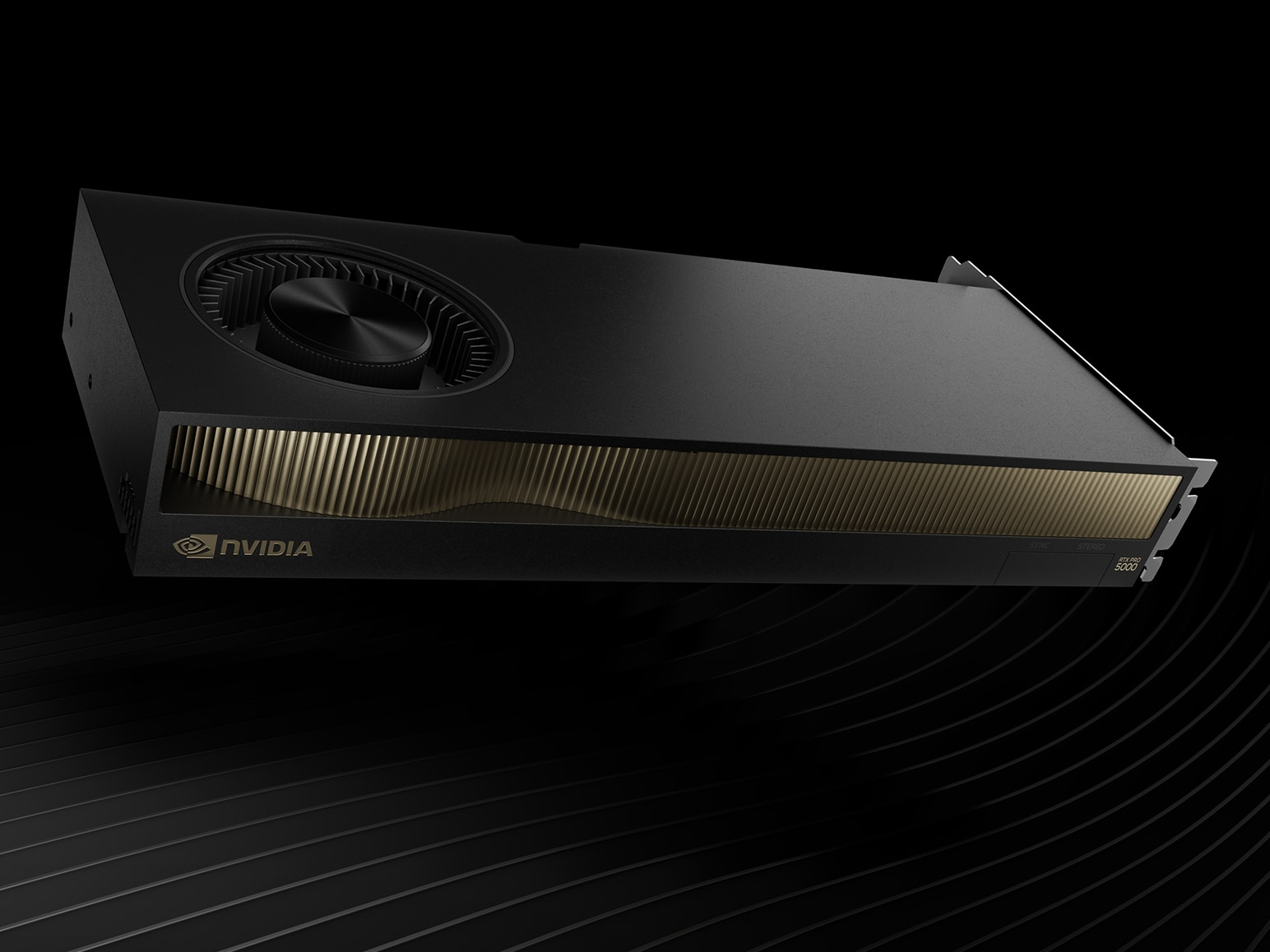
Choose GPU NVIDIA RTX PRO 5000 Blackwell · 48 GB

Choose a GPU

NVIDIA Blackwell

Edition

NVIDIA Ada

AMD Radeon AI PRO

Complete NVIDIA RTX PRO 5000 Blackwell graphics card exterior for the selected 48GB configuration.

GPU functions

Selected graphics

NVIDIA RTX PRO 5000 Blackwell · 48 GB

48 GB of graphics memory for substantial scenes, local model development and GPU-accelerated production workflows.

GPU memory48 GB GDDR7 with ECC
ArchitectureBlackwell
Published GPU power300 W
CoolingActive

GPU compute

CUDA, Tensor and ray-tracing functions operate within the GPU. They are not separate removable board layers.

Plan the 300 W GPU within the whole-system budget, including dual-slot clearance and cable access.

Configuration details
Physical envelope
4.4 in high x 10.5 in long; dual slot
Host
Balance interactive CPU performance with preprocessing, memory capacity and required expansion.
Memory Storage
Reserve host memory for data preparation and SSD space for assets, model files and checkpoints.
Power Cooling
Plan the 300 W GPU within the whole-system budget, including dual-slot clearance and cable access.
Software
Match the NVIDIA driver and compute libraries to the actual application, not just the GPU generation.

INDUSTRIES & APPLICATIONS

Powering workloads across industries.

From the assets being created to the systems being developed, the work determines the workstation. Explore the professional outputs and production environments these rack-based configurations can support.

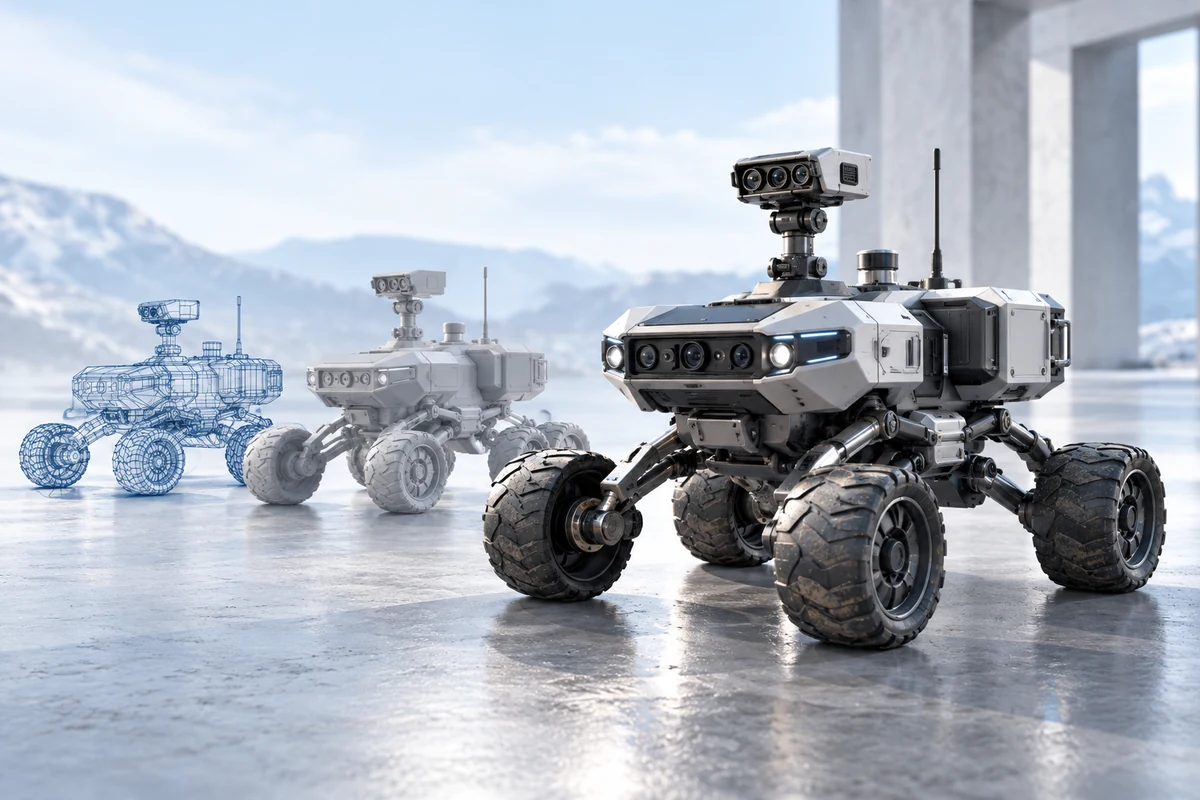
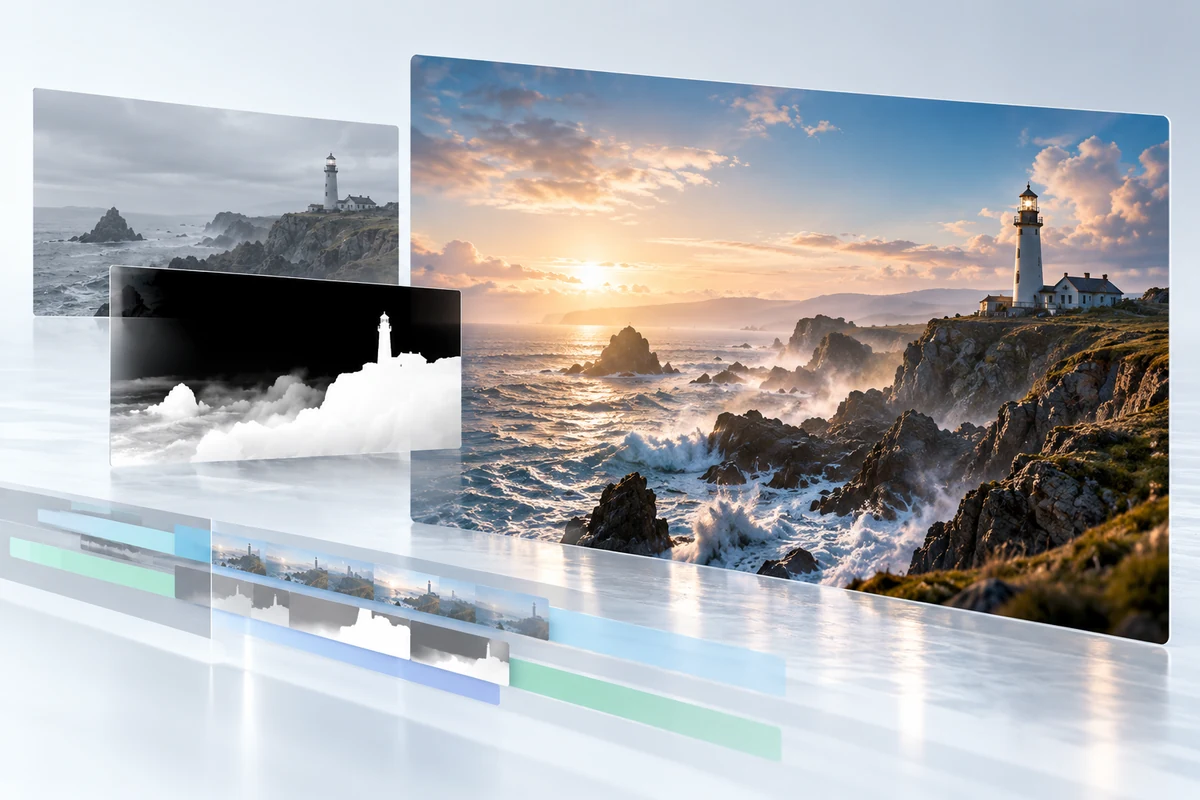
Animation & Content Creation professional project output

Animation & Content Creation

Build detailed characters, environments and motion sequences, from asset development and look-dev to final frames. Match graphics memory to the scene and preserve enough host capacity for the production tools around it.

3D assets · Animation · Look development

Video Generation & Synthesis professional project output

Video Generation & Synthesis

Develop generated clips, extend visual ideas and explore synthetic sequences with compatible models and tools. Resolution, sequence length and model choice determine the graphics memory and processing required.

Generated video · Synthetic sequences · Visual experimentation

Media & Entertainment professional project output

Media & Entertainment

Bring editing, compositing, finishing and virtual-production preparation into a rack-based production environment. Configure graphics, media acceleration and working storage around the formats and applications used by the studio.

Post-production · Compositing · Virtual production

Design & Manufacturing professional project output

Design & Manufacturing

Work with detailed assemblies, product visualisation and supported simulation tools. Balance interactive design with GPU-accelerated stages, while keeping CPU resources and project data available to the complete engineering workflow.

CAD assemblies · Product visualisation · Simulation

Software & AI Development professional project output

Software & AI Development

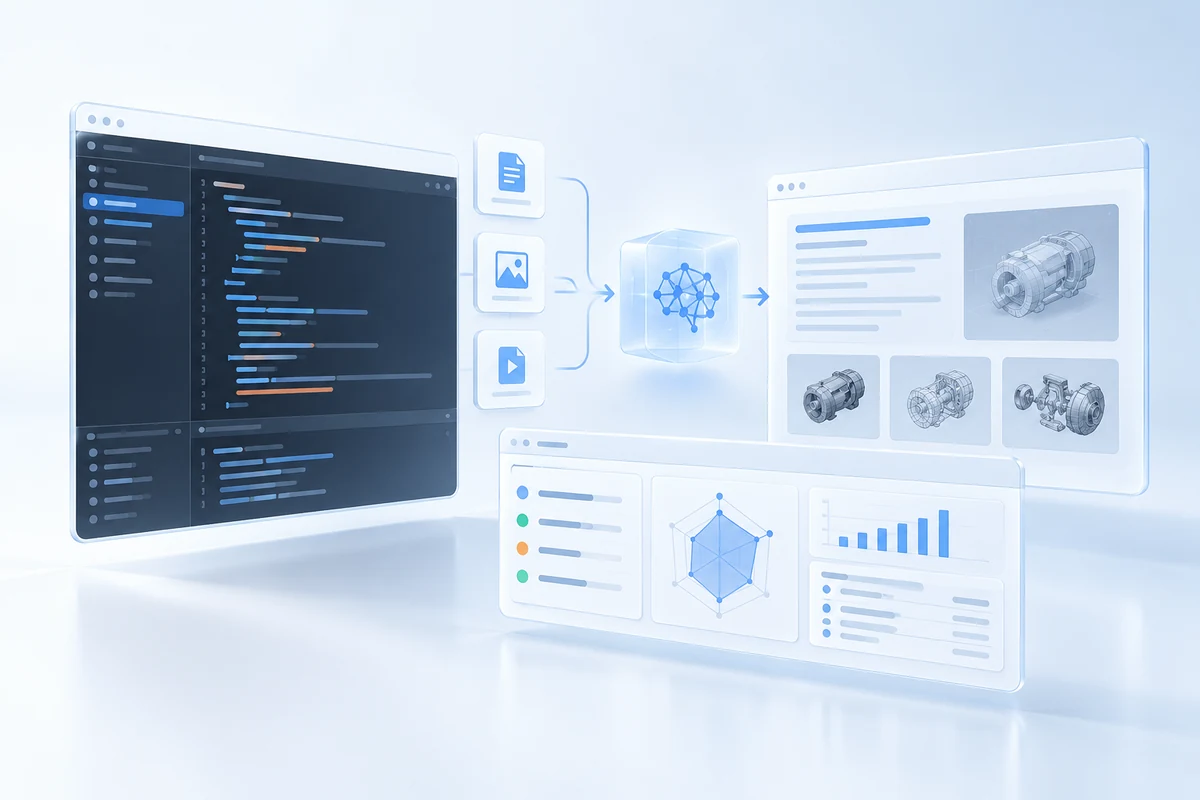
Build applications, evaluate local models and test how code, data and tools work together. Choose graphics capacity and software support around the development environment, with host resources for builds, containers and testing.

Application development · Local models · Evaluation

Architecture & Engineering professional project output

Architecture & Engineering

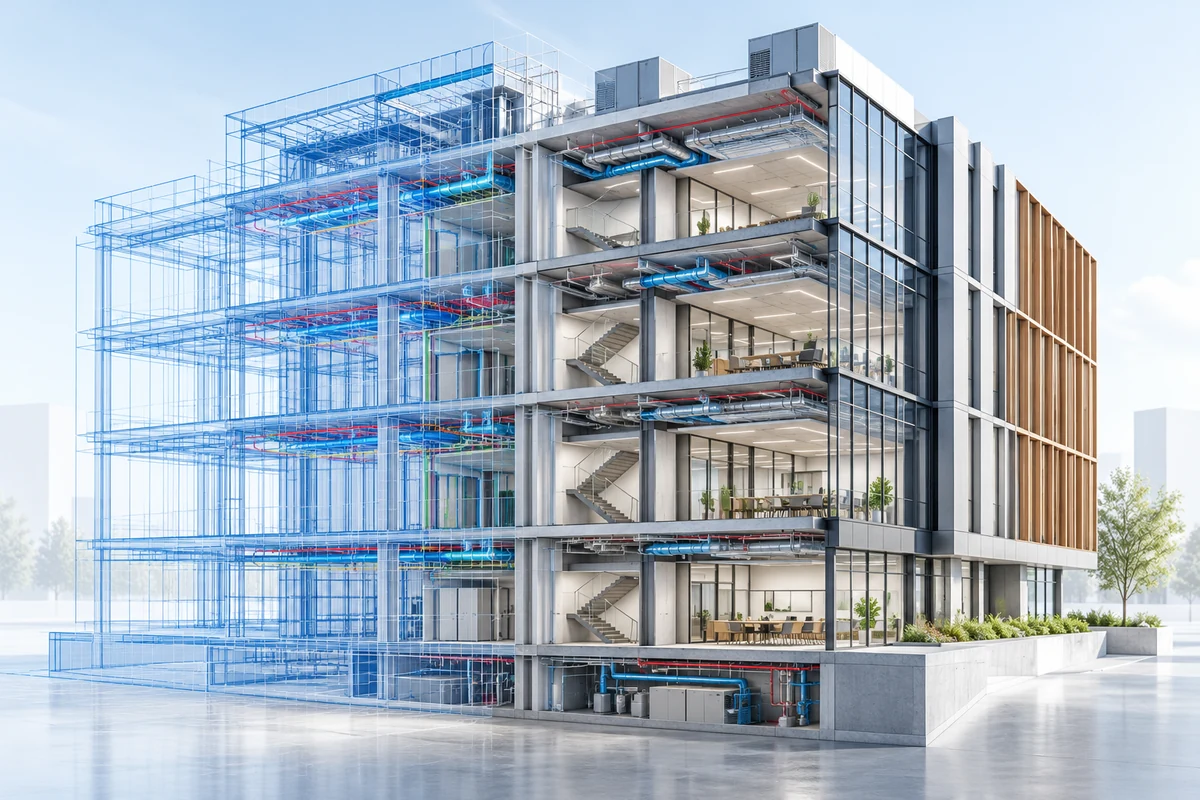
Explore building models, spatial relationships and design alternatives through BIM, visualisation and supported analysis. Plan capacity for the complete project, including geometry, textures, linked files and the tools used to review them.

BIM · Architectural visualisation · Engineering analysis

THE WORK BEHIND THE CONFIGURATION

From visual production to model development.

Different workloads place different demands on the GPU and the system around it. Start with what needs to run, how much data it uses and how the workstation will be accessed.

CONTENT CREATION, RENDERING, GENERATIVE CONTENT & SIMULATION

Develop the scene. Explore the result.

Create assets, render complex scenes and explore generated images, video and simulation outputs. A rack workstation keeps the processing system in the equipment environment while the project remains centred on the tools and working methods your team uses.

Used by
Animation and content studios, post-production teams, product designers, architects and engineering groups.
System considerations
Graphics memory for scenes or generative models; CPU resources for preparation and non-GPU stages; fast working storage for footage, textures, caches and simulation data. Acceleration depends on the selected renderer, solver or model runtime.
Rack context
Specify display or remote-access arrangements for interactive work. Long-running rendering and generation jobs still need defined scheduling and capacity.
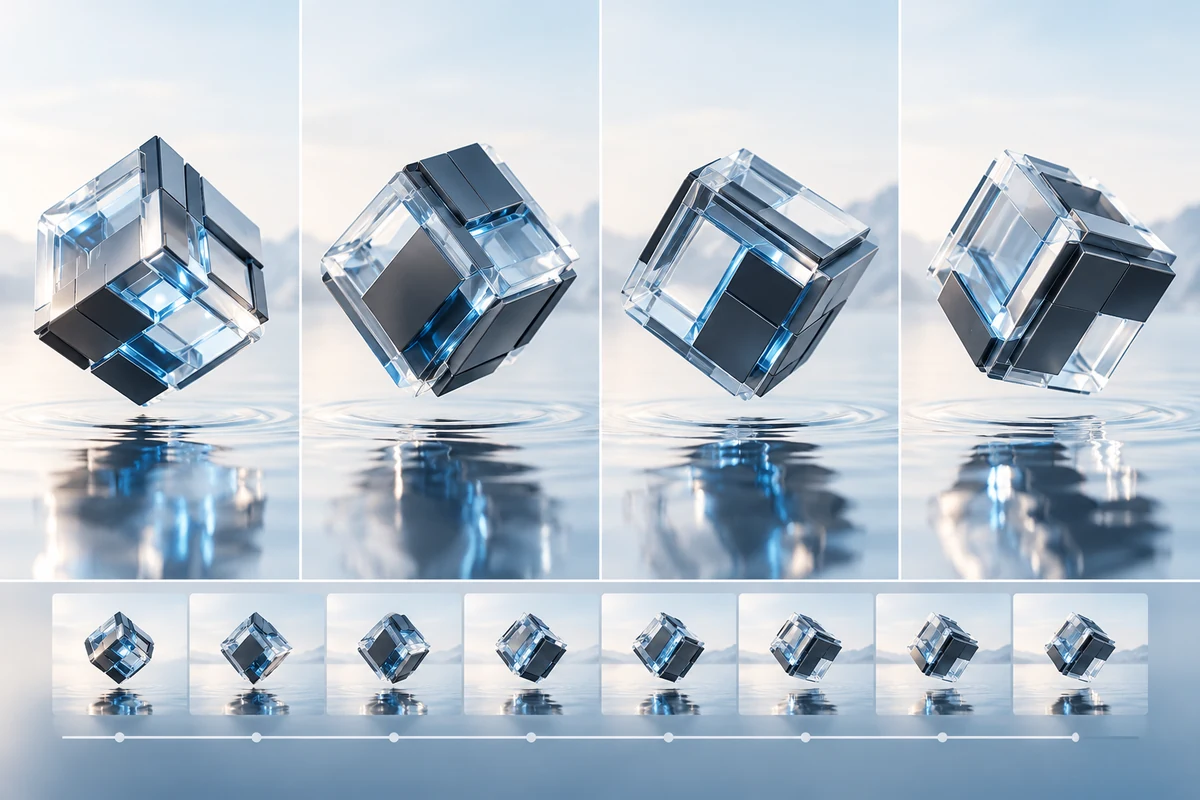
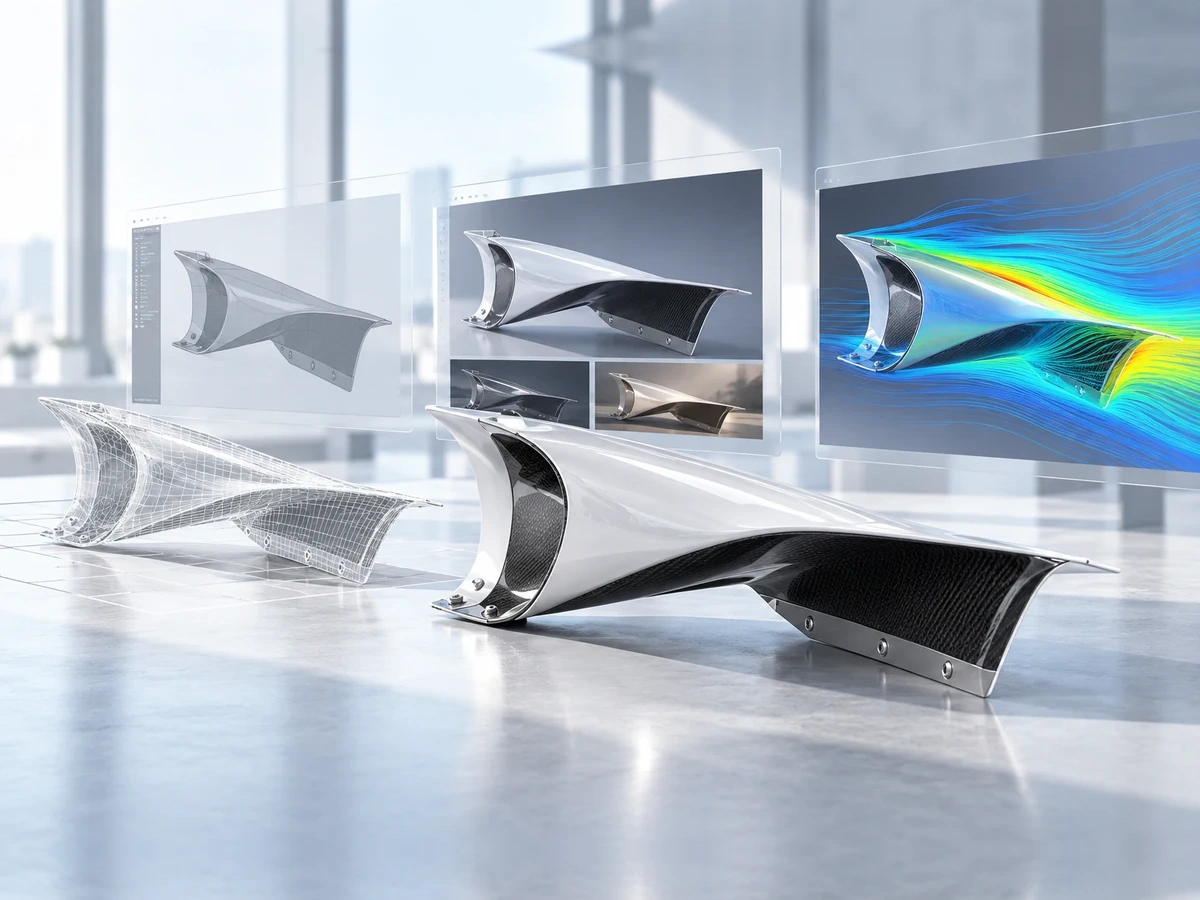
Illustrative multi-stage Develop the scene. Explore the result. workflow

SOFTWARE & CODING, DEVELOPMENT & APPLICATION EVALUATION

Build the application around the model.

Develop software, test coding assistants and evaluate local AI applications against real tasks. Run model inference where the software supports it, then assess the complete workflow: retrieval, tool use, response quality and the behaviour of the application around the model.

Used by
Software teams, AI developers, technical departments and organisations evaluating internal applications.
System considerations
GPU memory for the model and runtime; CPU performance and host RAM for compilation, containers and tests; SSD space for repositories, dependencies, model files and evaluation data.
Rack context
Keep the development system centrally placed, with access and user arrangements specified for the project. Ordinary compilation and application logic are not automatically GPU-accelerated.
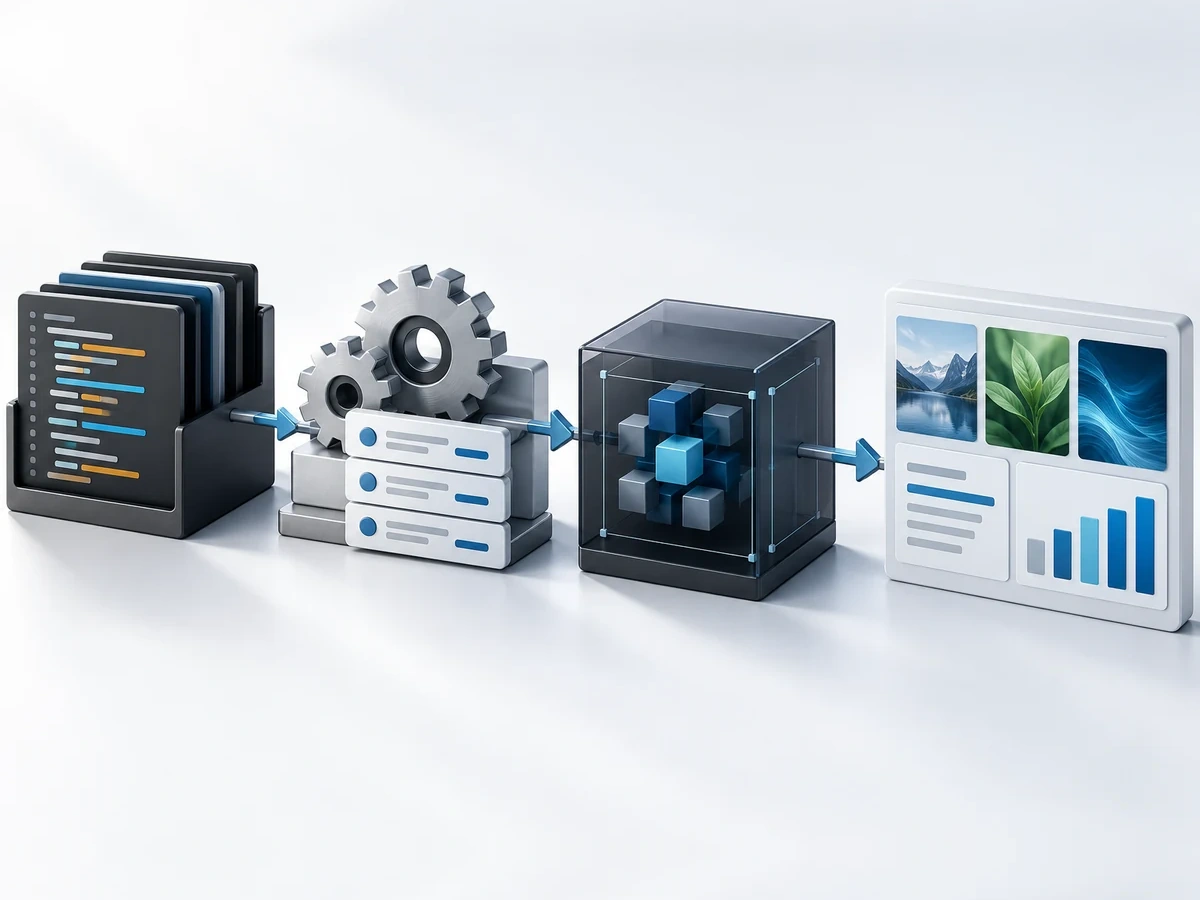
Illustrative multi-stage Build the application around the model. workflow

AGENTIC AI, MODEL TRAINING & FINE-TUNING, AND ANALYTICAL WORK

Test agents. Adapt models. Examine the data.

Connect models to defined tools, evaluate agent workflows and adapt pretrained models to a task. Support training projects that fit the selected hardware and software, alongside data preparation, experimentation and accelerated analysis where the application provides it.

Used by
AI research and development teams, data scientists, quantitative analysts and technical groups working with operational or financial data.
System considerations
Model size, precision, context, batch size and training method determine GPU requirements. Host memory and storage must also accommodate datasets, preprocessing, checkpoints and repeatable experiments.
Rack context
A shared workstation can support agreed jobs or access arrangements, but simultaneous isolated users and GPU partitioning require a separately specified software and licensing configuration.

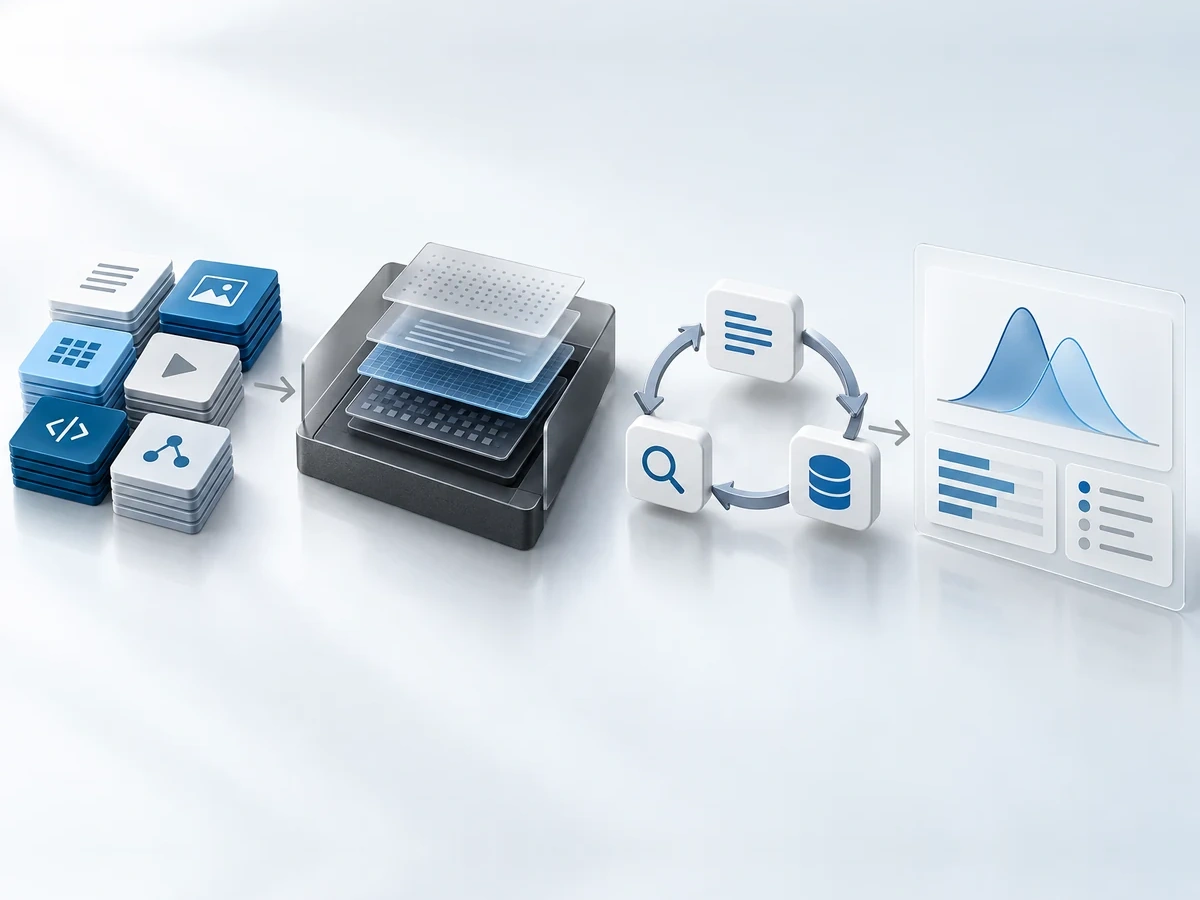
Illustrative multi-stage Test agents. Adapt models. Examine the data. workflow

THE COMPLETE RACK WORKSTATION

Build the system around the work.

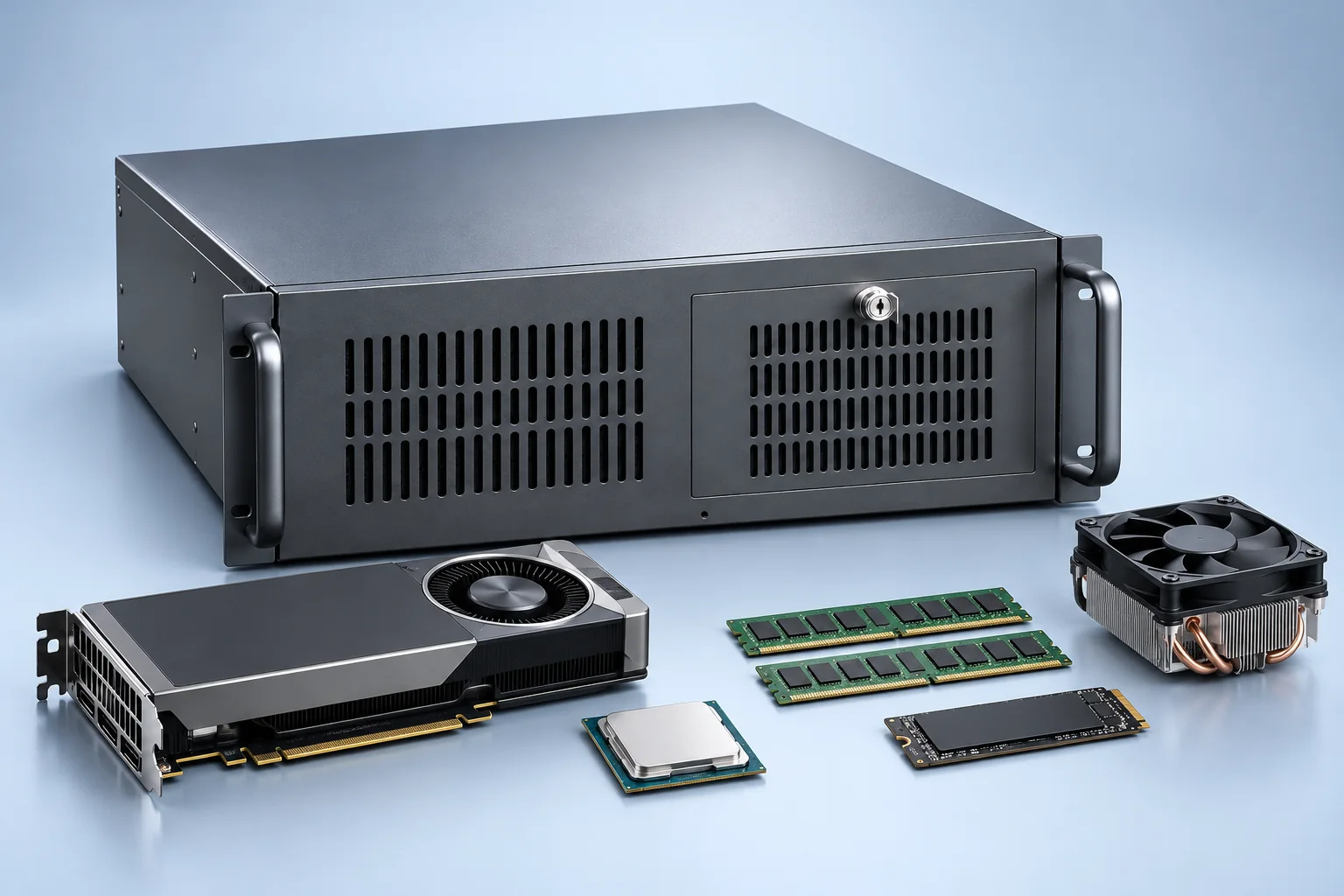
The graphics card defines only part of the machine. Cloud 9 brings the GPU, host platform, memory, storage, power and rack enclosure into a configuration suited to the application and its installation.

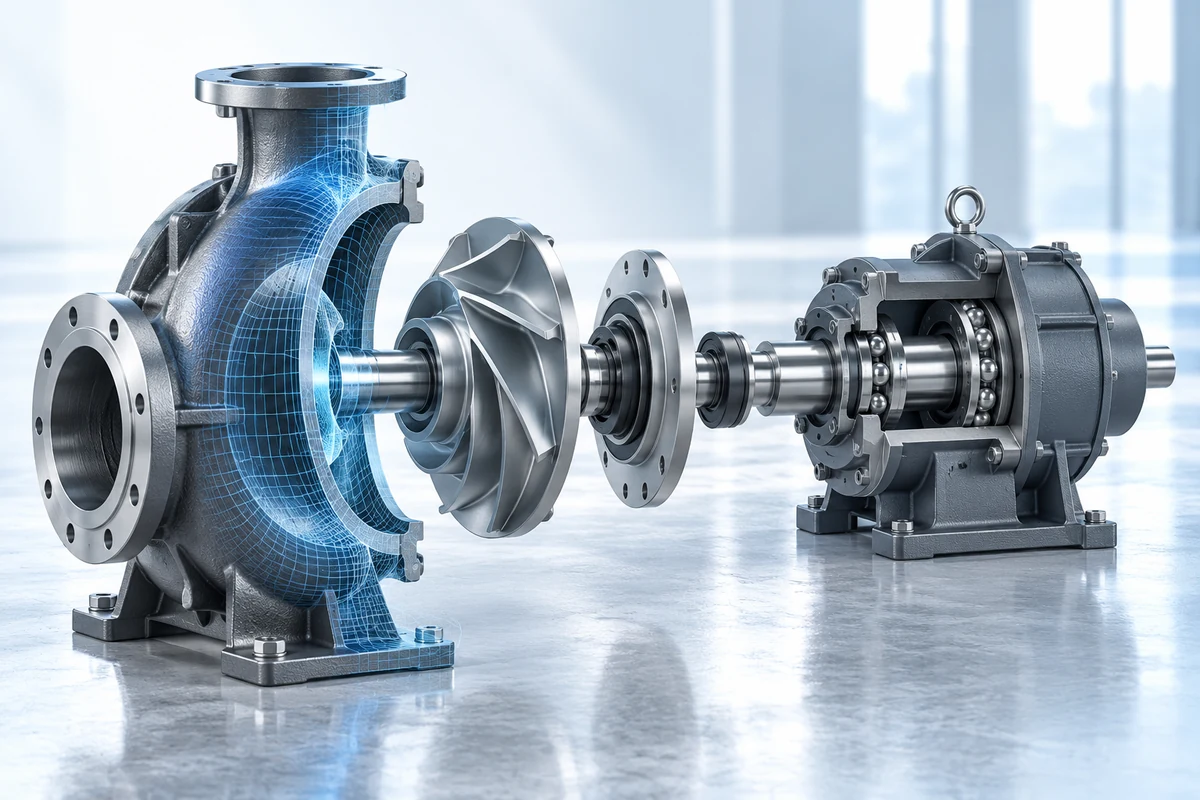
An explanatory view of a complete horizontal rack workstation chassis and its internal hardware

Graphics option you explored

NVIDIA RTX PRO 5000 Blackwell · 48 GB

48 GB GDDR7 with ECC · 300 W published GPU power. Plan the 300 W GPU within the whole-system budget, including dual-slot clearance and cable access.

Host
Balance interactive CPU performance with preprocessing, memory capacity and required expansion.
Memory Storage
Reserve host memory for data preparation and SSD space for assets, model files and checkpoints.
Power Cooling
Plan the 300 W GPU within the whole-system budget, including dual-slot clearance and cable access.
Software
Match the NVIDIA driver and compute libraries to the actual application, not just the GPU generation.
01

Graphics capacity

Choose memory and acceleration for the application, then account for runtime overhead, scene data and supported software. Additional GPUs require an application and platform that can use them.

02

The host platform

Intel Core Ultra, AMD Ryzen and Ryzen PRO platforms serve suitable desktop-class configurations. Intel Xeon W and Xeon 600, AMD Ryzen Threadripper and Threadripper PRO provide other platform choices where the workload calls for them. Exact processors, boards and expansion are specified together.

03

System memory

Specify host memory for datasets, scene preparation, development tools and concurrent applications. Module type, memory channels and ECC support follow the selected CPU and motherboard. Host RAM and GPU memory serve distinct roles.

04

Storage for active work

Plan NVMe working storage around models, project files, caches and checkpoints, with additional capacity and data protection arranged for the workload. Fast local storage does not replace a backup strategy.

05

Power and cooling

Match the selected graphics board and host platform to power delivery, cooling and an unobstructed chassis airflow path. Confirm card dimensions, cable clearance and sustained operating conditions within the actual rack enclosure.

06

Rack installation and access

Confirm enclosure depth, mounting support, service space, network connections and the software used to reach the machine. Remote access, multiple users and support arrangements are explicit configuration decisions.

Discuss the application, selected graphics option and installation requirements with Cloud 9. Final configuration and availability are confirmed against the requirement.