GPU capacity for the task
Choose device memory, acceleration and GPU population around the application.

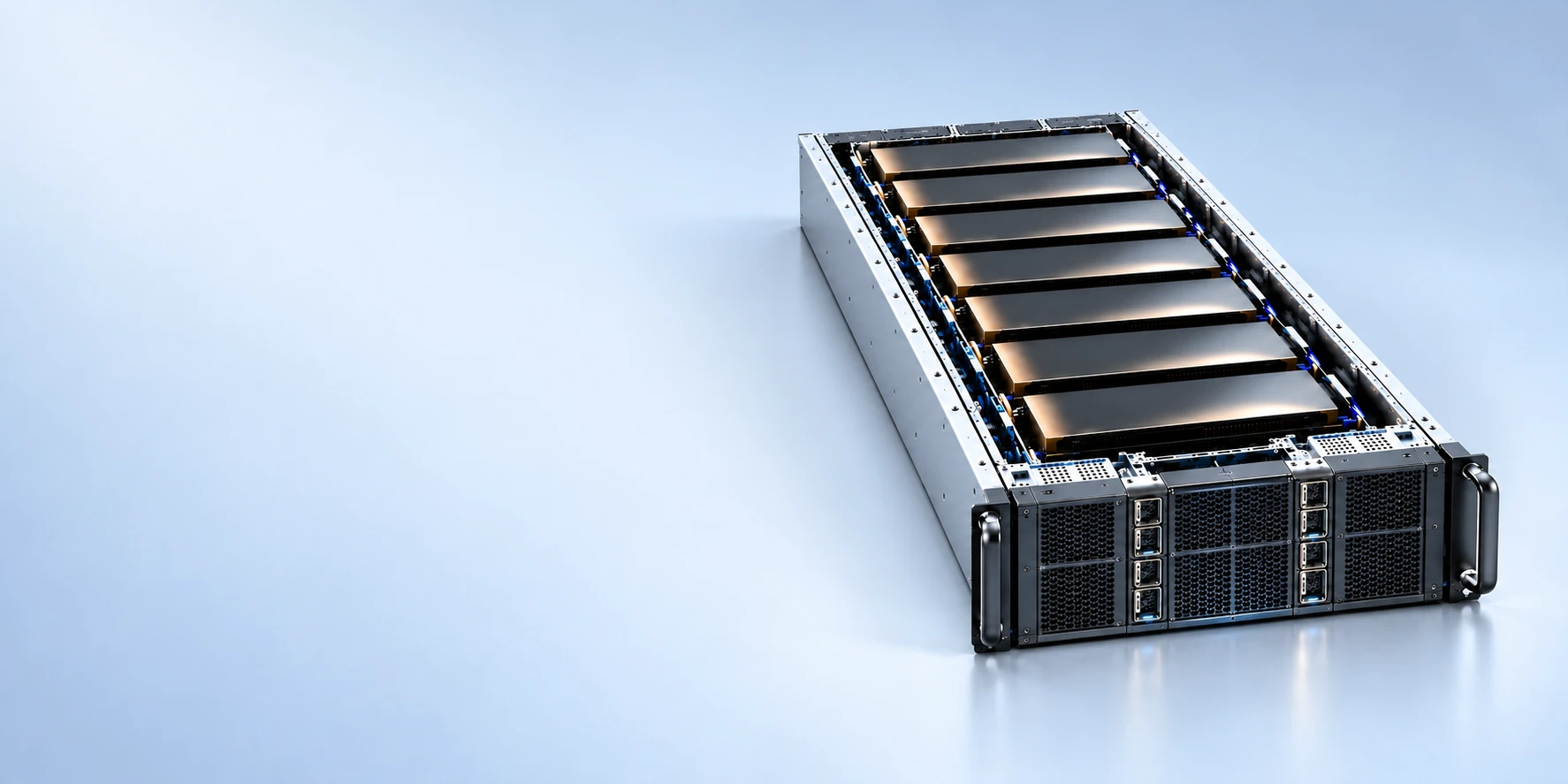
Bring demanding content pipelines, software development and local AI work into a dedicated rackable node. Cloud 9 sources and supplies Superrack configurations around the GPU workload, with the host platform, memory, storage and cooling considered as one system.
ONE DEDICATED NODE
A demanding project rarely uses the GPU in isolation. Scenes must be prepared, datasets staged, applications compiled and results saved while accelerated work runs. A Superrack workstation provides a rackable basis for bringing those demands together in one dedicated machine.
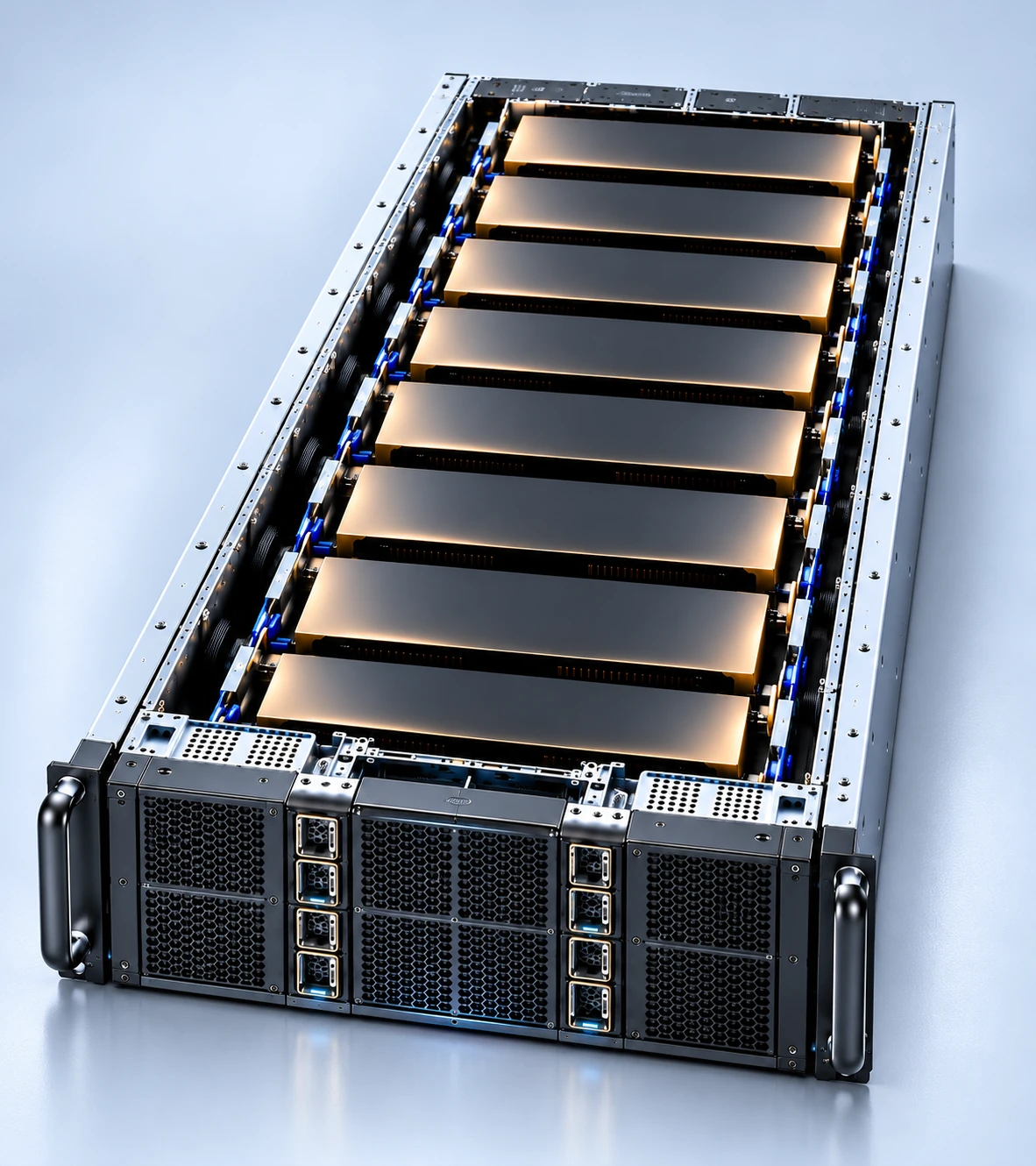
The format makes room to consider a denser GPU arrangement and higher-capacity host resources. Its advantage comes from the selected configuration and supported workflow, not from the enclosure alone. Cloud 9 sources the system around that relationship, whether the priority is visual production, software development or local AI.
Choose device memory, acceleration and GPU population around the application.
Allow for CPU processing, memory, storage and I/O alongside the GPU work.
Account for installation, service access, input power and the actual cooling path.
One dedicated multi-GPU workstation for a specialist or small team.
GPU ARCHITECTURES
Explore professional workstation GPUs and specialist compute accelerators. Select a model to see its architecture, working capacity and implications for the complete node.
GPU facts describe the selected device. Complete-system compatibility, GPU count and availability are confirmed for the proposed configuration.
GPU functions
Selected architecture
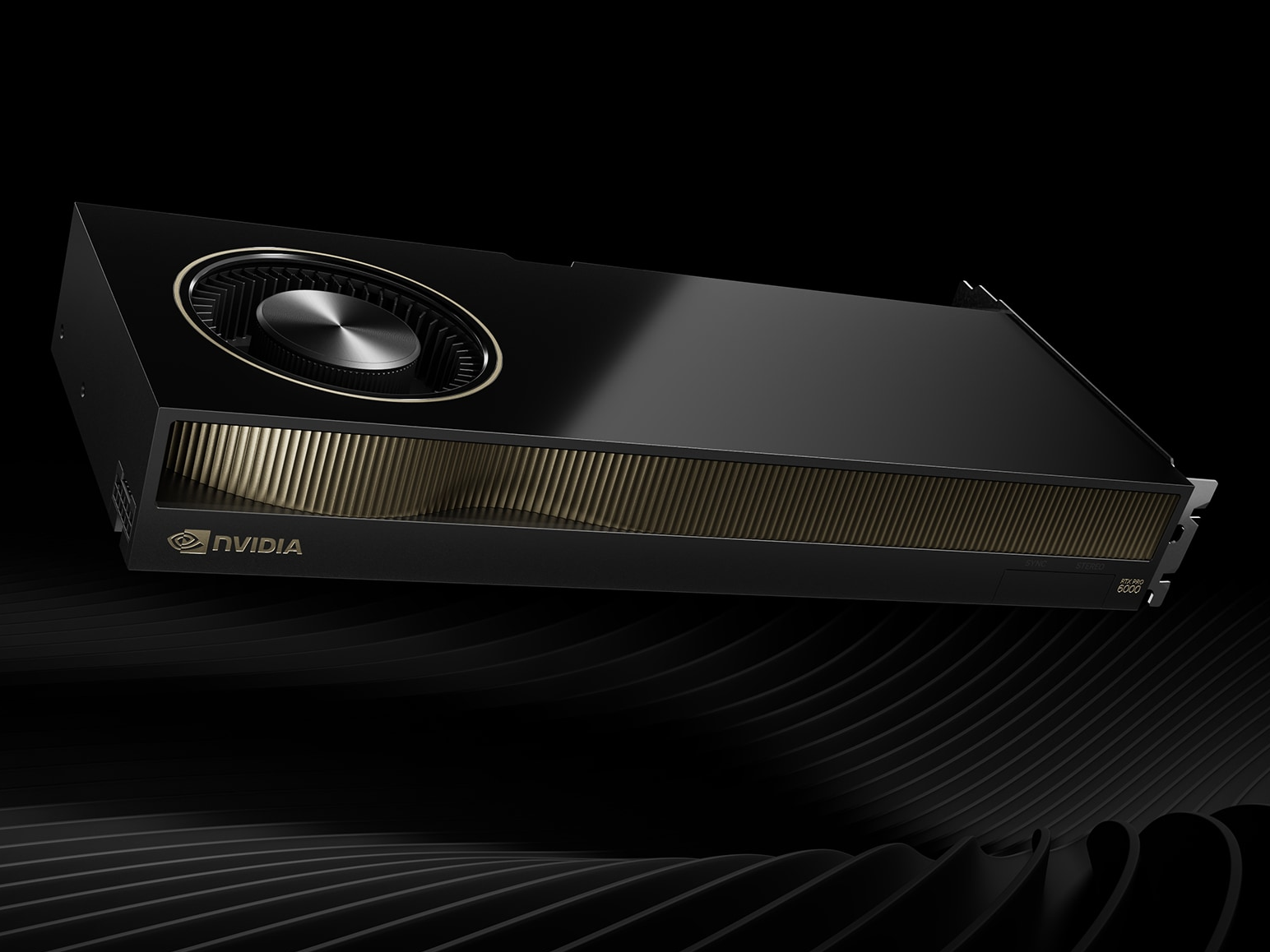
96GB of professional GPU memory in a lower-power workstation variant.
The Max-Q edition uses active cooling within a 300W card-power envelope.
Why it fits96GB per GPU within a 300W card-power envelope for configurations that need multiple professional graphics devices.
INDUSTRIES
Different industries bring different project data, software and delivery demands. The system starts with the work that needs to be done.

Animation studios, post-production teams and content businesses working with detailed scenes, layered media and growing asset libraries. Superrack configurations bring GPU rendering, supported generative tools and production data into one dedicated node.
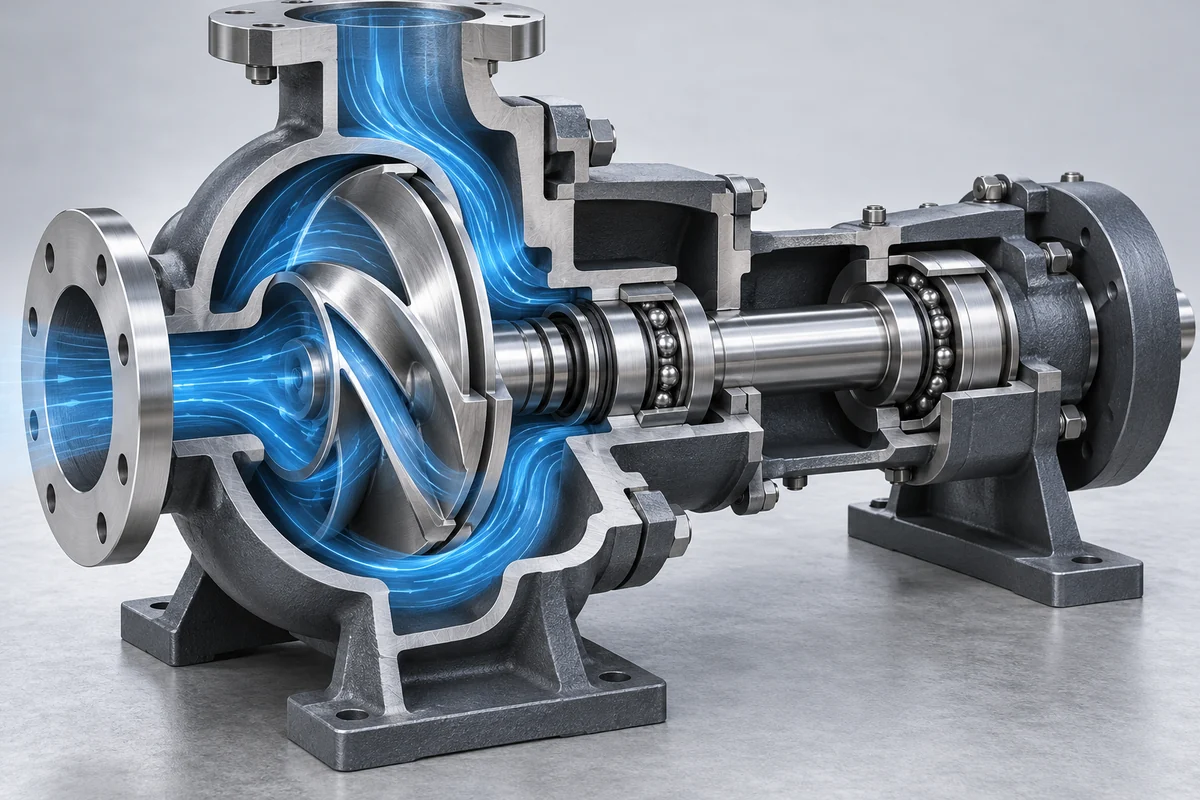
Product development and industrial teams combining detailed assemblies with process modelling and simulation. Select GPU and host resources around the CAD tools, solvers and validation work that shape each iteration.
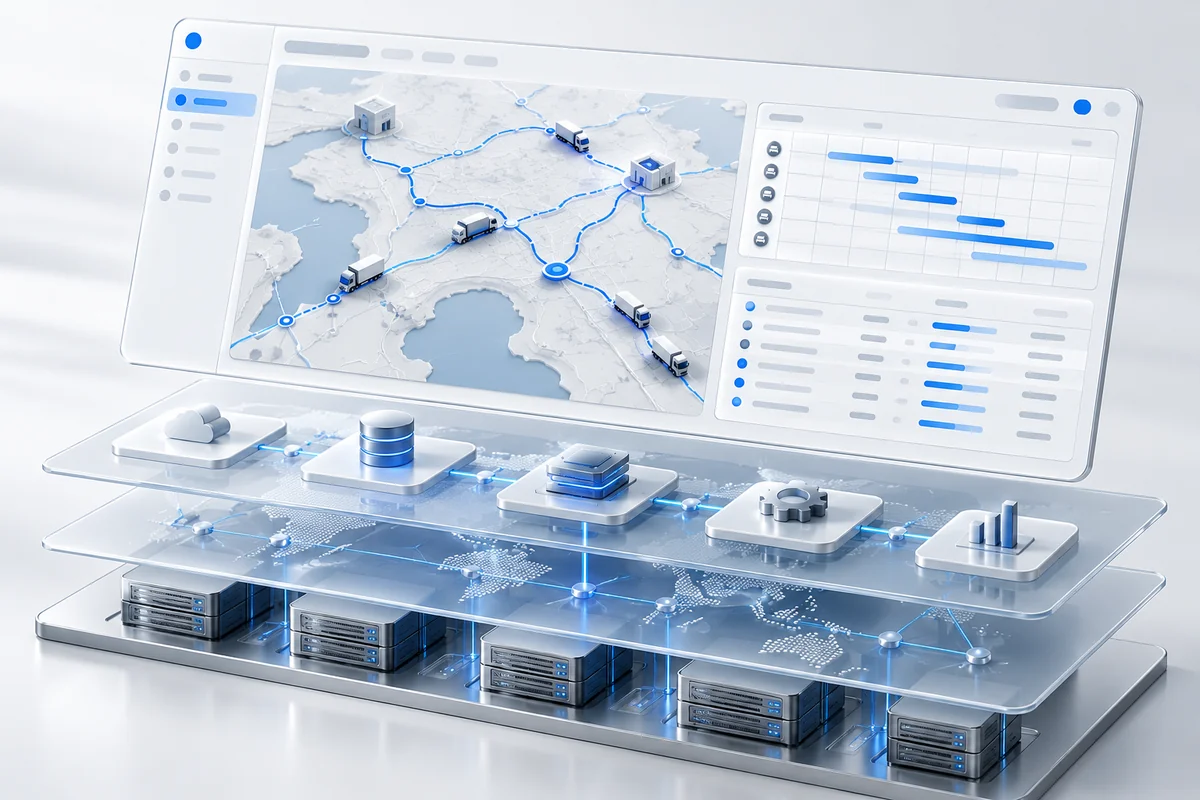
Software teams building connected applications, development environments and AI-enabled services. A dedicated node can accommodate local builds, test environments and compatible model execution while keeping application and infrastructure requirements in view.
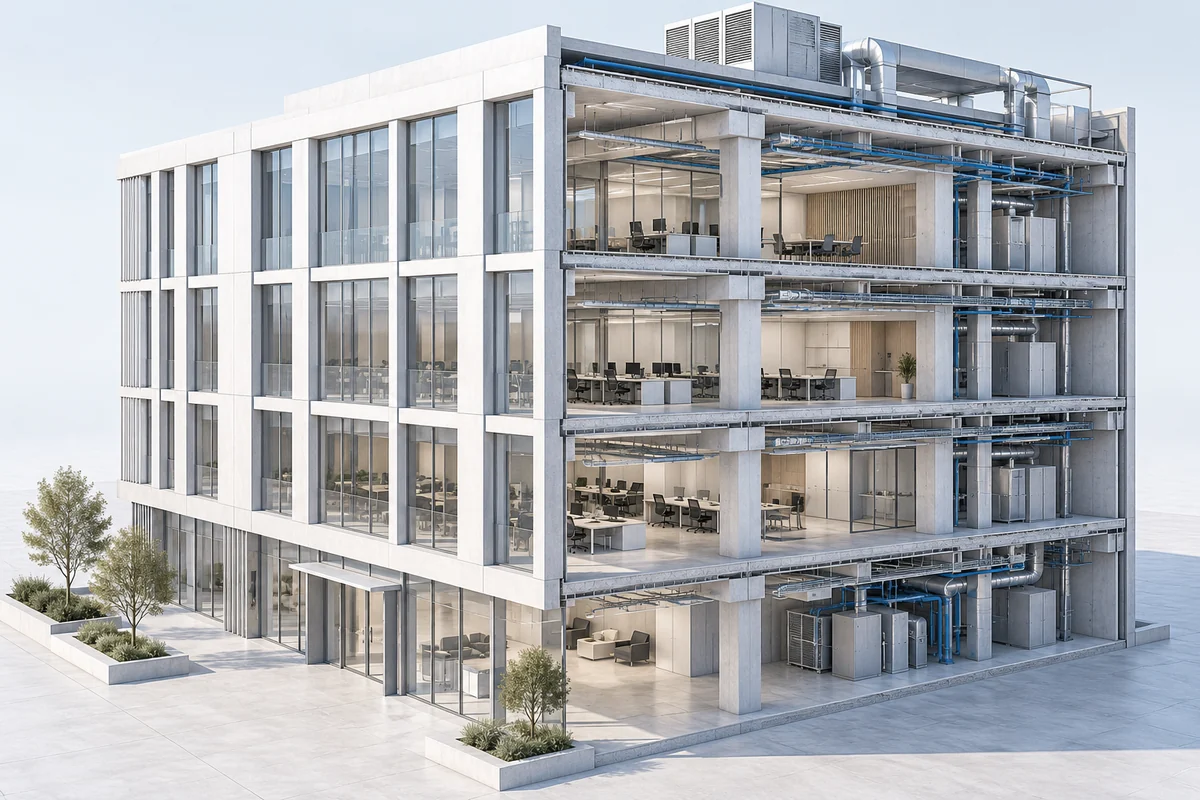
Practices and project teams working across BIM, engineering models and high-detail visualisation. The configuration needs room for coordinated project data, rendering and supported analysis, with resources matched to the software involved.
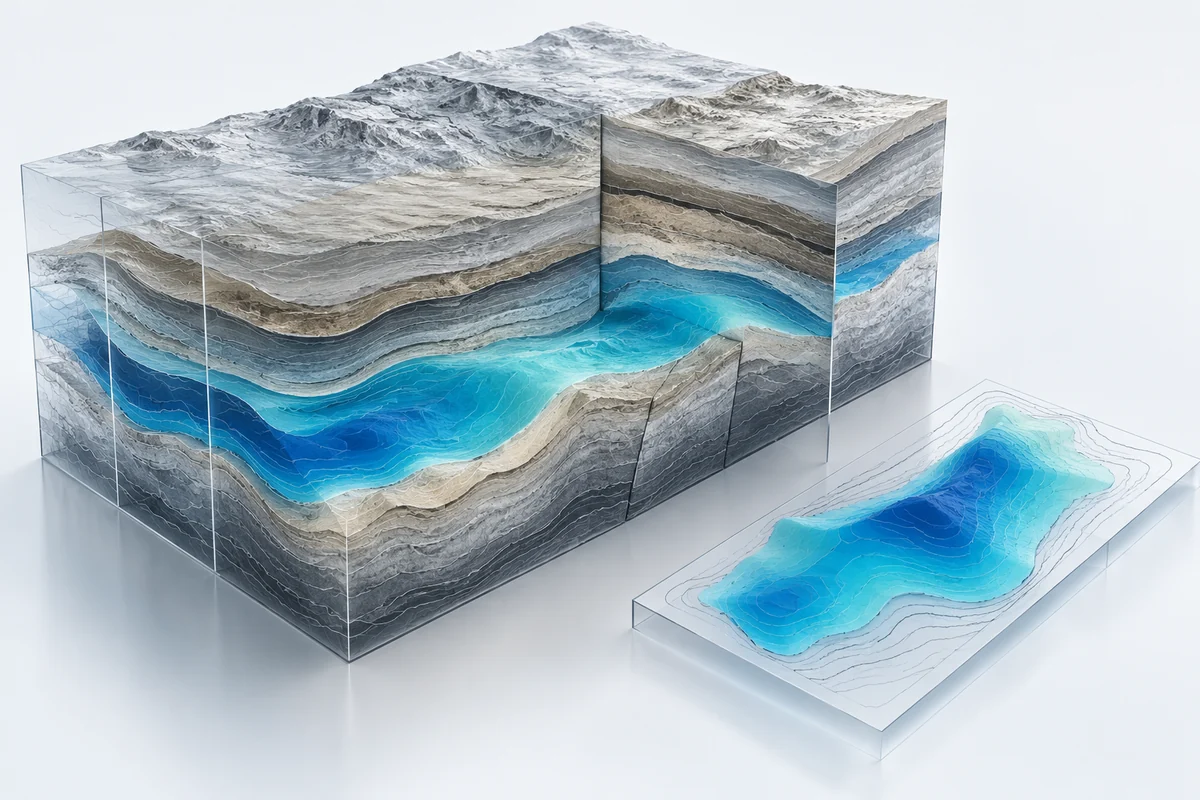
Research and analytical teams preparing substantial datasets, comparing methods and running supported numerical or AI workloads. Device memory, host capacity, numerical precision and data access belong in the same specification.
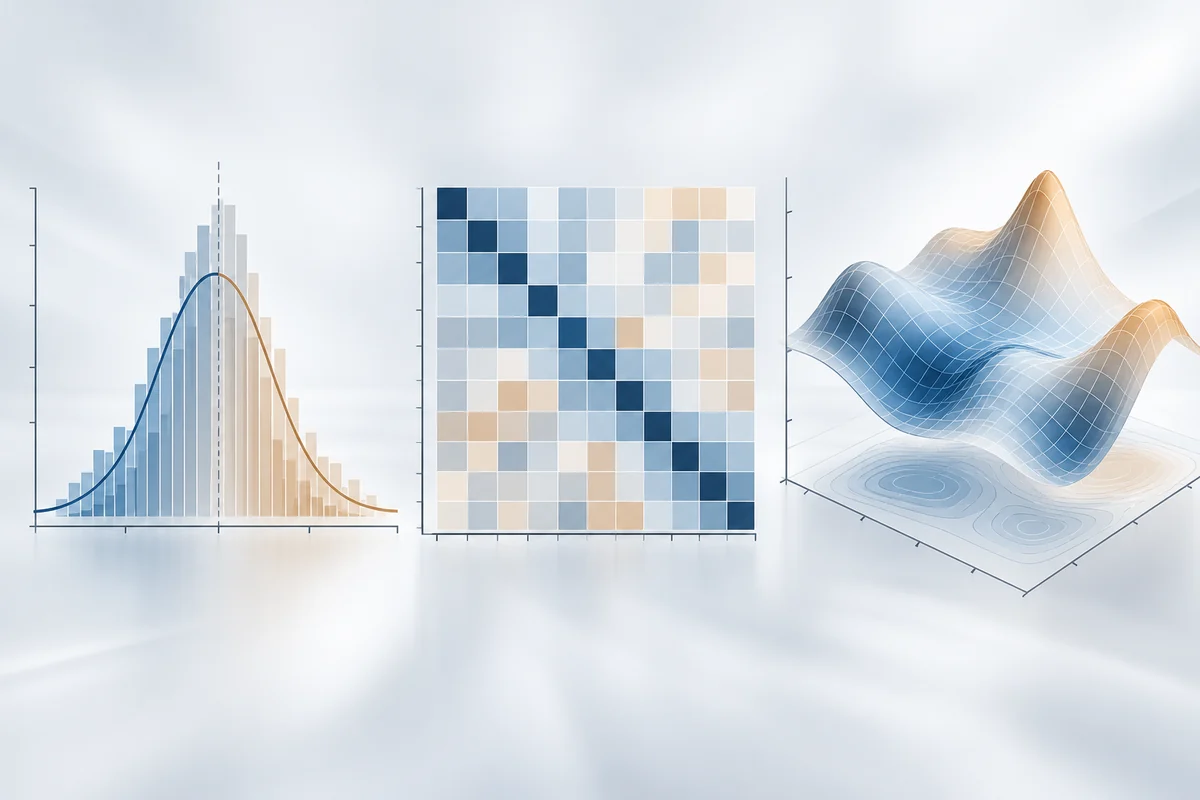
Quantitative developers and analytical teams exploring scenario models, simulation and data-intensive research. GPU acceleration is selected where the libraries and calculations support it, alongside the CPU, memory and storage needed by the wider analysis.
WORKFLOWS
From production pipelines to local model development, the strongest configuration is the one that supports the whole workflow.
WORKFLOW
Carry complex production work from source assets to final output.
Build a node around the complete production pipeline: geometry, textures, generative assets, animation, simulation caches, compositing and delivery. Supported GPU renderers and AI tools can use additional devices for selected stages or separate jobs, while CPU work, media processing and storage continue alongside them. The useful configuration depends on the scene, software and delivery format, not simply the highest card count.

WORKFLOW
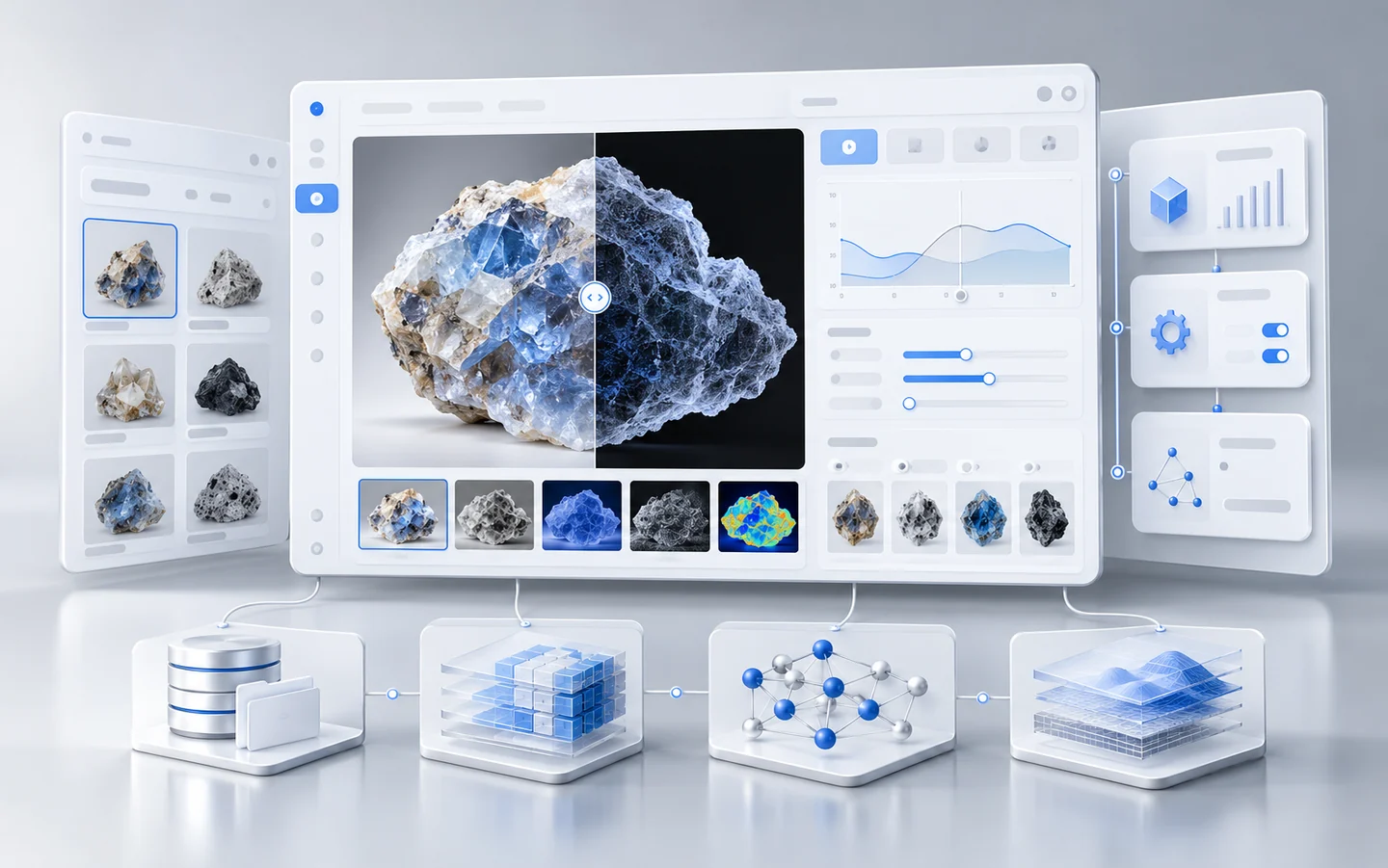
Build and evaluate the application as a complete local stack.
Bring source builds, containers, databases, test environments and AI-enabled application services into one development node. GPU resources support compatible local models, visual tests and accelerated libraries; CPU resources and host memory carry compilation, orchestration and services. Evaluate the application with the data paths and dependencies it will actually use, rather than treating a fast model response as proof that the whole stack is ready.
WORKFLOW
Develop local models and agent workflows around a defined training task.
Run supported generative models, connect them to retrieval and tools, and evaluate the resulting workflow on a dedicated node. For training, distinguish parameter-efficient fine-tuning, full fine-tuning and training from scratch: each places different demands on memory, data and time. Multi-GPU capacity can support larger or parallel jobs when the software and interconnect fit the task. Large-model training is specified against a named model, method, precision and operating target, not promised for every configuration.
COMPLETE SYSTEM
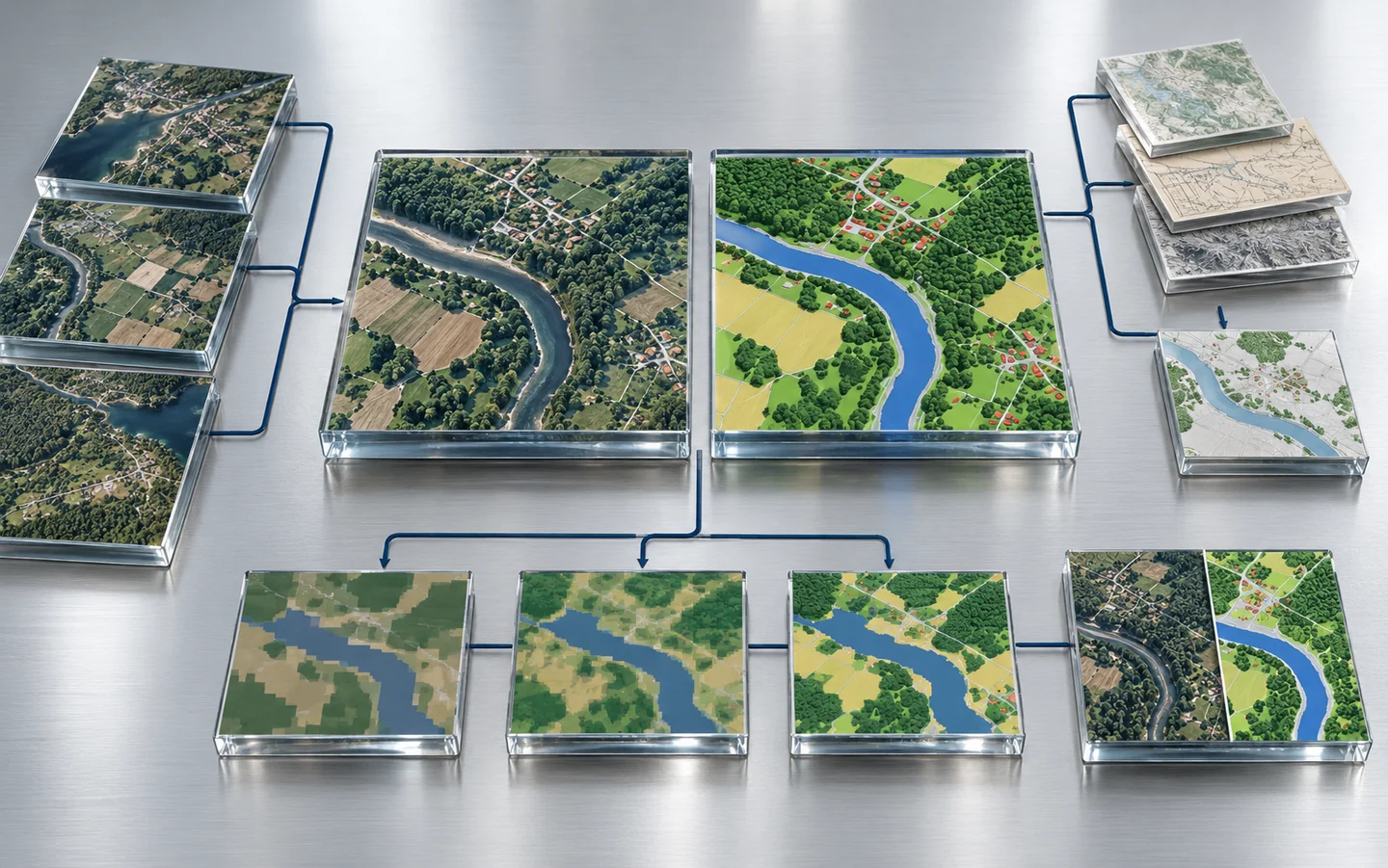
A GPU choice becomes useful when the rest of the node can support it. Cloud 9 considers the host platform, working memory, storage, power and application requirements together, rather than treating them as independent upgrades.
Your selected architecture
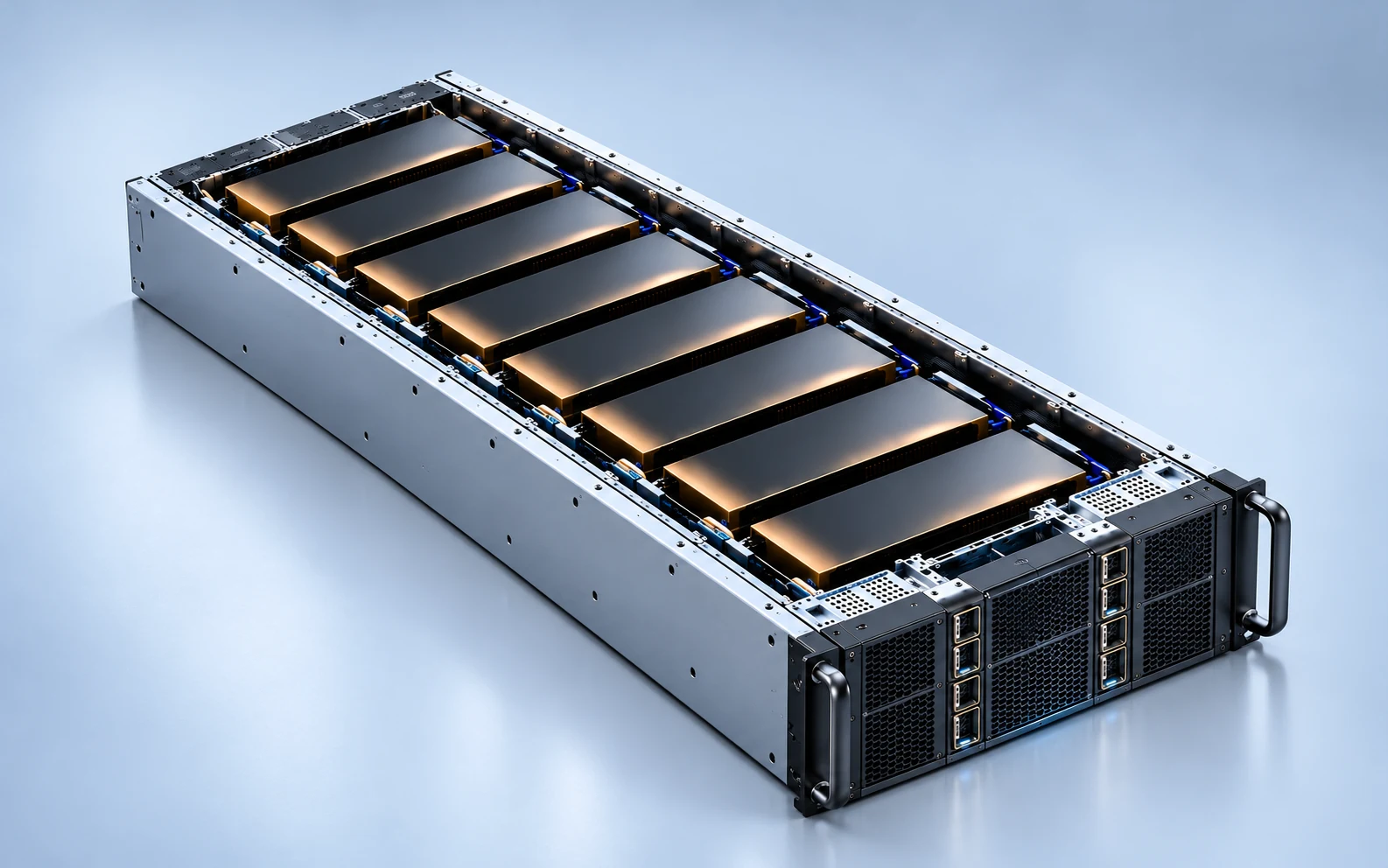
NVIDIA RTX PRO 6000 Blackwell Max-Q Workstation Edition: 96GB GDDR7 with ECC per GPU. 300 W published card power. Complete-node resources and GPU count are specified separately.
AMD Ryzen Threadripper and Threadripper PRO, Intel Xeon 600 workstation processors and Xeon W provide the principal workstation routes. Selected AMD EPYC or Intel Xeon server-derived platforms may be considered where the configuration calls for different memory or I/O resources. The motherboard, slot layout and application determine the usable arrangement.
Select host memory for scene preparation, application services, datasets and training preparation. Capacity, module type and channel population follow the platform; host RAM and each GPU’s memory remain separate resources.
NVMe working storage can serve active projects, datasets, caches and checkpoints. Capacity storage and network access are considered separately, with attention to concurrent transfers and the actual storage path.
Account for the entire node, not just the GPU power figure. Card spacing, airflow direction, cable routing, inlet conditions and facility power affect the usable configuration. Passive accelerators and flow-through workstation cards need different treatment.
Specify the I/O and network path needed for project data, displays or remote use. A server-derived host does not by itself turn the workstation into a managed service, a cluster or an installed software platform.
Match operating system, drivers, libraries and applications to the selected GPU. CUDA and ROCm paths differ, and multi-GPU rendering or training depends on the application. Any software preparation or licensing is defined with the proposed supply.
Separate renders, experiments or applications can occupy separate GPUs, subject to scheduling and resource availability.
Supported training can replicate a model across GPUs and distribute data. This does not automatically increase the size of model that fits on each device.
Supported software can distribute model state across devices. Communication, memory placement and runtime overhead determine whether that arrangement is useful.
The starting point is the workload, the software it depends on and the environment in which the node will operate.
Compare AI workstation formats