
Data preparation
Datasets, transformations and CPU workers may use substantial host RAM. Actual consumption depends on the data format, the loader and whether the application streams, prefetches or materialises data.

Cloud 9 sources and supplies DDR5 unbuffered memory for compatible desktop and professional workstations. Explore standard UDIMM and ECC UDIMM architectures, with capacity and operating characteristics considered alongside the processor, motherboard and workload.
An AI workstation handles considerably more than the calculations performed on its graphics processor. Data preparation, model loading, development tools, CPU-side processing and supporting applications all place demands on system memory.
A single high-capacity DIMM can contribute a substantial amount of host RAM without consuming additional memory sockets, but only if the host platform supports that specific module. The appropriate module capacity depends on what is active at the same time, how data is loaded and whether parts of the workload execute or are offloaded through the host. A larger RAM configuration can provide room for those tasks, but it is not an automatic substitute for GPU-local memory or a guarantee of faster inference or training.
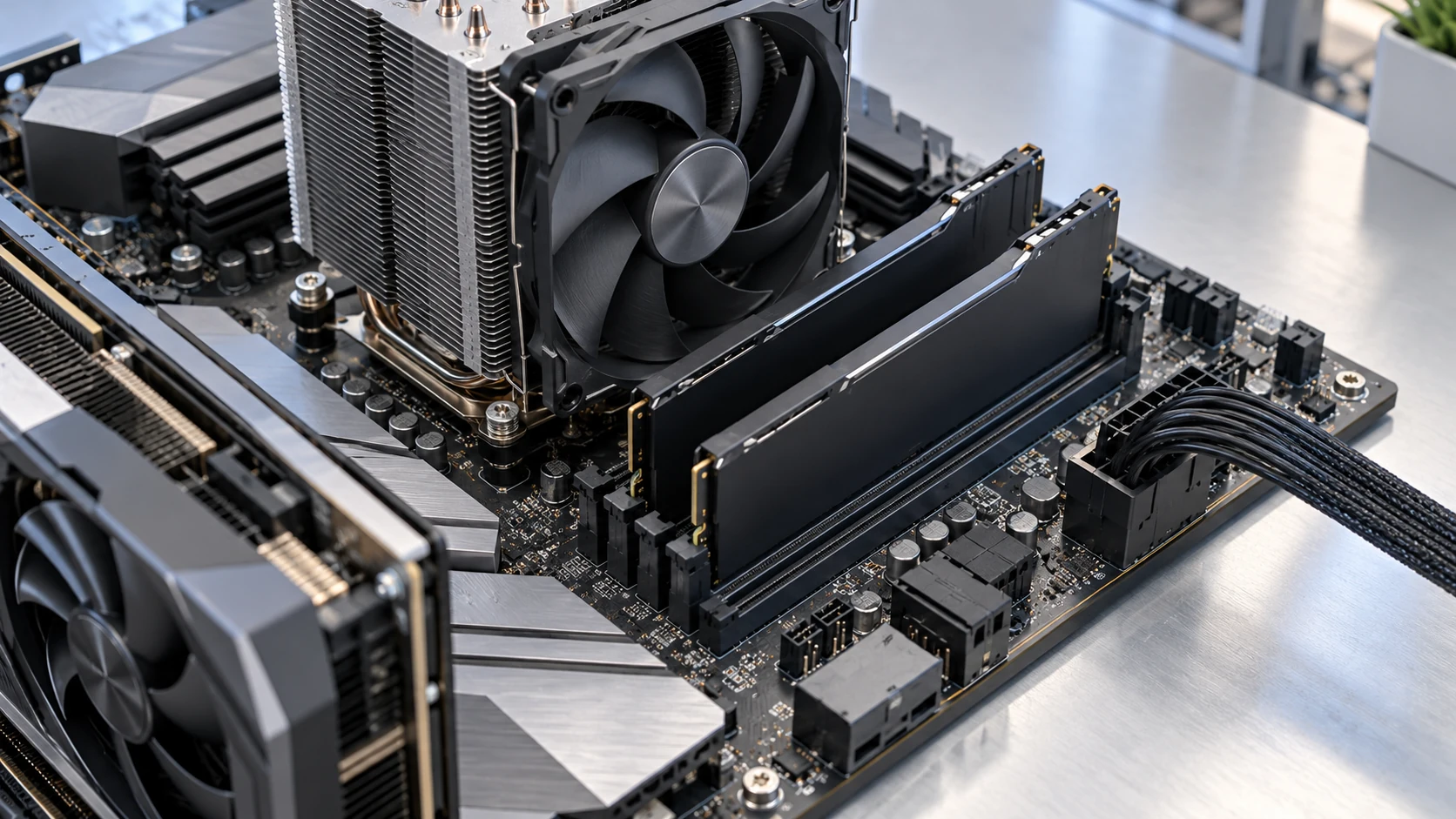
Datasets, transformations and CPU workers may use substantial host RAM. Actual consumption depends on the data format, the loader and whether the application streams, prefetches or materialises data.
Model files may pass through CPU memory during loading, while developer tools and supporting services continue to consume their own working space. Some runtimes can place selected work or data on the host, subject to software and performance constraints.
Per-DIMM capacity and the number of supported modules determine system memory capacity. Module type, operating rate and channel population must match the CPU and motherboard.
The key differences are easier to understand when the modules are viewed alongside the circuits that support them. Compare a standard UDIMM with an ECC UDIMM, then explore the functional distinction in their data paths.
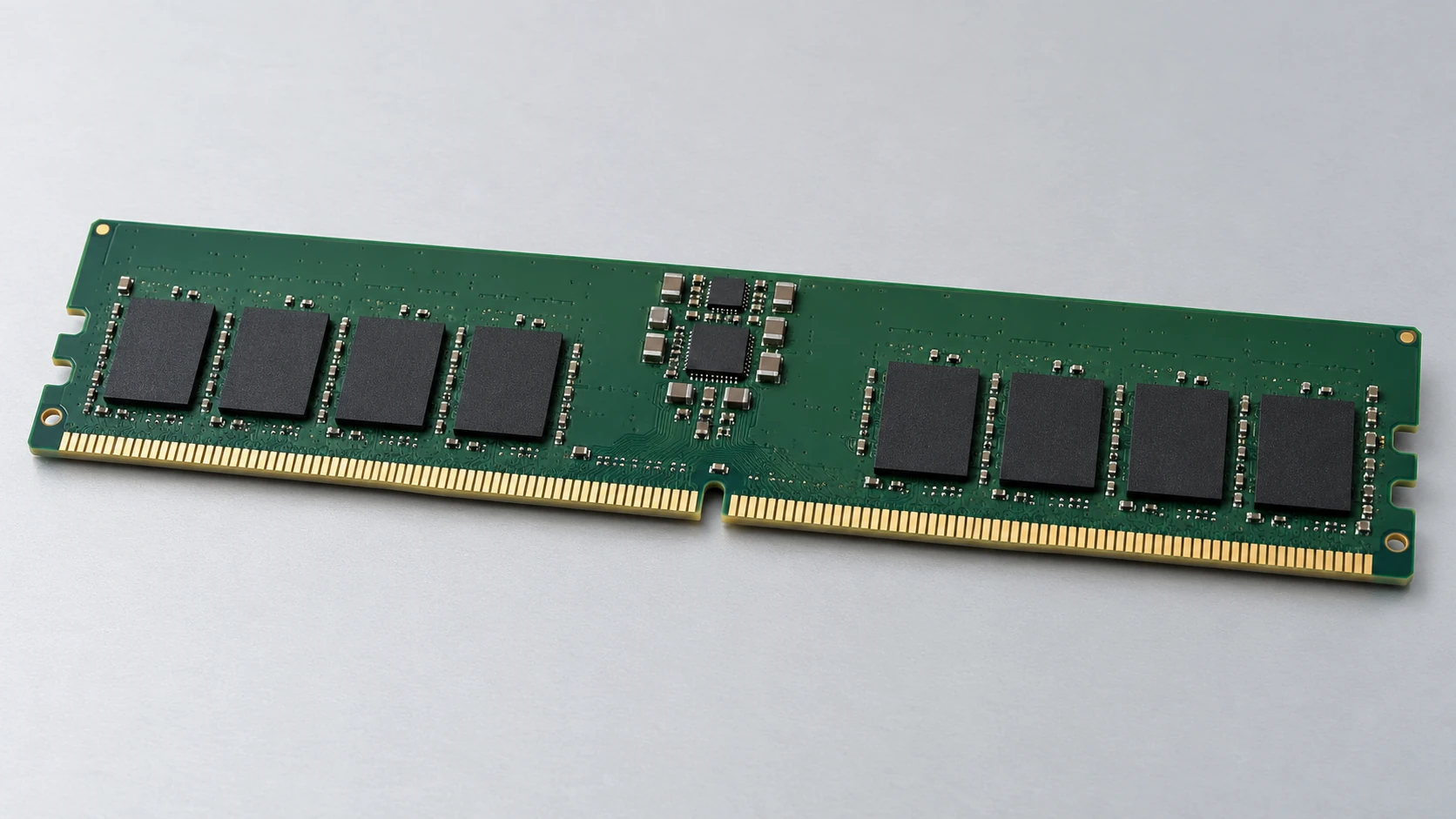
UDIMM provides host memory without registering the controller’s command/address path. Internal on-die ECC is not a substitute for host-level ECC.
Unbuffered DRAM data path
DDR5-5600 CL46 1.1 V illustrative product reference; actual SKU/platform must be checked.
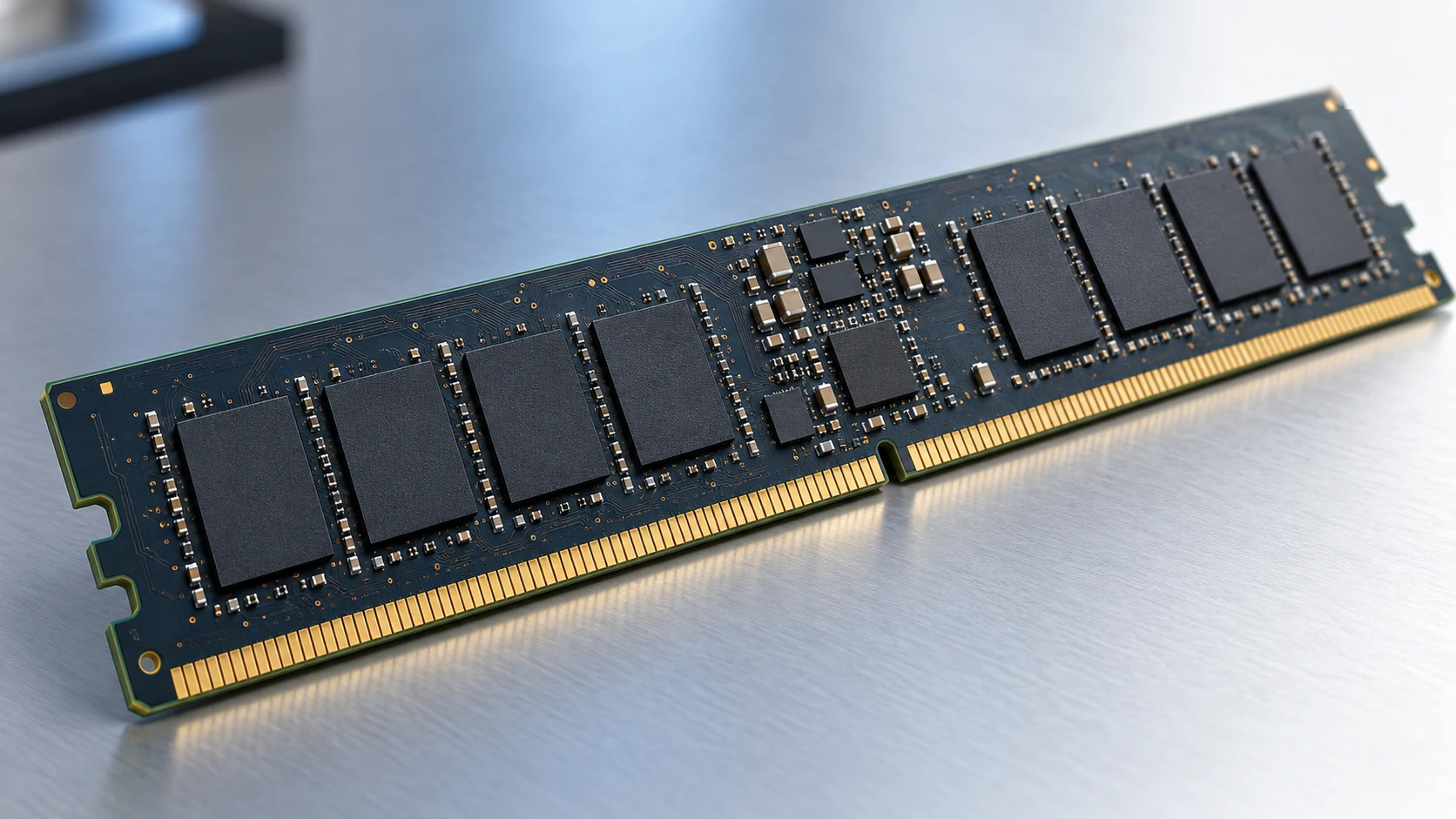
The soldered DDR5 devices hold the working data. Number, rank and package density vary with the selected module.
DDR5 on-die ECC operates within individual DRAM devices. System-level sideband ECC requires compatible ECC memory and platform support. There is no separate removable “ECC processor” on the module.
DDR5 module layout, package count, cooling and speed depend on the selected product.
UDIMM provides host memory without registering the controller’s command/address path. Internal on-die ECC is not a substitute for host-level ECC.
A DDR5 UDIMM is not automatically suitable for every Ryzen board.
ECC UDIMM adds check-bit storage for a supported host’s sideband error-protection scheme. It remains unbuffered and is not interchangeable with RDIMM.
AMD Ryzen ECC requires processor, motherboard and firmware support; never imply Threadripper uses ECC UDIMM.
Capacities below are per DIMM. Transfer rates and timings describe the stated DDR5 reference configurations; select the memory type and operating settings for the intended platform.
| Type | Capacity | Transfer Rate | ECC Support | Voltage | CAS Latency |
|---|---|---|---|---|---|
| DDR5 UDIMM | 16–128 GB per module* | DDR5-5600 MT/s reference | On-die ECC inside DRAM; no system-level ECC | 1.1 V VDD/VDDQ nominal | CL46 at 5600, example |
| DDR5 ECC UDIMM | 16–128 GB per module* | DDR5-5600 MT/s reference | On-die ECC plus system-level sideband ECC on compatible hosts | 1.1 V VDD/VDDQ nominal | CL46 at 5600, example |
*Cloud 9’s intended range spans 16 GB to 128 GB per DIMM. The 5600 MT/s CL46 figures describe a reference configuration, rather than every capacity and memory type. Confirm module density, ECC type and Ryzen CPU/motherboard support for the selected configuration; higher-density or fuller slot populations may run at lower supported speeds.
DDR5-6400 and CUDIMM configurations require their own product and platform selection. A CUDIMM includes a client clock driver and uses a compatible host platform. The UDIMM and ECC UDIMM examples in this table retain their stated operating rates.
The JEDEC DDR5-5600 CL46 example uses the stated standard-voltage configuration. CL34–40 profiles describe different settings. Voltage figures refer to nominal DRAM VDD/VDDQ.
A workstation needs space for the processes that are actually running. Higher-capacity individual DIMMs can provide more working memory per socket where the platform supports their density. The final installed total depends on the selected module capacity, compatible DIMM population and the software’s active working set. Extra memory helps when memory pressure is the constraint; it is not a general speed multiplier.
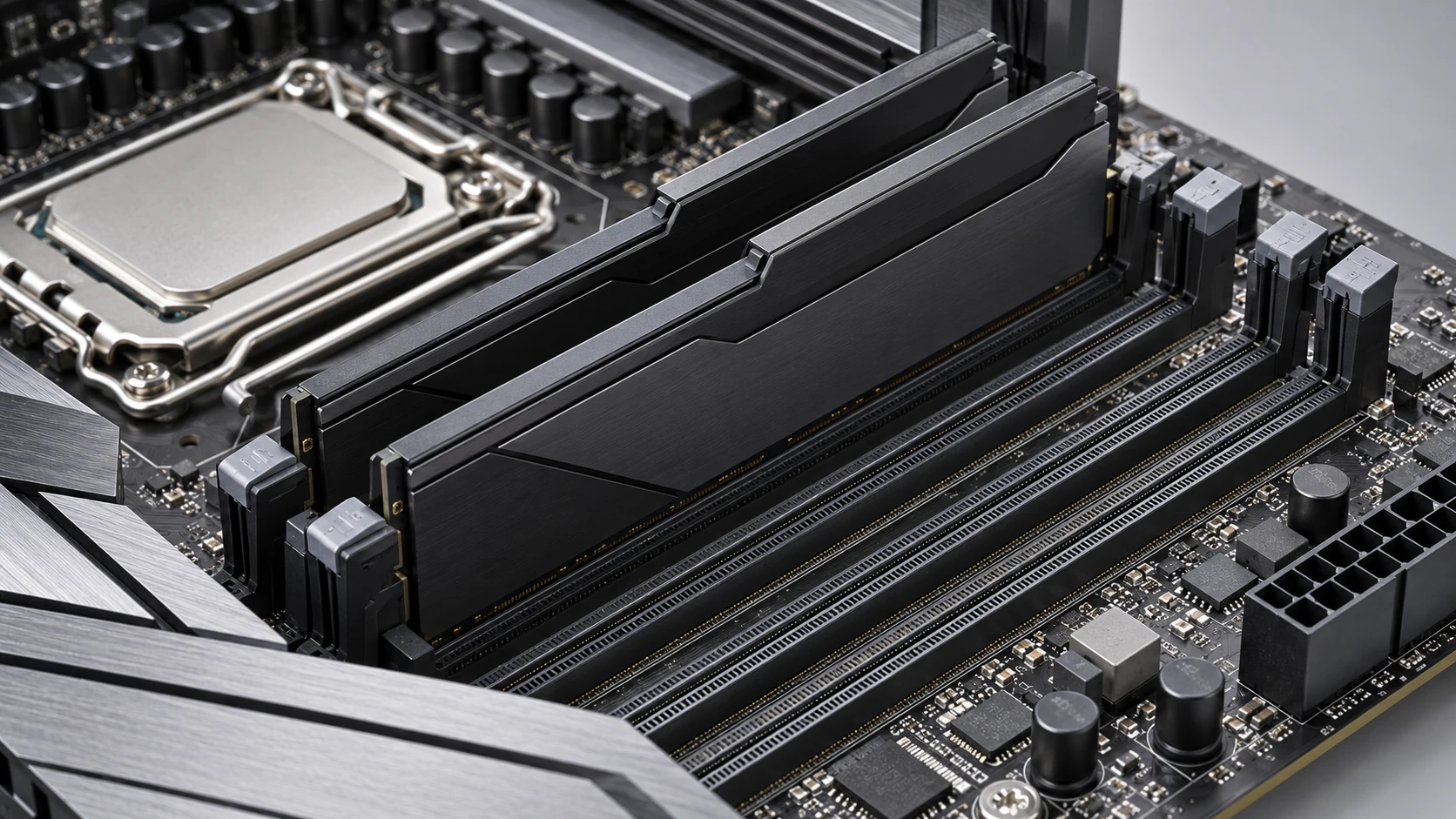
MT/s means millions of data transfers per second. DDR5-5600 transfers data at a nominal 5,600 million transfers per second per data pin. Across a 64-bit interface, that corresponds to 44.8 GB/s theoretical peak transfer bandwidth, before overhead. It is a calculation, not a measured workstation result.
Actual available bandwidth also depends on the memory controller, channel count and operating speed. Adding modules to an already occupied channel is not the same as enabling another channel. Extra DIMMs can also reduce the supported rate on some processors.
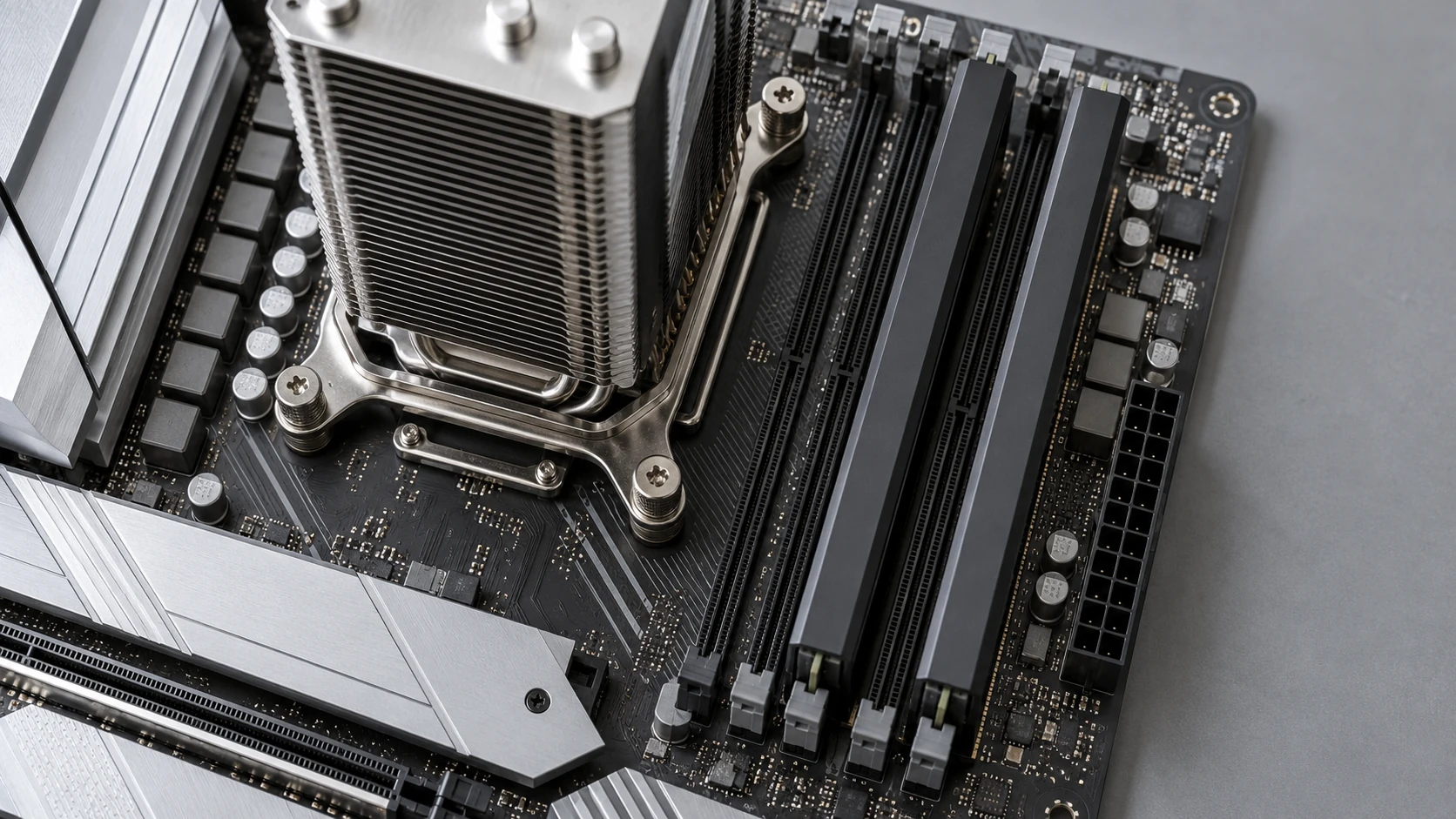
DDR5 modules place important power and configuration functions on the memory board. A PMIC supports local power regulation, and an SPD hub provides module configuration information. Some products add a heat spreader for their thermal design; that exterior is not a reliable way to tell whether a module supports system-level ECC.
For an ECC UDIMM, the extra check-bit storage works with an ECC-capable host to help detect and correct specified memory errors. That protection has a defined purpose; it does not guarantee application correctness, error-free operation or a particular AI result.
For a new workstation or an upgrade, identify the CPU and motherboard’s required module type, the required capacity per DIMM, available channels and supported population before choosing the number of modules and their operating rate. Cloud 9’s Workstation Memory category covers DDR5 UDIMM and ECC UDIMM for compatible platforms.
Threadripper exception: AMD Ryzen Threadripper and Threadripper PRO workstation platforms use DDR5 RDIMM, not ECC UDIMM. Their memory belongs under Cloud 9’s Server Memory product classification. The site category is a commercial route, not an electrical compatibility standard.