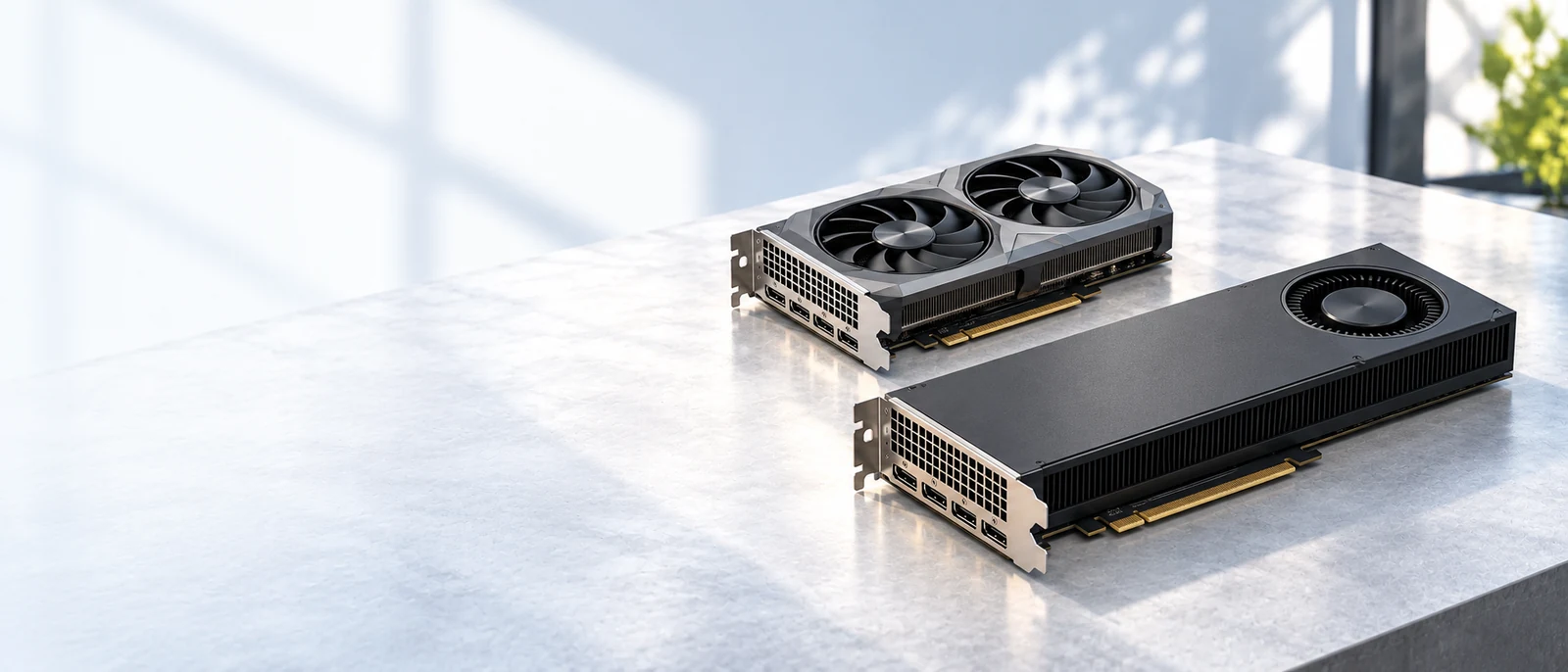
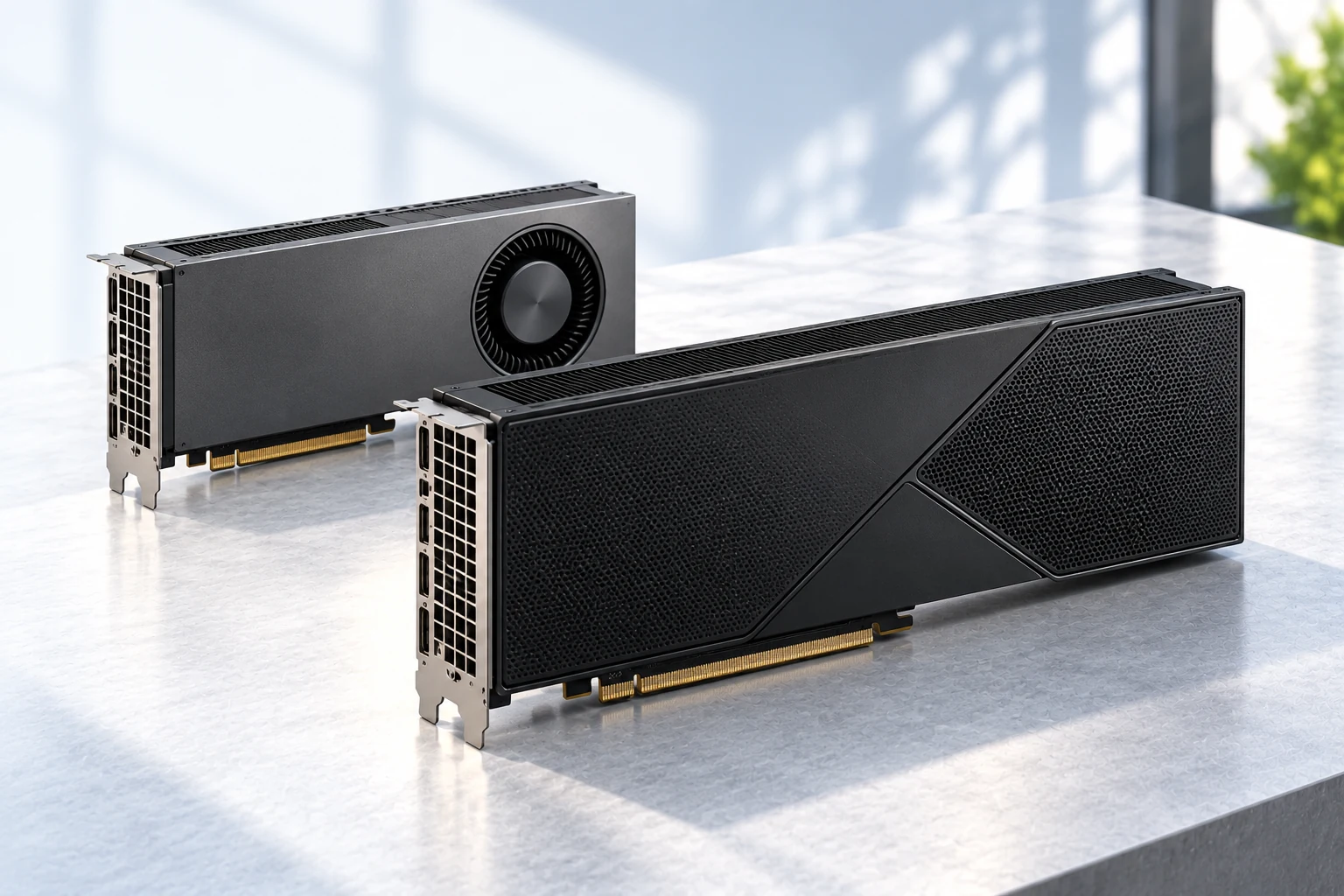
Professional GPUs for AI and visual computing.

Cloud 9 sources and supplies NVIDIA RTX PRO Blackwell and RTX Ada Generation graphics, alongside AMD Radeon PRO and Radeon AI PRO. Explore PCI Express hardware for AI development, professional rendering, simulation and accelerated applications.

THE PROFESSIONAL GPU

The GPU changes what a workstation can do.

Professional graphics hardware has a much broader role than drawing images. In supported applications, it accelerates local AI inference, rendering, simulation, media processing and parallel computation. The GPU can make complex workflows practical within an individual workstation.

The suitable graphics platform depends on the work. A large model needs enough usable device memory. A renderer depends on its supported acceleration path. An engineering application may require specific drivers, numerical precision or certified configurations. Cloud 9 supplies professional GPU options with those distinctions in view, whether the requirement is an individual card or part of a complete system.

AI inference · Rendering and graphics · Engineering simulation · Media processing · Software compatibility

PROFESSIONAL GRAPHICS

Professional graphics from NVIDIA and AMD.

Two professional graphics ecosystems. Different architectures, software environments and physical configurations. Both require selection against the intended workload and host system.

Unbranded professional graphics cards on a pale studio surface.

NVIDIA PROFESSIONAL GRAPHICS

RTX PRO Blackwell and RTX Ada Generation

NVIDIA professional PCI Express GPUs support 3D production, technical visualisation, GPU-accelerated applications and selected AI development workloads. RTX PRO Blackwell extends the current range of compute and memory options, while RTX Ada Generation remains relevant where the chosen application and configuration suit it.

CUDA software support, RTX graphics acceleration and professional driver options are part of the decision. GPU memory, card edition, power, cooling and deployment conditions still need to match the intended system.

RTX PRO Blackwell · RTX Ada Generation

Explore NVIDIA professional GPUs
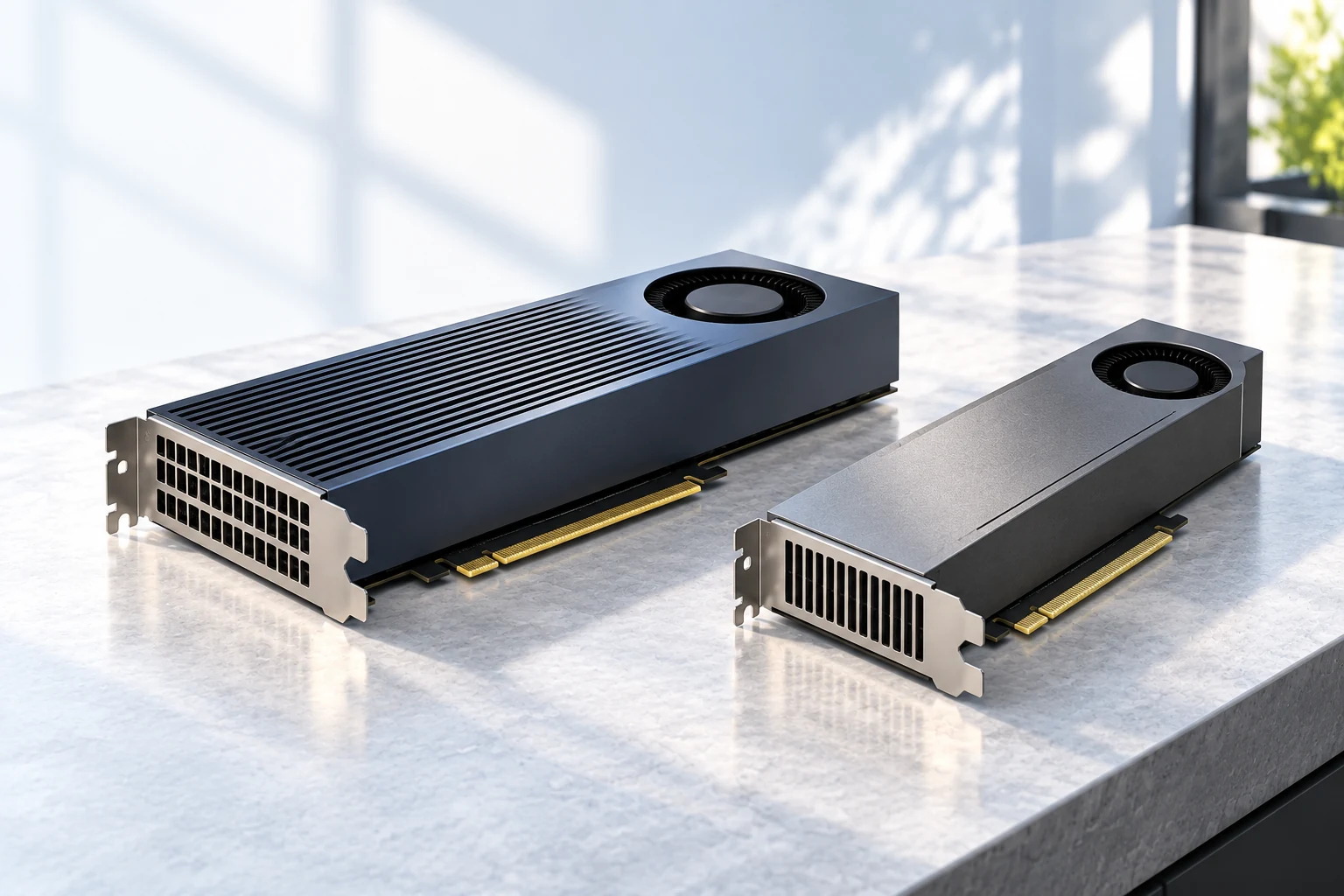
Unbranded professional graphics cards with distinct full-length cooling housings.

AMD PROFESSIONAL GRAPHICS

Radeon PRO and Radeon AI PRO

AMD Radeon PRO graphics address professional visualisation, design, media and engineering workloads. Radeon AI PRO adds a focused option for supported local AI inference, model development and other memory-intensive work.

AMD professional drivers and the ROCm software ecosystem provide important capabilities, but GPU support, operating system and framework version must be checked for the actual application.

Radeon PRO W7000 · Radeon AI PRO R9000

Explore AMD professional GPUs

APPLICATIONS

Built for the work, not a benchmark headline.

Select hardware for the software and memory requirements of each workflow.

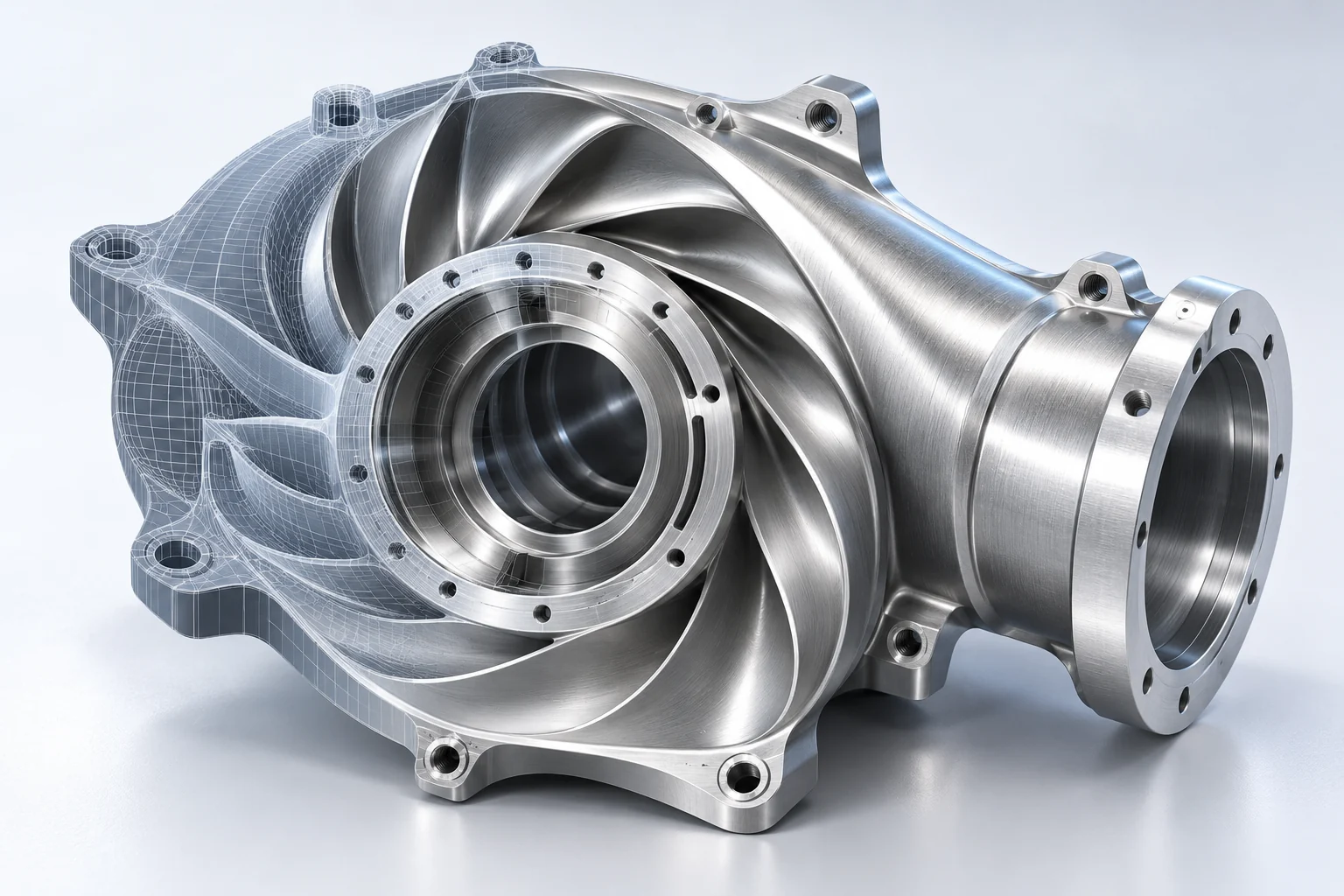
Precision metal turbine rendering with a partial wireframe overlay.

Rendering and visual computing

Complex scenes, ray-traced production, 3D assets and interactive visualisation. GPU selection follows the renderer, the scene and the intended output.

Selection factors: Renderer support · scene memory · graphics capability

A closed compact workstation beside a monitor comparing a metal bracket, blue cable and orange case with colored segmentation masks.
Visual inputModel output

Local AI and model evaluation

Run supported models, evaluate inference behaviour and explore selected model-adaptation methods. Model footprint, runtime, context and precision guide the capacity requirement.

Selection factors: Model footprint · runtime · numerical precision

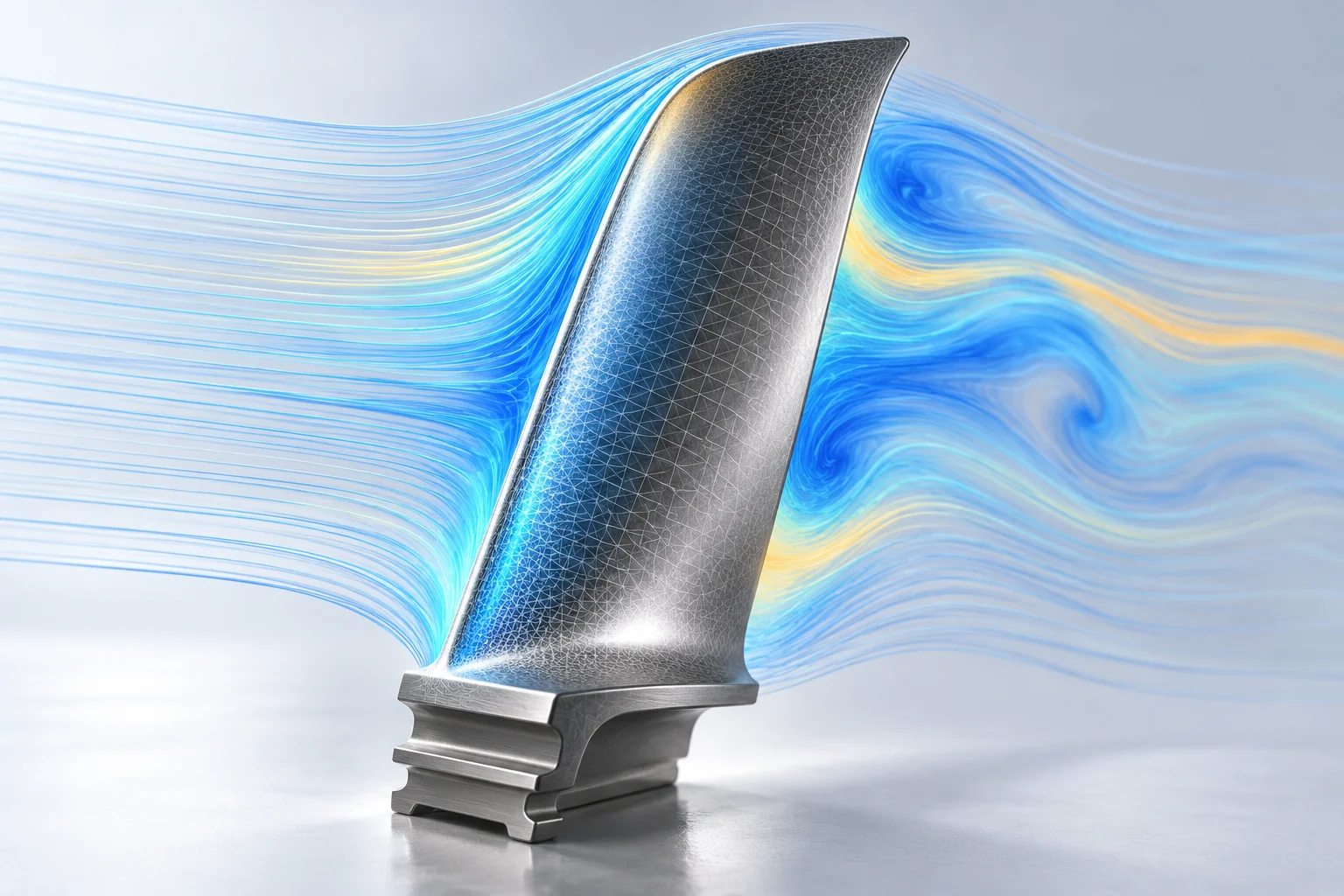
Turbine blade with simulated airflow shown as blue and amber streamlines.

Engineering and simulation

Accelerate appropriate solvers, technical visualisation and data-intensive engineering workflows. The application determines which stages benefit from the GPU.

Selection factors: Solver support · memory · host resources

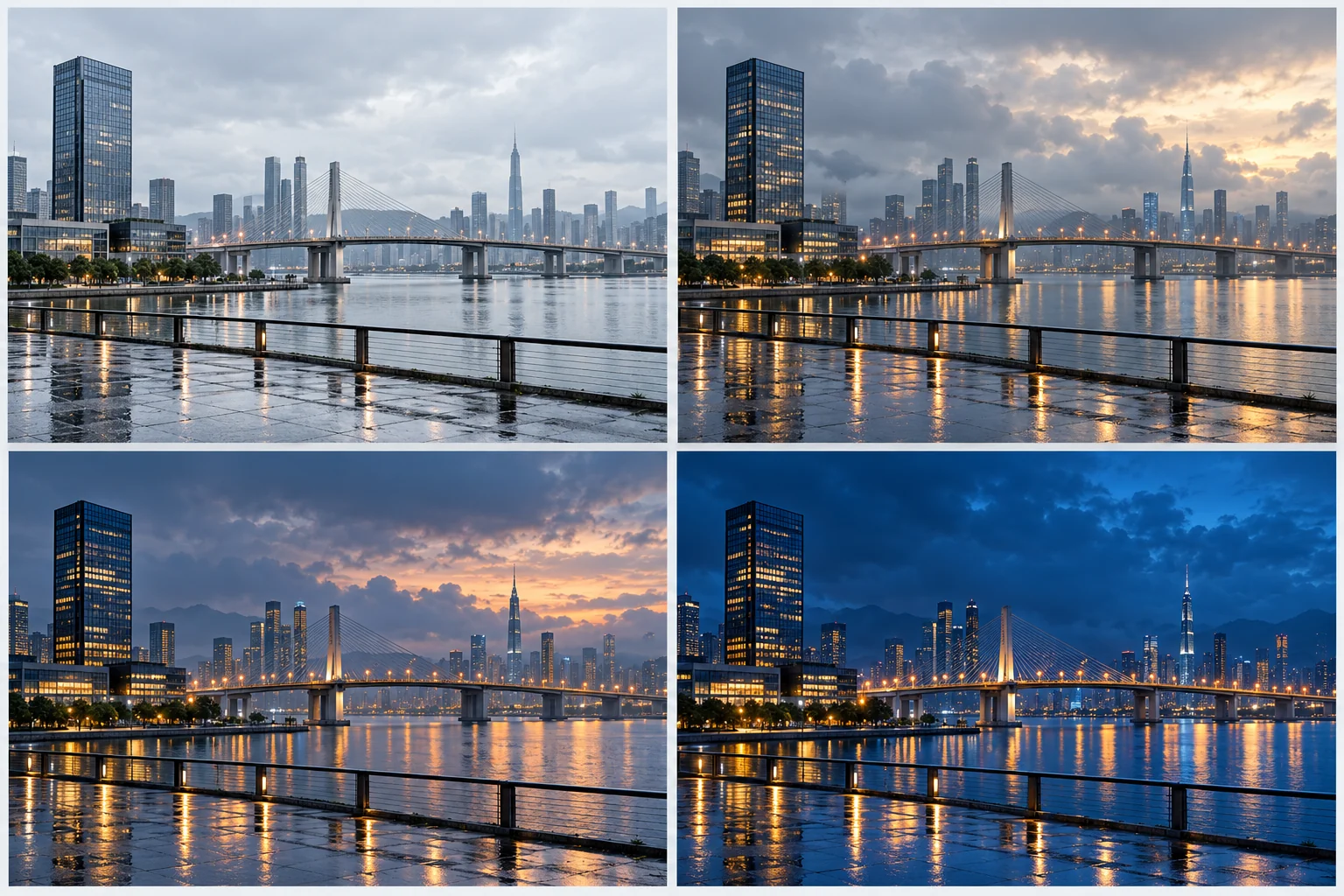
Four views of the same city waterfront showing changes in light and atmosphere.

Video and generative media

Produce and process complex media, visual effects and AI-assisted content. Hardware media engines and software support matter alongside graphics compute.

Selection factors: Codec support · compute path · media pipeline

PLATFORM CAPABILITY

Understand the capability behind the specification.

A professional GPU is a combination of compute architecture, local memory, specialised engines and software support. Those characteristics are not interchangeable across brands or even across every model in one family.

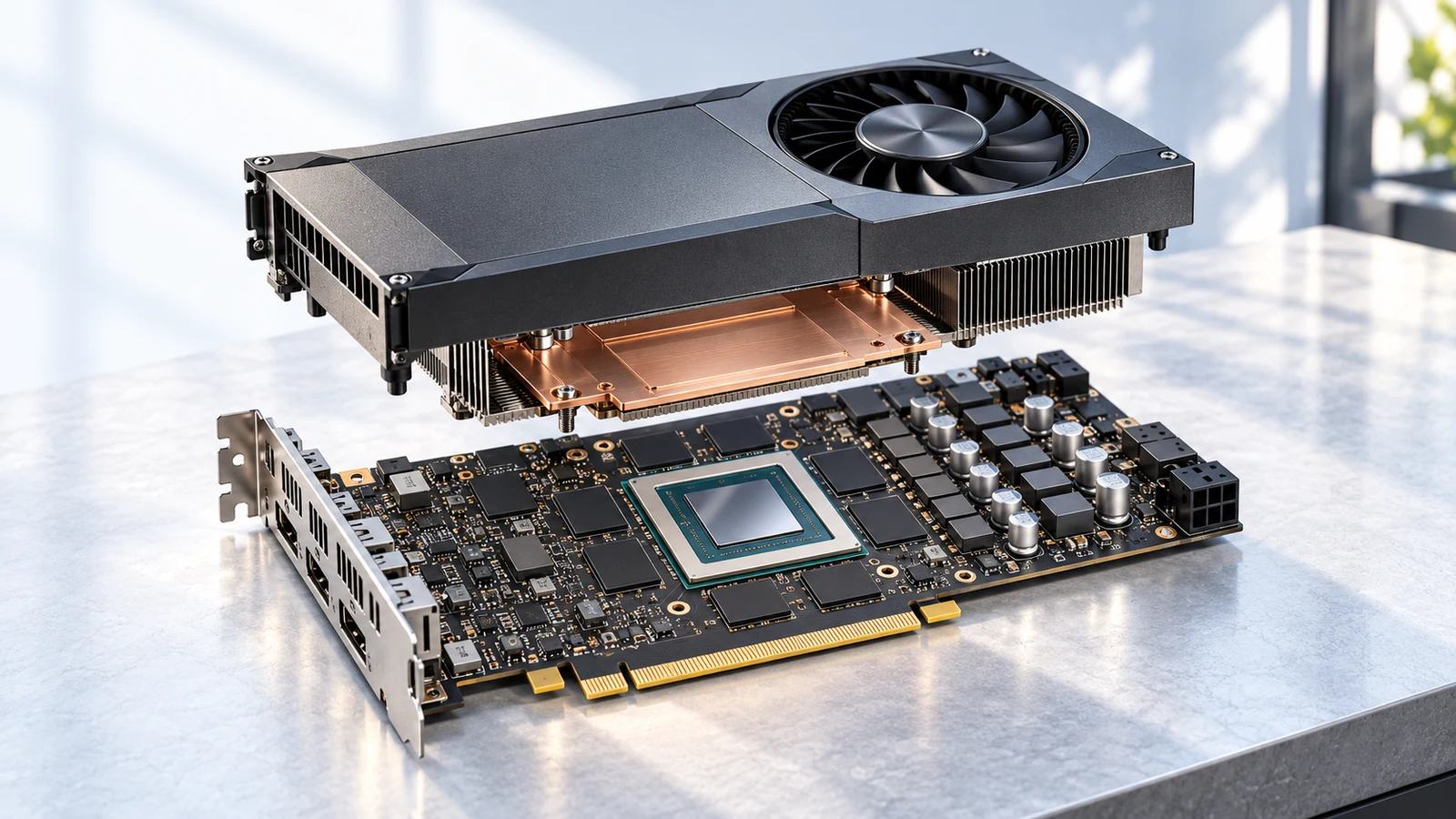
Conceptual close detail of a professional graphics board, processor, memory and cooling.
  1. Parallel GPU compute

    The processing resources available to software that can divide work across many operations.

  2. Dedicated memory and bandwidth

    The device working set and data-movement capacity, both significant for models, scenes and technical datasets.

  3. AI and matrix acceleration

    Architecture-specific acceleration for supported numerical formats and operations; peak figures require their stated conditions.

  4. Graphics and ray tracing

    Hardware features serving real-time visualisation, professional viewports and supported rendering pipelines.

  5. Video and media processing

    Model-specific encode/decode engines for supported codecs, formats and production pipelines.

  6. Software, drivers and frameworks

    CUDA and ROCm ecosystems, graphics APIs, professional driver support and application-specific compatibility.

Compare compute figures using the same numerical precision, sparsity settings and calculation method.

COMPLETE SYSTEM FIT

The GPU must fit the system around it.

GPU selection changes more than the graphics specification. It affects PCI Express and slot space, auxiliary power, thermal layout, system memory and storage planning. Those relationships matter under sustained creative, engineering and AI workloads.

Where an application can use more than one GPU, platform lanes, card spacing, cooling and software support require explicit review. Multiple GPU memory capacities do not automatically become one unified memory pool.

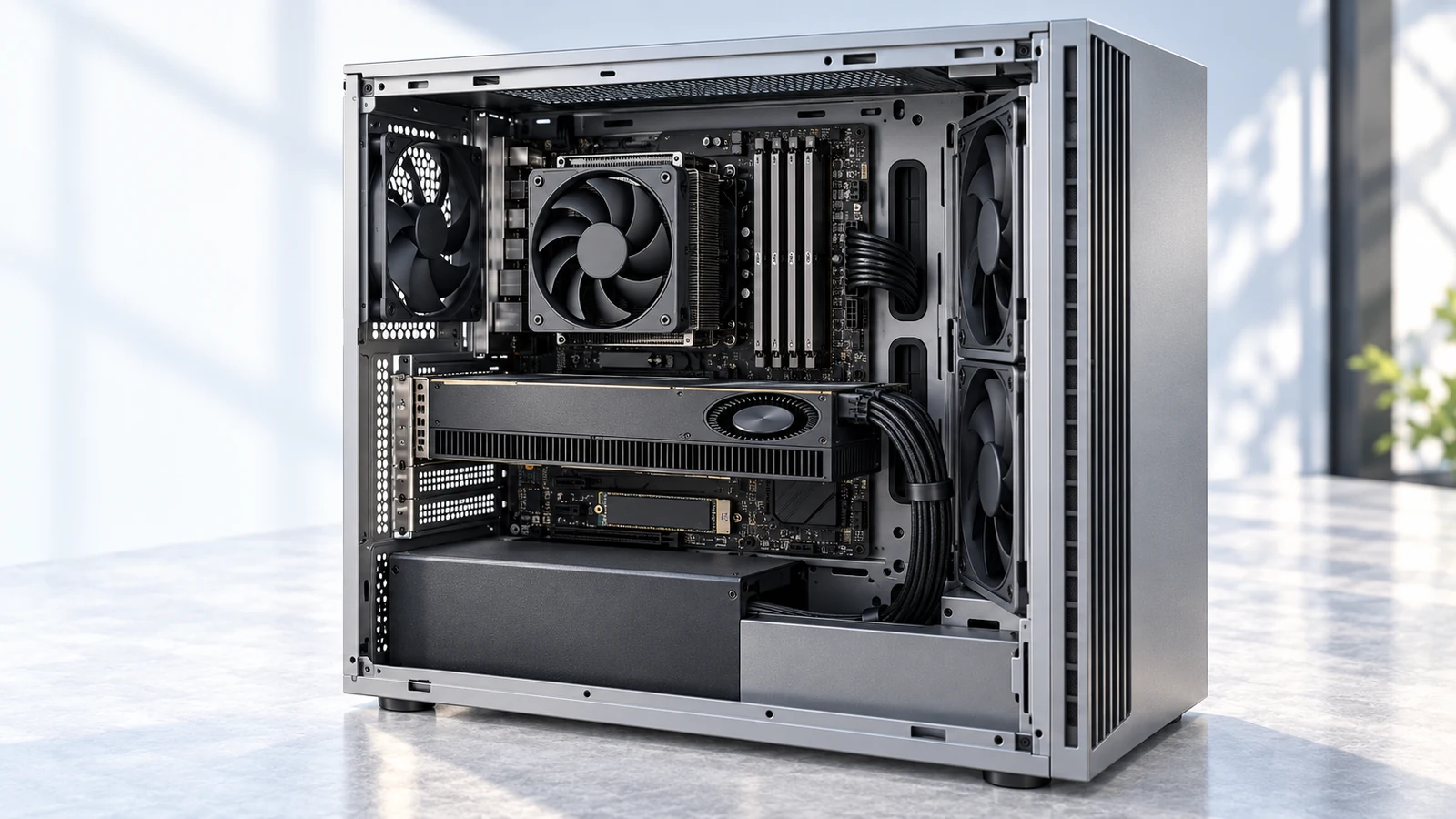
Conceptual workstation interior with the graphics card seated in a PCI Express slot.
  1. Application and software

    Start with the real renderer, solver, model runtime or development framework.

  2. Capacity and data movement

    Assess GPU memory separately from host RAM and SSD storage, then consider how data reaches the device.

  3. Physical and electrical fit

    Check PCIe, dimensions, power connectors and airflow against the selected enclosure.

  4. Deployment context

    Workstation and server use require edition, cooling, software and environment-specific review.

SOURCING PROFESSIONAL GRAPHICS

Source professional graphics around the requirement.

Whether the requirement is an individual professional PCI Express GPU or graphics hardware within a complete workstation, Cloud 9 can discuss the application, selected platform and commercial quantity. The right choice begins with the work the system must perform.