Cooling and airflow
The selected fan, heatsink and enclosure support the complete system. Their arrangement varies by device.


Cloud 9 sources and supplies Ryzen AI Max-based Edge Workstations for local model development, inference and creative computing. Zen 5 processing, integrated Radeon graphics, an AMD XDNA 2 NPU and high-capacity unified memory bring a capable x86 development environment into a compact system. Explore Halo and other Ryzen AI Max-based designs around the work your team needs to run.
A compact system brings CPU processing, integrated graphics, an NPU and unified memory into a closely connected platform. Explore those roles alongside the cooling, storage and connectivity that make the system practical to use.
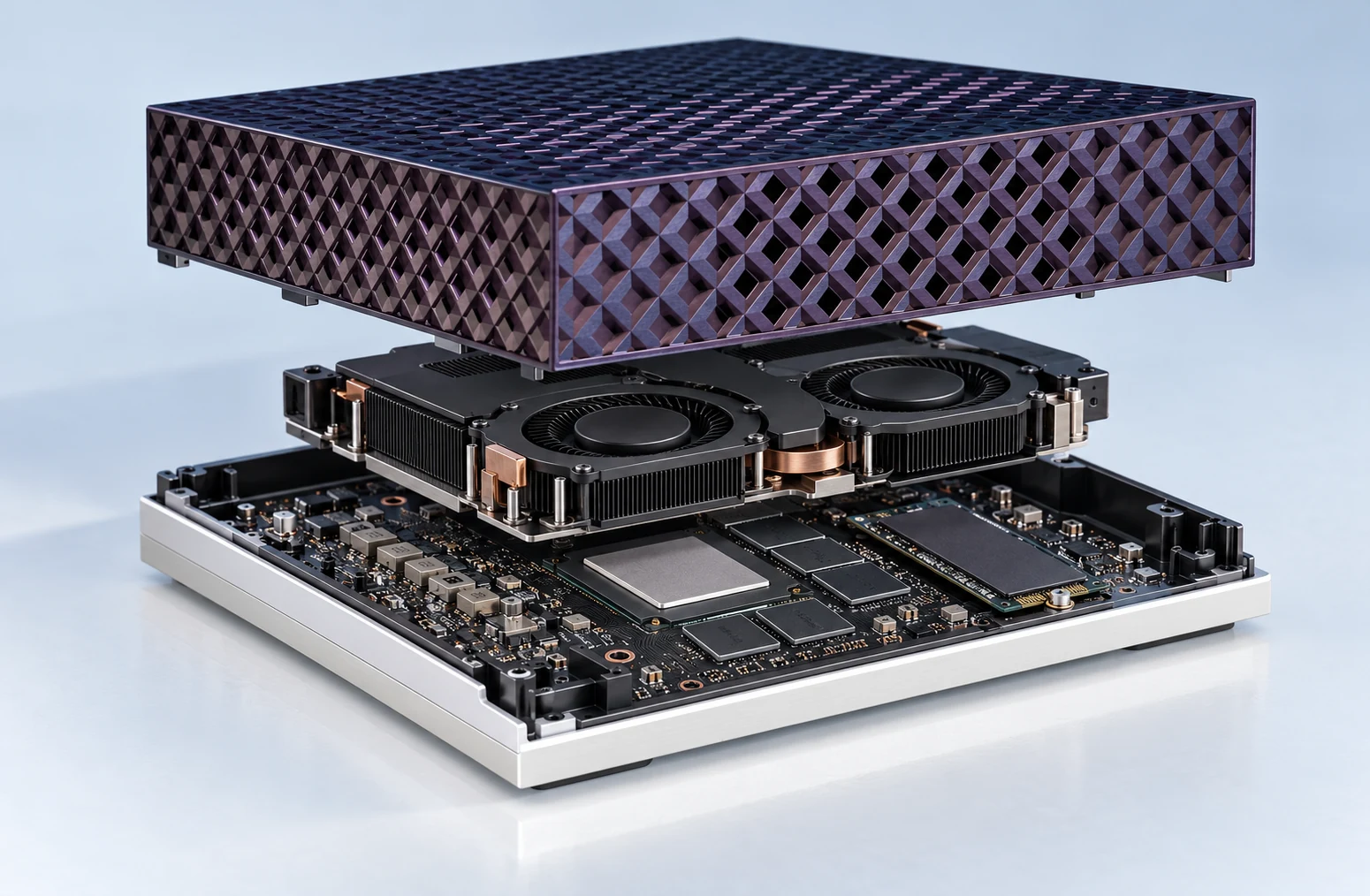
Explore the integrated platform and its supporting hardware.
Zen 5 CPU resources handle development tools, data preparation and the application logic around the model.
The selected fan, heatsink and enclosure support the complete system. Their arrangement varies by device.
A separate local SSD holds applications, models, datasets and outputs. Capacity and placement depend on the selected system.
The exterior connections support displays, peripherals and networks. Connector types and versions depend on the chosen system.
The value of the platform is the way its resources support a working environment. Computing capacity, memory and software need to fit the application together.
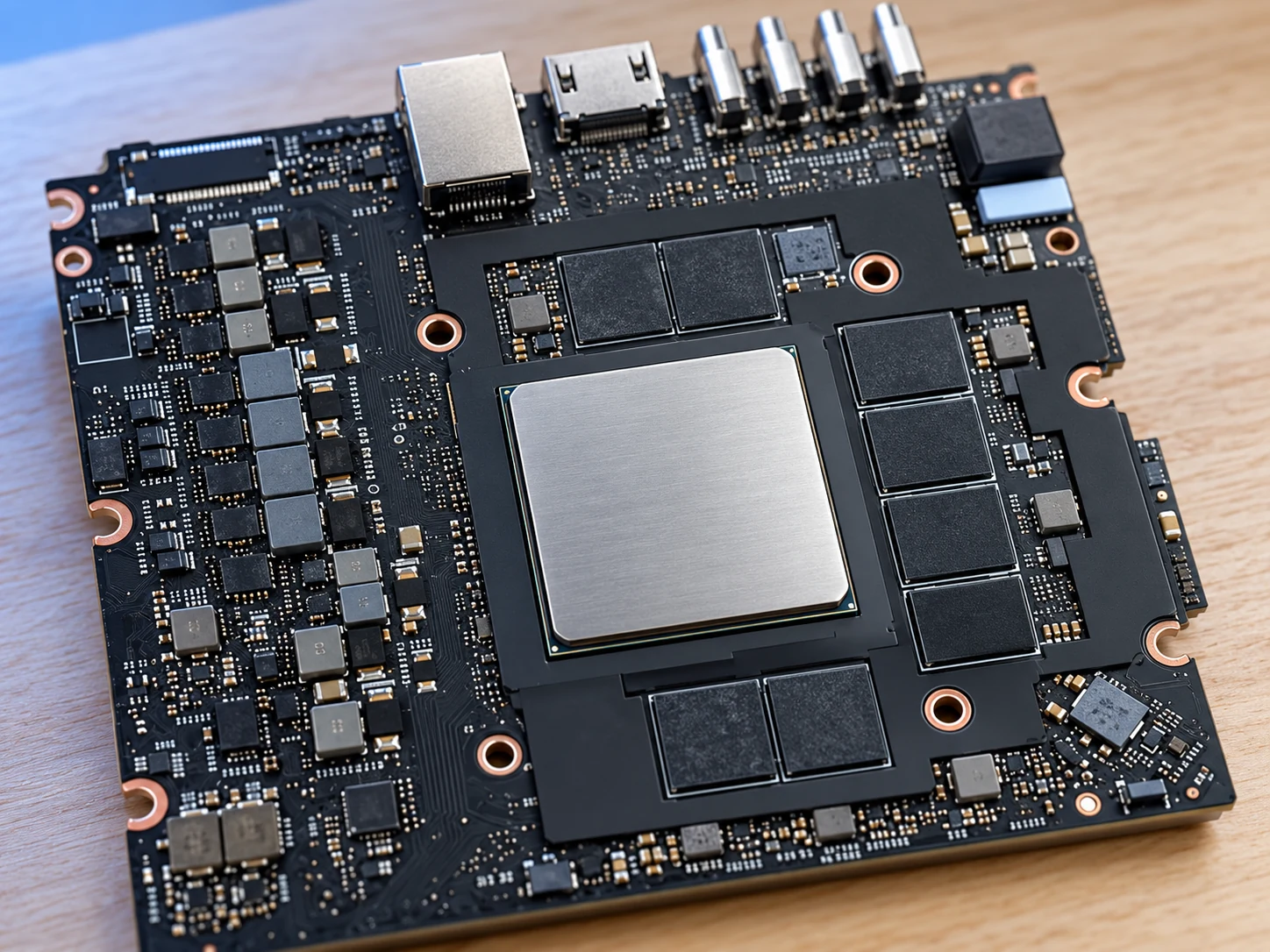
Keep coding tools, data preparation and application services on the same x86 workstation. Processor, memory and software choices are considered together rather than around inference alone.
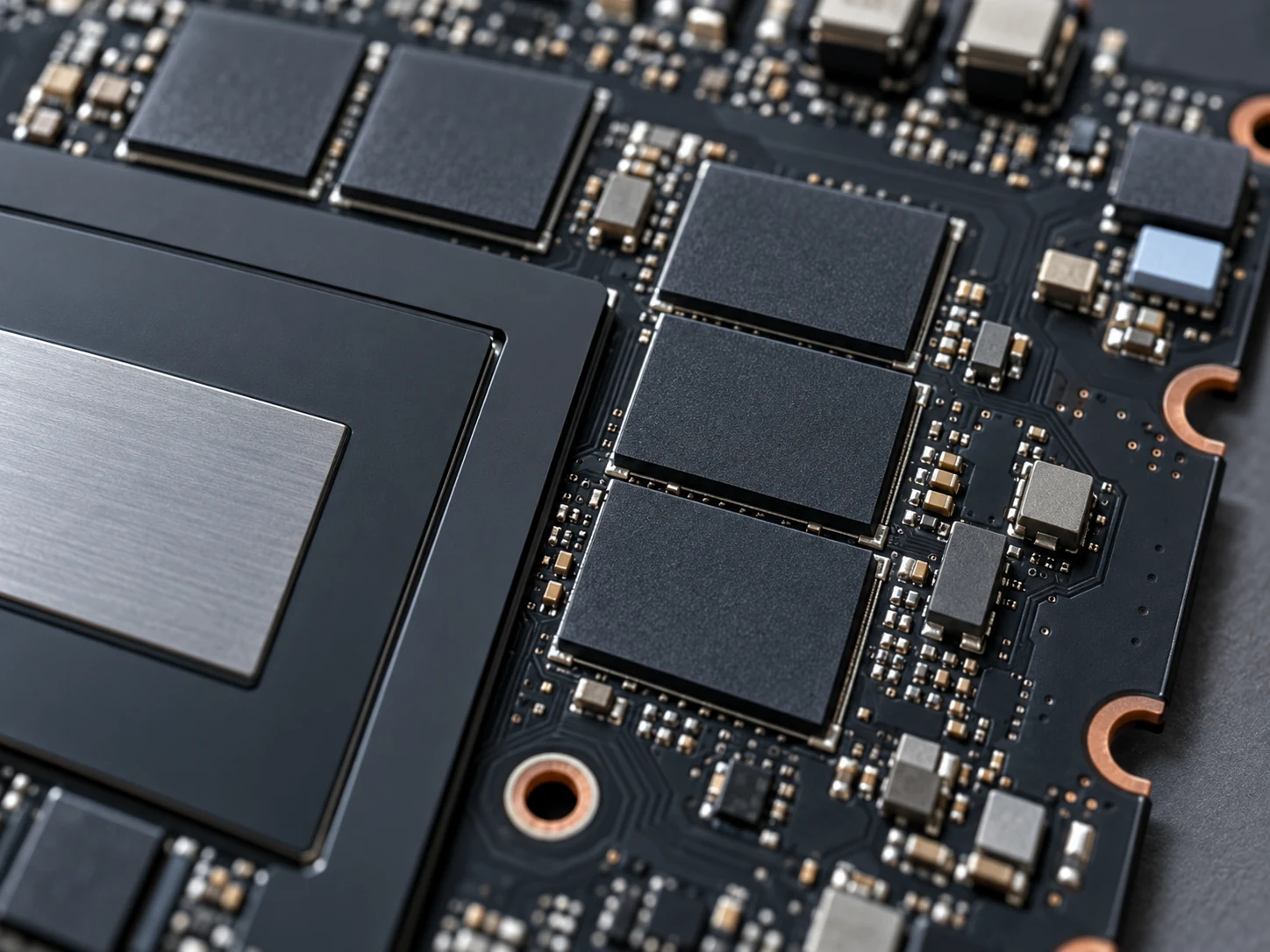
A high-capacity memory configuration creates room for model weights and working data. Select it around the runtime, context length and applications that need to coexist.
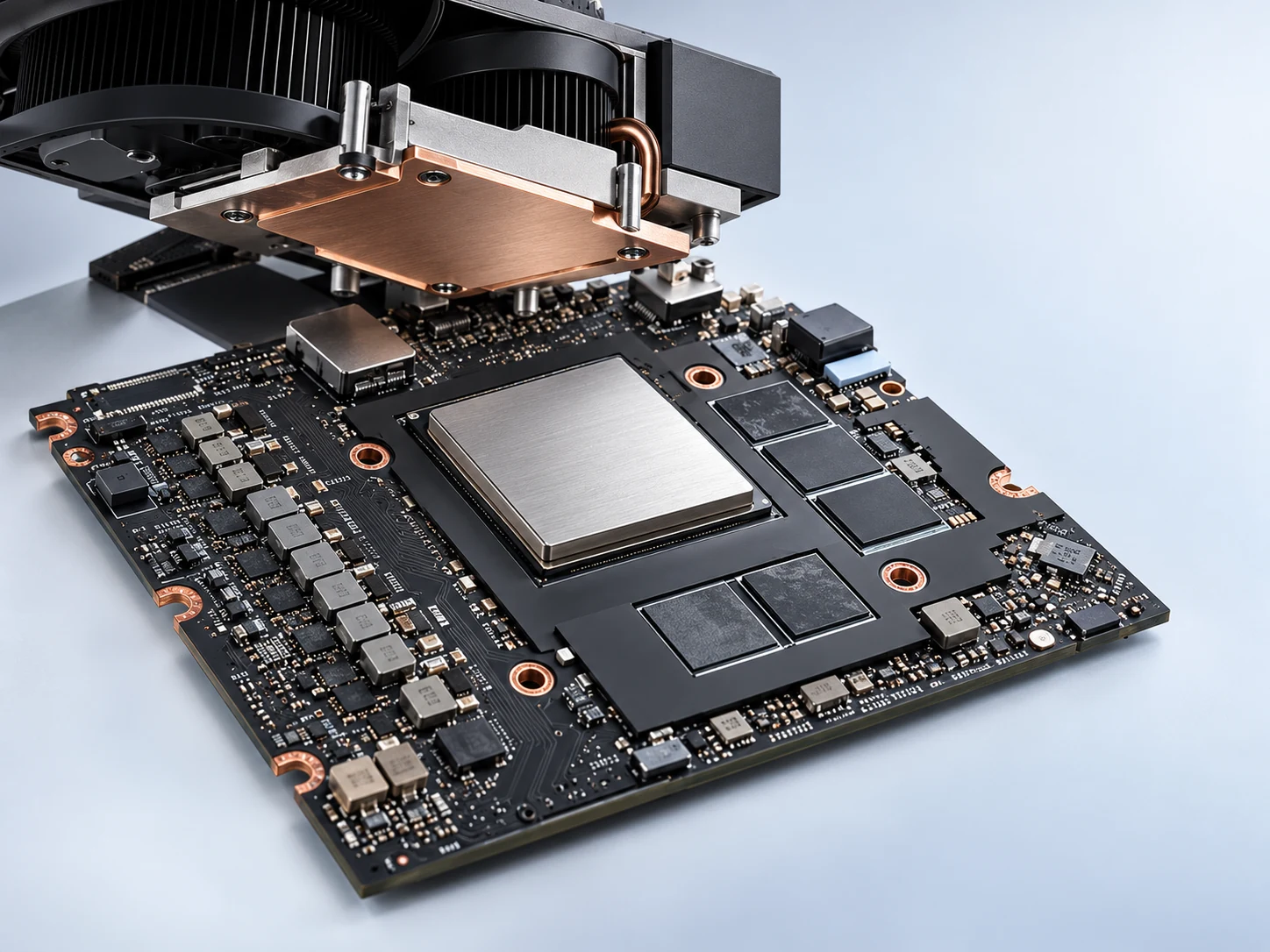
Radeon graphics and the Ryzen AI NPU provide distinct acceleration paths. Match the tools and runtime to the appropriate engine, with the CPU coordinating the wider workflow.
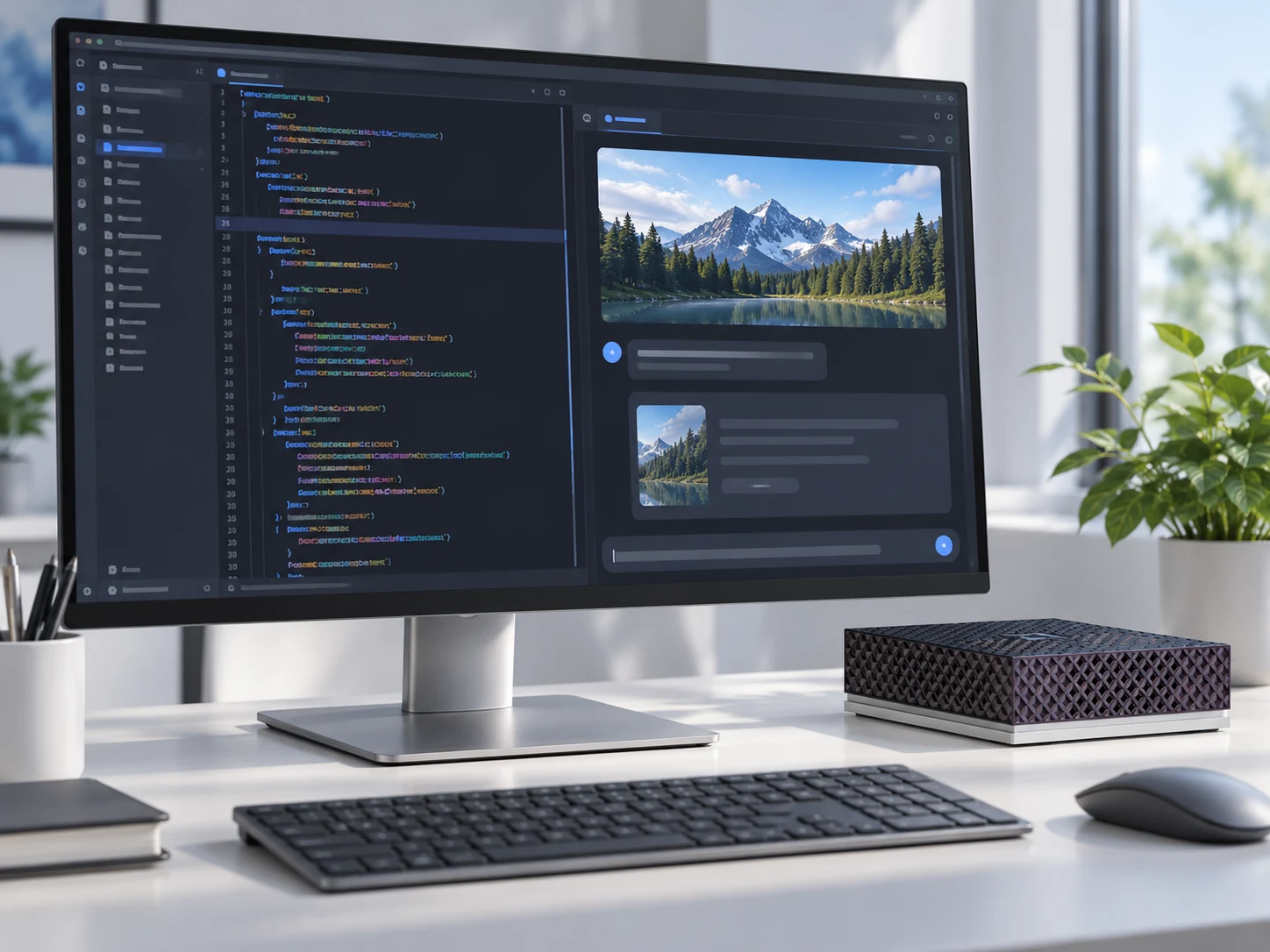
Use supported Windows or Linux environments with the relevant AMD drivers, runtimes and development tools. Halo provides a documented developer experience; other systems are selected and prepared around their own configuration.
Build software, explore models and develop creative or analytical workflows on dedicated hardware. The appropriate operating environment and acceleration path depend on the tools being used.
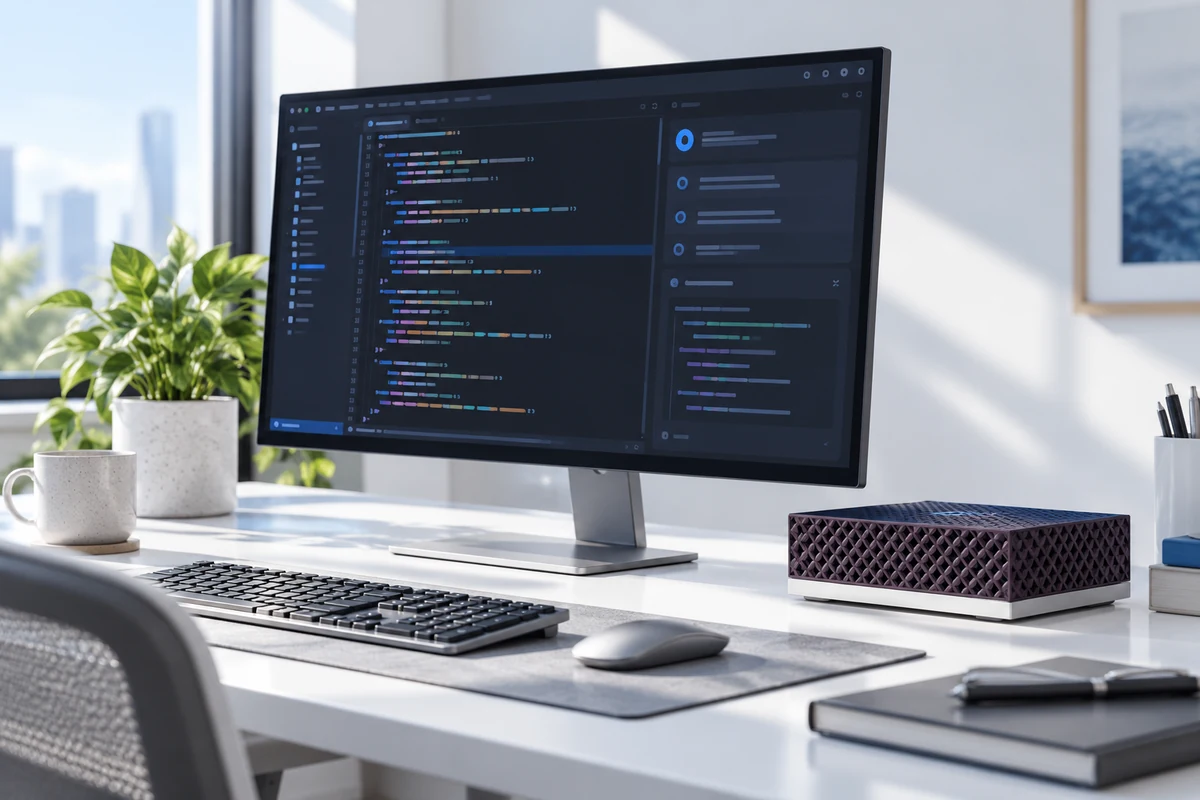
Connect coding tools and agent workflows to a local model. Evaluate application changes, tool use and integrations within a dedicated development environment.
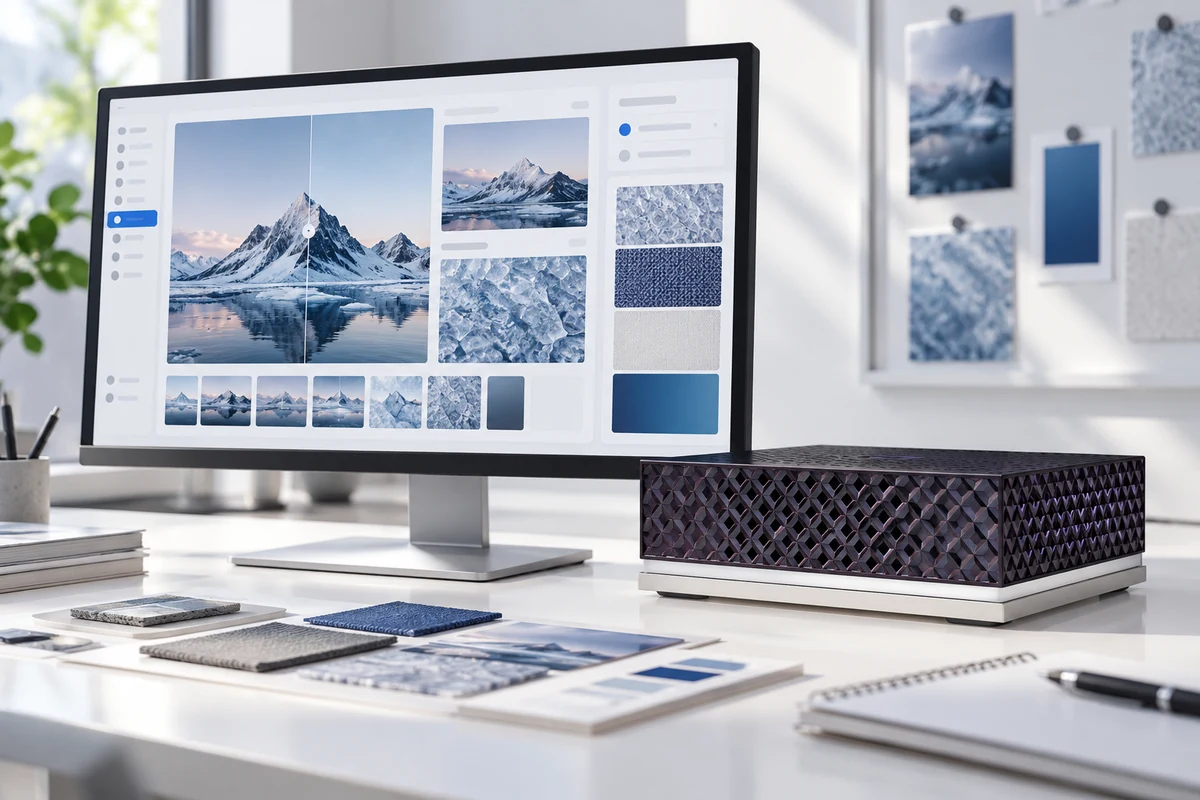
Compare open models, prompts and task-specific methods using prepared datasets. Develop and evaluate a working prototype before deciding how it should be deployed.

Serve a supported model to an application or a small working group. Keep endpoint configuration, access and runtime aligned with the way the service will be used.

Explore image generation, visual development and selected video workflows with compatible tools. Keep experimentation close to the creative process, alongside the applications used to refine the result.
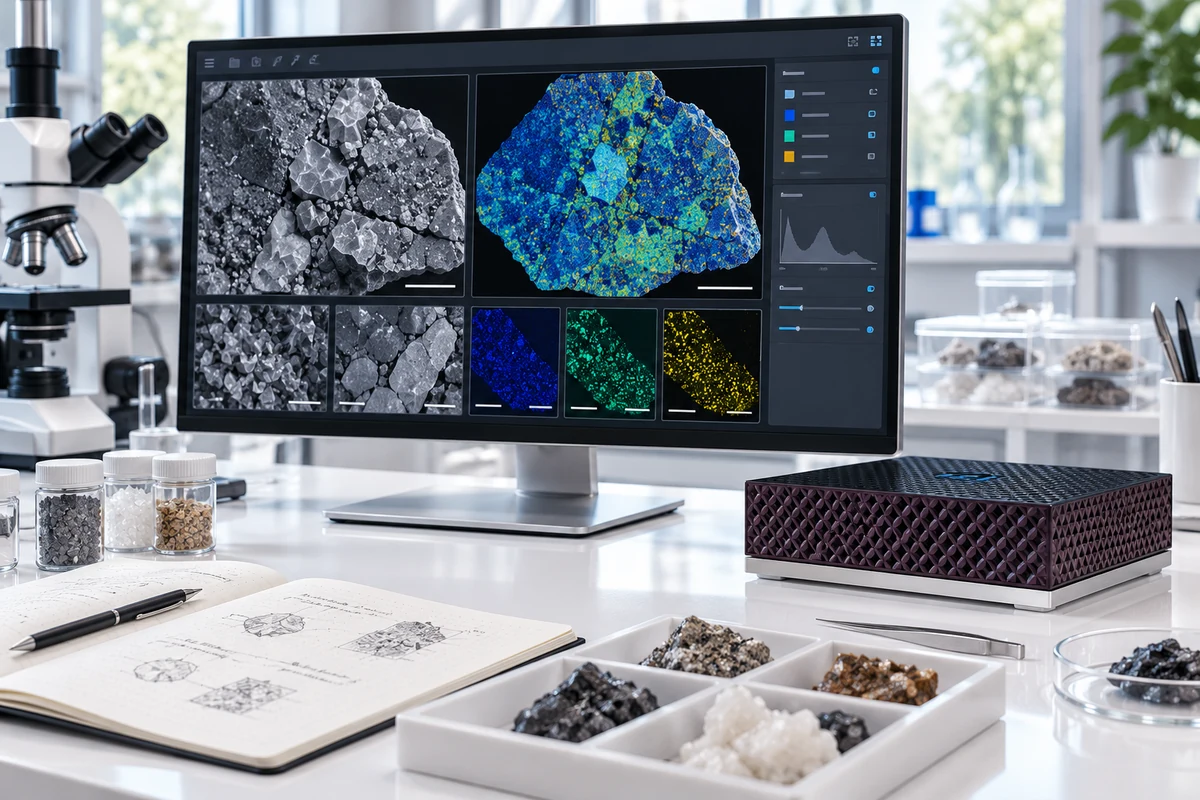
Prepare datasets, explore patterns and evaluate analytical models in a local working environment. Match the libraries, memory and acceleration path to the investigation.
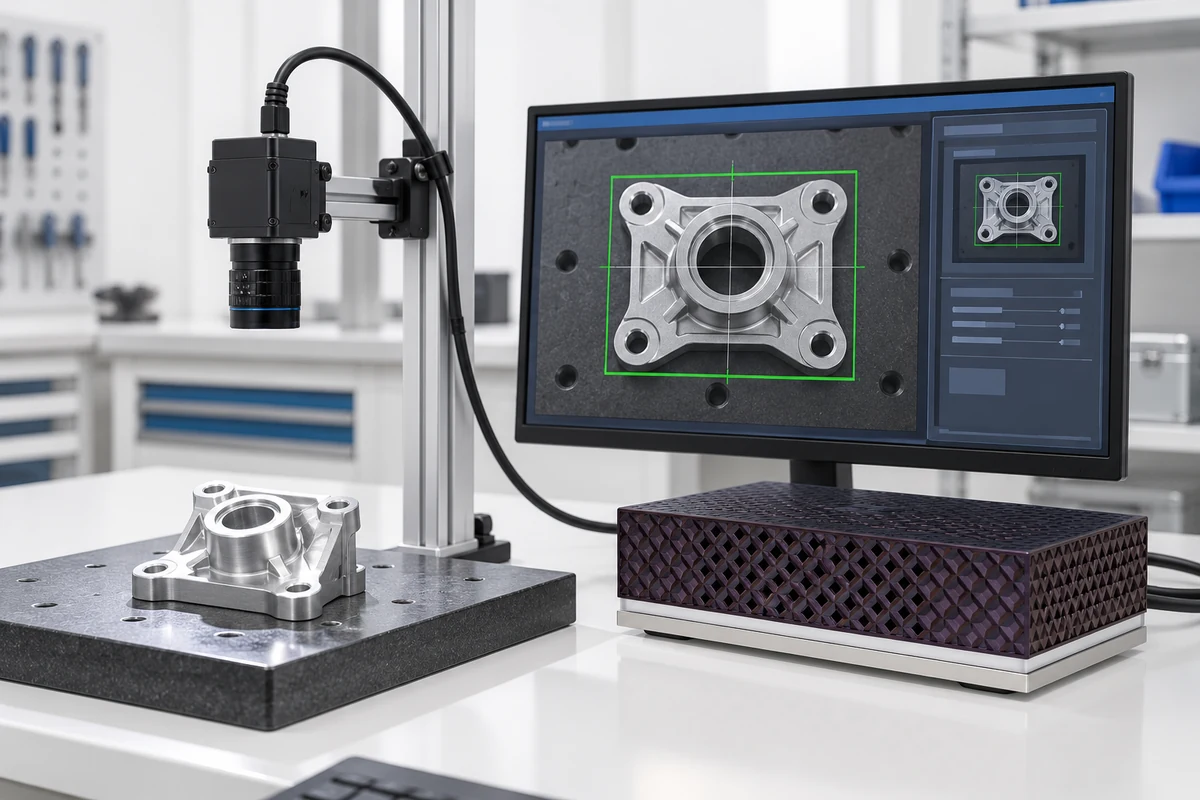
Prototype perception, inspection and other applied-AI workflows. Use compatible GPU or NPU tools to evaluate the application before selecting its final deployment hardware.
Select system memory for the complete working set: model weights, context, datasets and applications running alongside the AI workload.

A broader Ryzen AI Max family example, rather than a specification for the lead 395 or PRO 495 configurations.
Choose a model and working set with sufficient space for the operating environment.
Available in selected Ryzen AI Max+ 395 implementations.
Balance local models, coding tools and concurrent applications.
The published Halo 395 reference capacity and an option in other selected systems.
Consider larger working sets, allocation, runtime overhead and intended context length.
The published Halo PRO 495 reference capacity and selected PRO 495 implementations.
Plan demanding memory-resident work without assuming capacity alone determines speed.
Installed memory is shared by the operating system and applications. Graphics allocation follows the system, firmware and runtime.
Selected configurations can also support networked development workflows. AMD publishes a four-Halo RCCL example using suitable 10 GbE switching and a configured software stack; this is not automatic memory pooling across every Ryzen AI Max system.
Use AMD-authored guides as practical starting points for local AI. Choose the device and operating-system instructions that match the system, then follow the recipe for the selected tools and model.
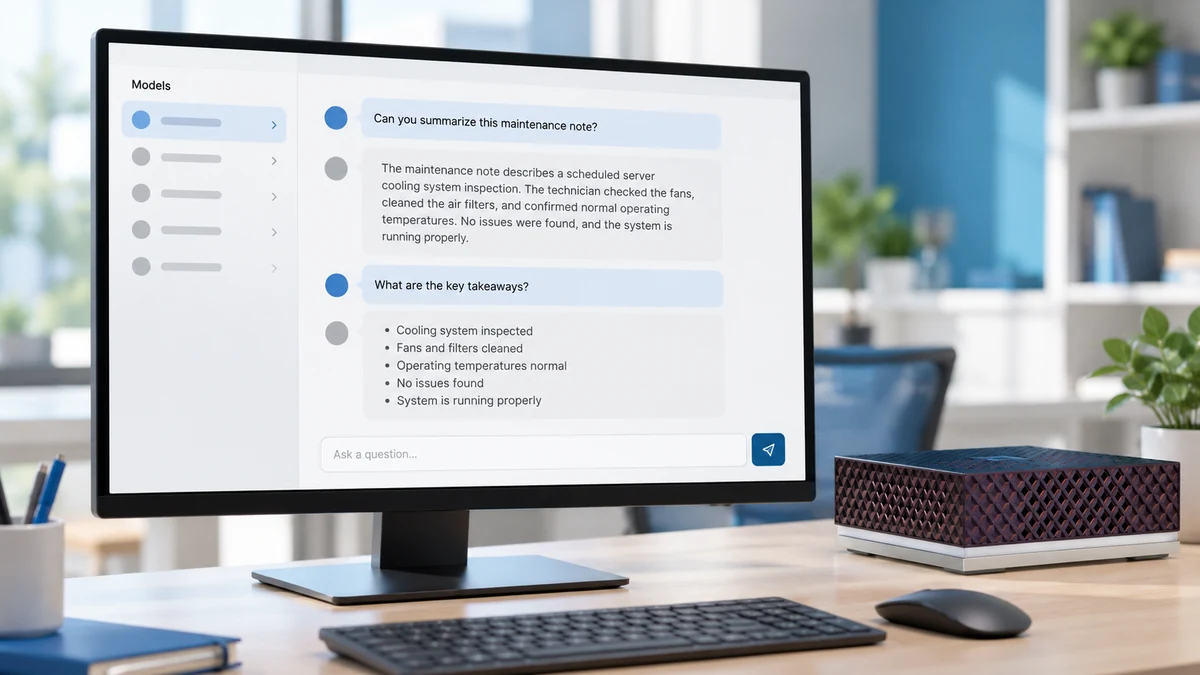
Run a supported model in LM Studio and explore a local chat or serving workflow.
Read the AMD guide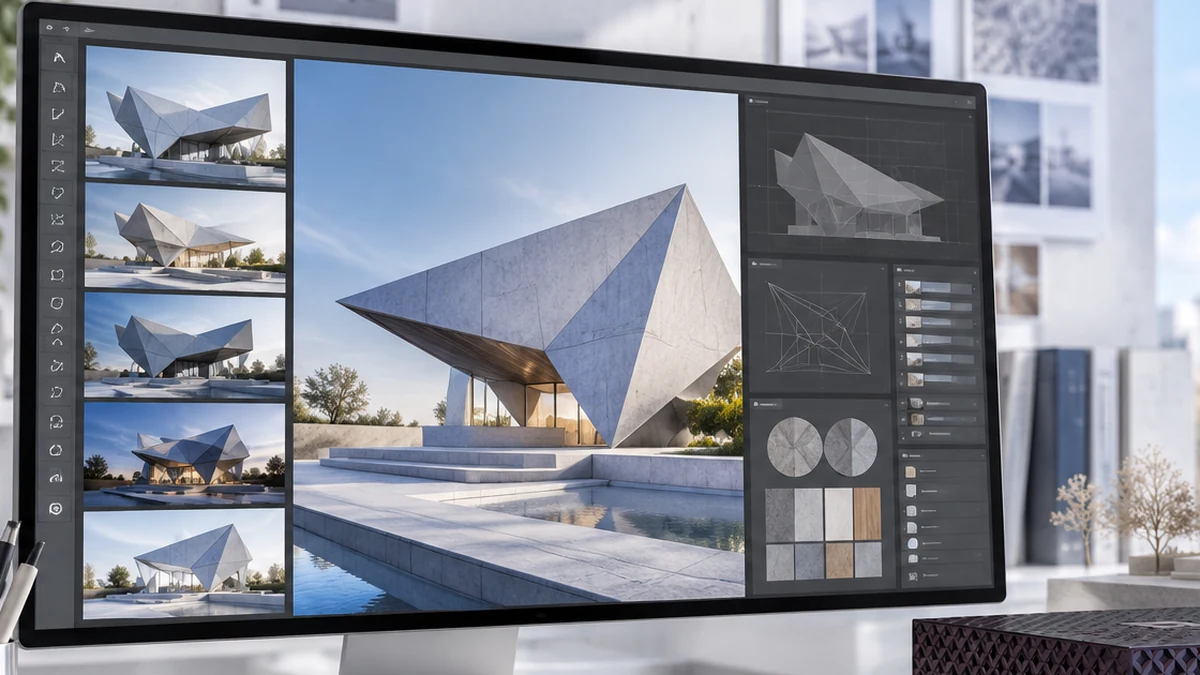
Use ComfyUI to develop a reproducible image-generation workflow.
Read the AMD guide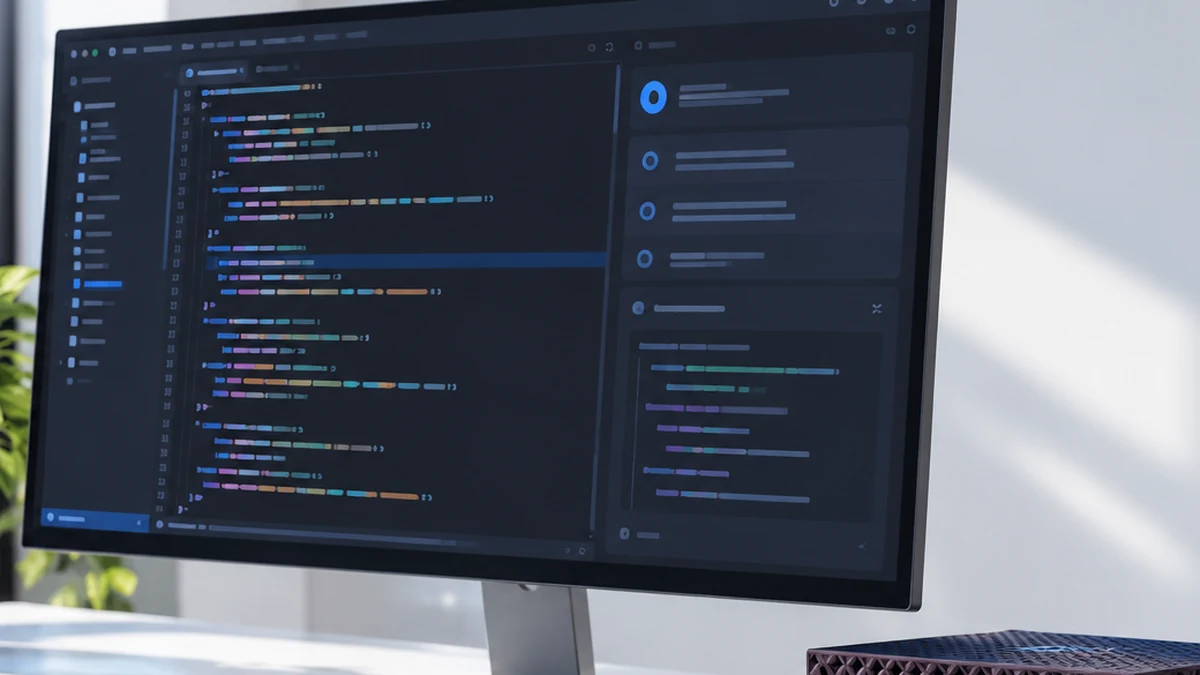
Connect a local model to a coding environment using the AMD VS Code guide.
Read the AMD guide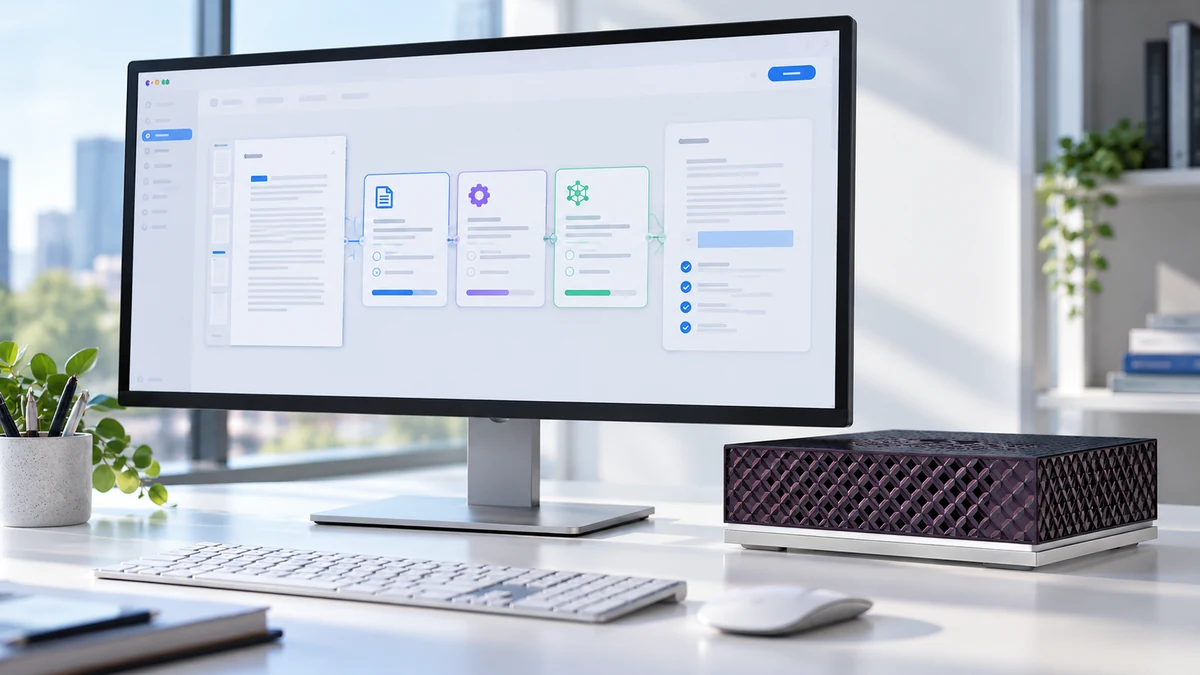
Connect a local model to a practical automation workflow with n8n and Lemonade.
Read the AMD guide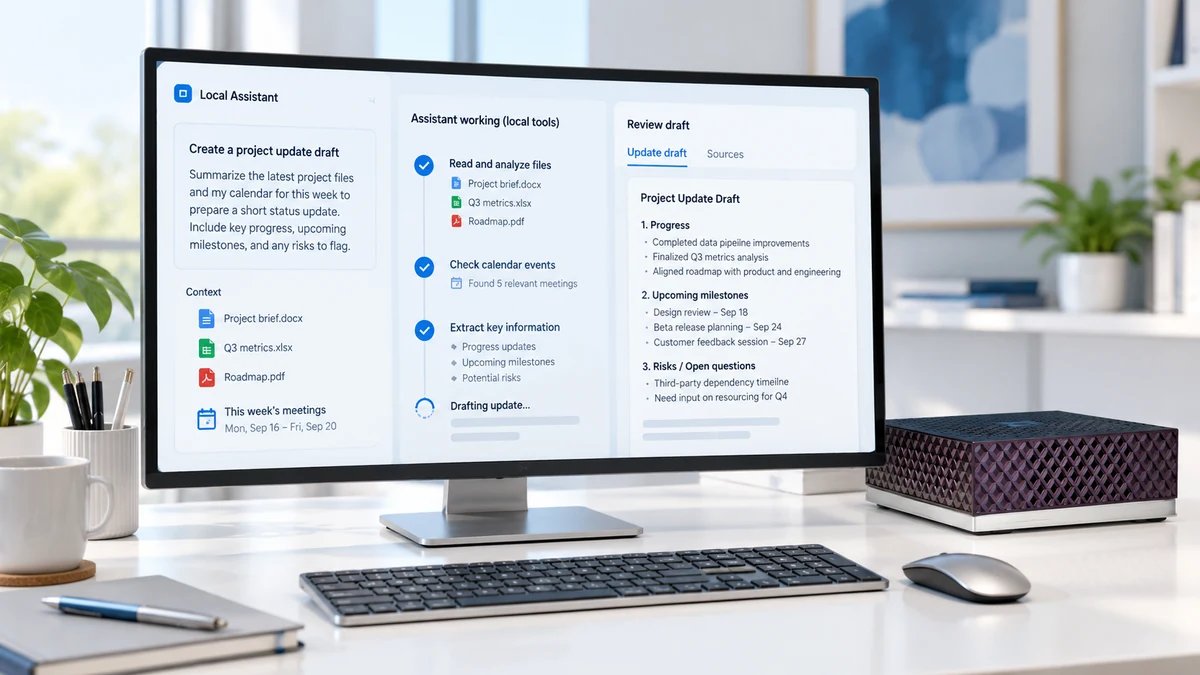
Explore OpenClaw with a local Lemonade backend, with Hermes available as an alternative guide.
Read the AMD guide Hermes guide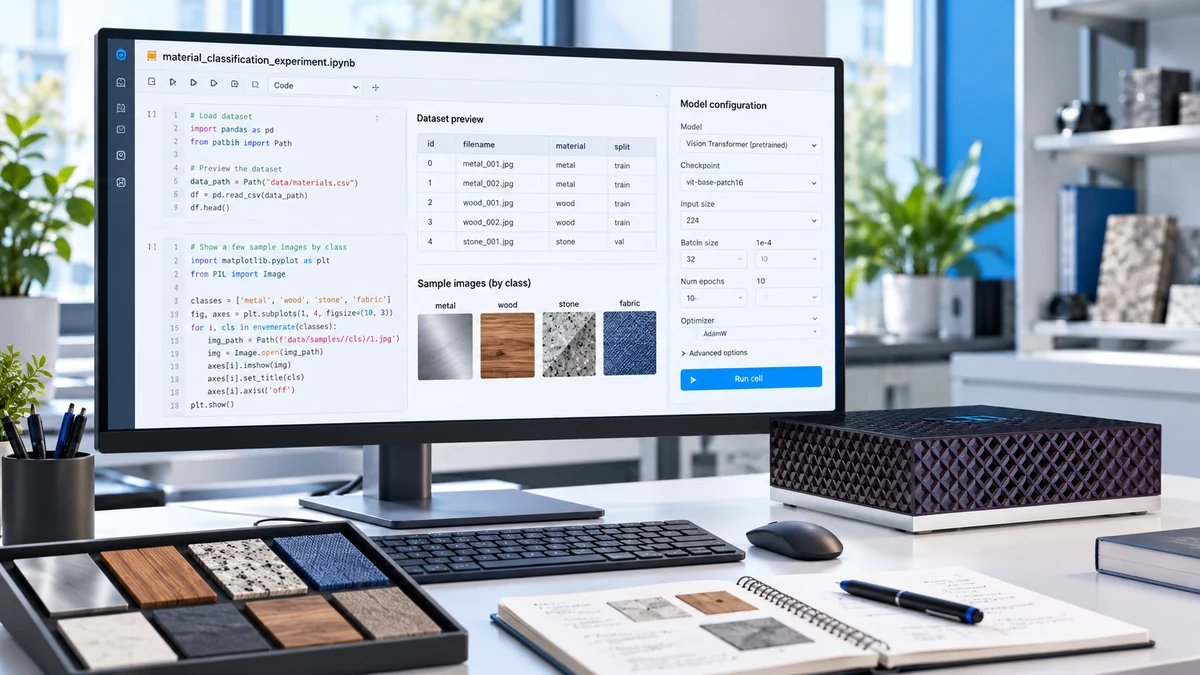
Use PyTorch and AMD ROCm to develop a local model workflow and examine its requirements.
Read the AMD guideThe comparison below uses AMD’s published Halo reference configurations to distinguish the two lead platforms. Other Ryzen AI Max systems can differ in installed memory, storage, I/O, cooling, power settings and software preparation.
| Characteristic | Ryzen AI Max+ 395 | Ryzen AI Max+ PRO 495 |
|---|---|---|
| Processor | Ryzen AI Max+ 395 | Ryzen AI Max+ PRO 495 |
| CPU architecture / cores / threads | Zen 5 / 16 / 32 | Zen 5 / 16 / 32 |
| Maximum CPU boost | Up to 5.1 GHz | Up to 5.2 GHz |
| Integrated graphics | Radeon 8060S | Radeon 8065S |
| Graphics architecture / units | RDNA 3.5 / 40 CUs | RDNA 3.5 / 40 CUs |
| NPU | AMD XDNA 2 | AMD XDNA 2 |
| Published NPU peak | Up to 50 TOPS | Up to 55 TOPS |
| Published GPU FP16 compute | Up to 60 TFLOPS | Up to 61 TFLOPS |
| Halo reference memory | 128 GB LPDDR5x | 192 GB LPDDR5x |
| Halo memory speed / bandwidth | 8000 MT/s / 256 GB/s | 8533 MT/s / 273 GB/s |
| Halo storage | 2 TB M.2 SSD (SED) | 2 TB M.2 SSD (SED) |
| Halo Ethernet | 1 x 10 GbE | 1 x 10 GbE |
| Halo USB / display | 3 USB-C data ports; separate USB-C power input; HDMI 2.1b | 3 USB-C data ports; separate USB-C power input; HDMI 2.1b |
| Halo wireless | Wi-Fi 7; Bluetooth 5.4 | Wi-Fi 7; Bluetooth 5.4 |
| Halo published TDP | 120 W | 120 W |
| Halo dimensions | 150 x 150 x 45.4 mm | 150 x 150 x 45.4 mm |
| Operating environment | Supported Linux or Windows 11 configuration | Supported Linux or Windows 11 configuration |
NPU TOPS and GPU FP16 TFLOPS describe separate engines and use different measurement bases. System configuration and software support are specified with the offer.
Primary references: AMD Halo 395, AMD Halo PRO 495, and AMD Halo user guide.